
2026 Expanded Edition
Turn Your 3D Printer Into a Practical Problem-Solving Tool
Learn how to choose wisely, set up safely, understand the settings that matter, diagnose failed prints, select appropriate materials, and create useful parts with greater confidence.
40-page digital PDF • 13 chapters • 3 appendices • $15
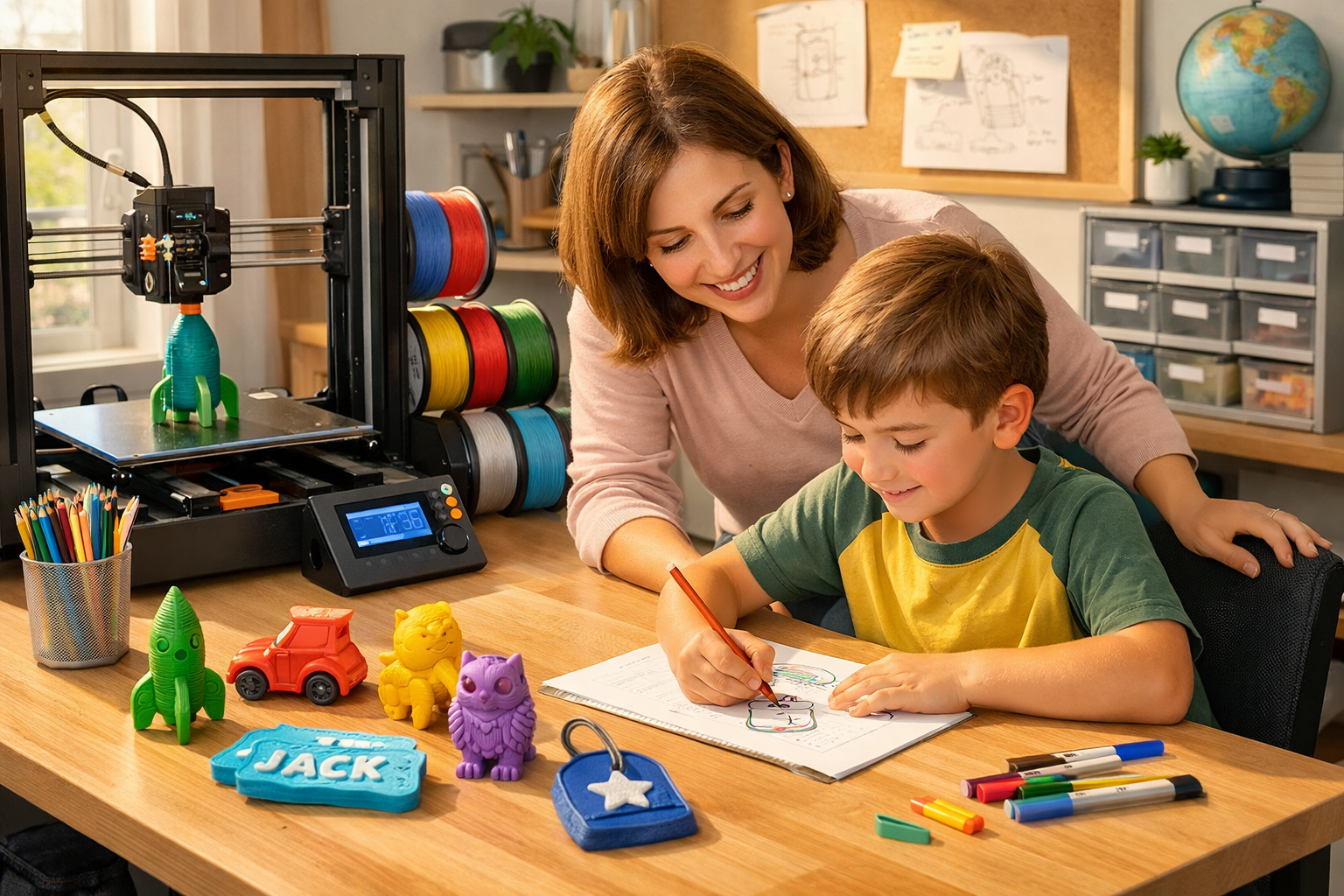
Quick answer: P.R.I.N.T. It Practical is a beginner-friendly ebook that explains the complete journey from choosing and setting up a printer to producing useful, dependable parts. It focuses on practical decisions and repeatable habits instead of asking readers to memorize hundreds of disconnected settings.
Stop Learning Only Through Failed Prints
A new 3D printer can be exciting right up until the first layer will not stick, the filament starts stringing, a part warps overnight, or a finished print does not fit where it belongs.
Online advice often makes the problem harder. One person tells you to change the temperature, another recommends more infill, and someone else suggests replacing parts on a machine you barely know how to operate.
P.R.I.N.T. It Practical: 3D Printing for Beginners gives you a calmer path forward. Kevin Meyer turns years of hands-on printing, modeling, troubleshooting, and custom-part experience into a clear process you can reuse beside your own printer.
What You Will Learn
- How FDM 3D printing moves from a digital model to a finished physical part.
- Which printer features matter for your goals—and which marketing claims deserve a closer look.
- How to organize a safer, more practical home, classroom, or workshop setup.
- Where STL, 3MF, STEP, and G-code files fit into the printing workflow.
- How to use Cura, PrusaSlicer, Bambu Studio, and OrcaSlicer without becoming overwhelmed by every visible setting.
- How to recognize first-layer trouble, warping, stringing, under-extrusion, clogs, layer shifts, and wet filament.
- When PLA, PETG, ABS or ASA, TPU, and specialty filaments may—or may not—fit the job.
- How orientation, walls, geometry, hardware, clearances, and load direction affect a functional part.
- How to measure, prototype, and test replacement parts before committing to a long print.
- How maintenance records and controlled adjustments make future troubleshooting easier.
Meet the P.R.I.N.T. Method™
Better 3D printing begins before the machine moves. Kevin’s five-step framework keeps each project centered on what the finished part must accomplish.
P — Problem: Define the failure, need, inconvenience, or opportunity before choosing a printer setting.
R — Requirements: Identify the load, heat, weather, flexibility, appearance, lifespan, safety, quantity, and expected use.
I — Interfaces: Measure every place the part fits, clips, slides, screws, supports, locates, or rests against another object.
N — Next-Best Materials & Methods: Choose the simplest reliable combination of design, material, orientation, printer, supports, and finishing.
T — Test & Tune: Print the smallest useful test, inspect the evidence, adjust one variable, and validate the part under real conditions.
The process does not begin with, “Which setting should I copy?” It begins with, “What must this part accomplish?”
What Is Inside the 40-Page Expanded Edition?
| Guide Section | What It Helps You Do |
|---|---|
| Purpose and Fundamentals | Understand printer anatomy, file types, basic safety, FDM, resin, and realistic limitations. |
| Printer, Workspace, and Tools | Choose useful features, prepare your workspace, organize essential tools, and protect filament. |
| Slicing and First Prints | Focus on the settings that matter first, preview the toolpath, and evaluate the first layer. |
| Troubleshooting and Materials | Read failure symptoms, compare filaments, recognize moisture, and change one variable at a time. |
| Calibration and Fit | Improve repeatability, dimensional accuracy, clearances, and fit through controlled testing. |
| Design and Replacement Parts | Measure interfaces, strengthen geometry, plan orientation, create test coupons, and validate replacements. |
| Maintenance and Project Work | Build reliable maintenance habits and evaluate customer work, pricing, risk, and expectations more realistically. |
More Than Chapters: Tools You Can Reuse
- First-print checklist
- Troubleshooting chart
- Maintenance log
- Printable quick-reference sections
- Knowledge checks and answer key
- Visual explanations and real-world project thinking
Who Is This Guide For?
A Strong Fit If You Are:
- Buying or setting up your first FDM printer
- A parent helping a young maker learn responsibly
- A teacher introducing practical desktop manufacturing
- A hobbyist tired of random trial and error
- A maker interested in functional or replacement parts
- A small business exploring prototypes or limited production
Know What the Guide Is Not:
- It is not tied to one printer brand.
- It does not promise that every print will work on the first attempt.
- It does not replace your printer or material manufacturer’s instructions.
- It is not engineering approval for safety-critical or regulated parts.
- It does not ask you to memorize every slicer setting.
Kevin’s Practical Promise
“A successful print is not merely a model that finished. It solves the problem it was designed to solve.”
Kevin Meyer, 3D Printing by Kevin
This guide does not pretend every print will succeed immediately. It teaches you how to inspect the result, return to a known baseline, make one controlled adjustment, and approach the next print with better evidence.
The goal is not a shelf full of random test models. The goal is a printer you understand well enough to make useful things.
About the Author
Kevin Meyer is the founder of 3D Printing by Kevin and the creator of the P.R.I.N.T. Method™. His approach draws on years of practical 3D printing, 3D modeling, industrial repair thinking, troubleshooting, custom-part work, and small-production decisions.
Kevin focuses on fit, function, material behavior, orientation, testing, and honest project limits. Learn more about Kevin’s hands-on experience.
Digital Ebook Details
- Format: Digital PDF ebook
- Length: 40 professionally designed pages
- Contents: 13 chapters and three quick-reference appendices
- Reading options: Read on a computer or tablet, or print selected reference pages for personal use
- Price: $15
- Physical delivery: No physical book will be mailed
Want to examine the expanded edition before purchasing? See the complete ebook overview and chapter breakdown.
Frequently Asked Questions
Is this suitable for someone who has never used a 3D printer?
Yes. The guide begins with the role of desktop 3D printing and explains the basic workflow before moving into setup, slicing, troubleshooting, materials, calibration, design, and maintenance.
Does the ebook focus on one printer brand?
No. The core principles apply broadly to FDM printers. The slicer guidance discusses Cura, PrusaSlicer, Bambu Studio, and OrcaSlicer while encouraging readers to follow the instructions for their exact printer and material.
Will this help me troubleshoot failed prints?
Yes. The guide covers common symptoms such as poor first layers, warping, stringing, under-extrusion, clogs, layer shifts, and moisture-related filament problems. More importantly, it teaches a controlled troubleshooting process.
Does it cover functional and replacement parts?
Yes. You will learn how to define the problem, identify interfaces, take useful measurements, consider clearances, choose materials, print smaller tests, and validate a replacement under realistic conditions.
Is this a printed book?
No. This purchase provides a digital PDF. You can read it electronically and print selected checklists or reference pages for your personal use.
Your Next Print Starts With a Better Plan
Use P.R.I.N.T. It Practical to replace scattered advice and random adjustments with a practical, repeatable learning process.
Select the purchase option below to get the 2026 Expanded Edition.
Digital product. Please review the Digital Download Refund Policy before purchasing.