
Print It Practical · Revised September 2026
Your next useful print starts with a better plan.
Print It Practical: 3D Printing for Beginners helps you move from a model on your screen to a part that fits its job.
Learn how to set up, slice, choose materials, troubleshoot, and test your ideas with Kevin’s P.R.I.N.T. Method™.
56-page digital PDF · 15 chapters · By Kevin A. Meyer
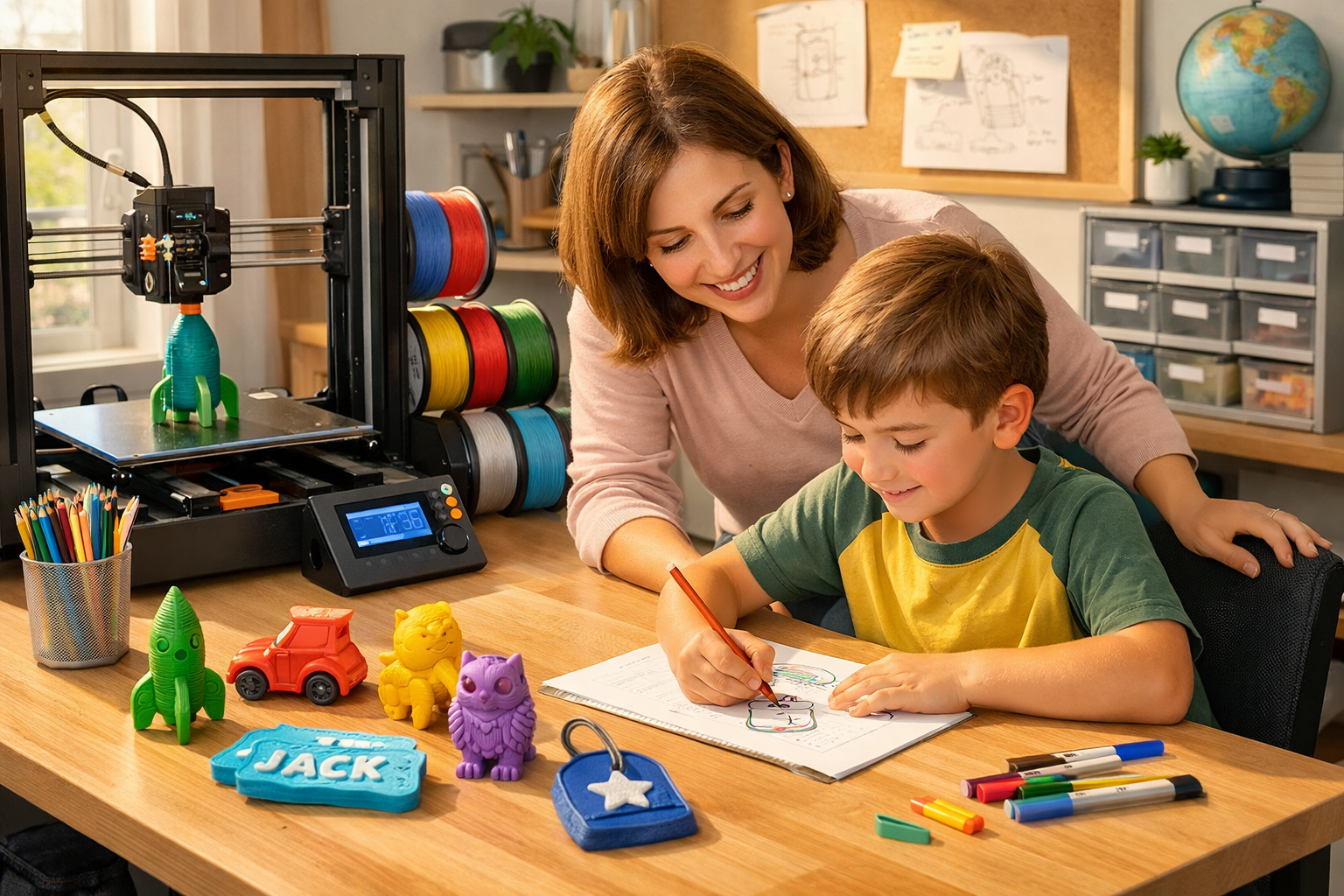
Workspace illustration; the ebook is supplied as a digital PDF.
Quick answer: What will this ebook help me do?
It gives beginners a practical process for choosing a printer, preparing a workspace, making a first print, investigating failures, and developing useful parts. The revised PDF includes a project planner, checklists, a troubleshooting chart, a fillable worksheet, and a four-question knowledge check with explanations.
Start with the problem beside your printer
A finished print is only the beginning.
A cable guide can look perfect and still release the cable. A drawer divider can finish cleanly and still miss the measurement that matters. This guide connects the settings you choose to the job your part needs to do.
Know what to check first
Build a sensible starting setup, choose the correct profile, inspect the sliced preview, and use the first-print checklist.
Make the next change count
Work through first-layer trouble, stringing, warping, and other symptoms with observations and controlled adjustments.
Test the feature that matters
Measure contact points, consider materials and orientation, and try a small fit test before committing to the complete part.
Inside the revised 56-page guide
Find a clear starting point for your next print.
Read from the beginning or use the linked contents and PDF bookmarks to return to the problem you are working on.
| Where you are now | Where to begin |
|---|---|
| Choosing a first printer | Chapters 1–5: practical goals, the P.R.I.N.T. Method™, printer basics, buying decisions, and workspace setup. |
| Ready for a first print | Chapters 5–7: tools, safety, slicing, and a small project you can inspect and repeat. |
| Prints keep failing | Chapter 8 and the troubleshooting chart; revisit Chapter 2 to organize your next test. |
| Making functional parts | Chapters 9–12: materials, design, practical projects, and worked examples. |
| Considering customer work | Read the full guide, with particular attention to Chapters 13–15 on maintenance, business decisions, and reusable resources. |
See all 15 chapter titles
- Why Practical 3D Printing Matters
- The P.R.I.N.T. Method™
- Understanding the Basics
- Choosing the Right Printer
- Workspace, Tools, and Safety
- Slicing Software Made Simple
- Your First Useful Print
- Troubleshooting and Print Quality
- Materials for Real-World Use
- Designing Your Own Models
- Practical Projects Anyone Can Print
- Real-World Project Walkthroughs
- Maintenance and Long-Term Care
- Turning 3D Printing Into a Side Business
- Resources, Templates, and Next Steps
Kevin’s P.R.I.N.T. Method™
Five decisions you can reuse on every project.
Start by writing down what success looks like. Then work through the measurements, materials, and tests that will help you get there.
Problem
What must the part solve?
Requirements
What conditions must it handle?
Interfaces
What must fit, touch, or connect?
Next-Best Materials & Methods
Which material and process suit this job?
Test & Tune
What will you measure and improve?
Try the method: Plan a simple desk cable guide
Problem: Charging cables keep slipping behind the desk.
Requirements: Hold the cables within reach, release them comfortably, and protect their insulation and the desk finish.
Interfaces: Measure the cable diameter, connector clearance, and the surface where the guide will sit or attach.
Next-Best Materials & Methods: Choose a simple design and a printer-compatible material suited to the location and attachment method.
Test & Tune: Print one cable channel first. Check retention, release, and clearance; record the result before building the full organizer.
Illustrative planning example. A fit test answers a fit question; evaluate the final part separately for its intended use.
Keep the useful pages close
Turn the lesson into a plan you can use.
The ebook includes reference pages for your workbench and a worksheet for recording the decisions behind each project.
- Page 14: Printable P.R.I.N.T. Project Planner.
- Page 29: First Print Checklist.
- Page 31: Troubleshooting chart.
- Page 41: Reusable project brief.
- Page 51: Fillable P.R.I.N.T. worksheet for a compatible PDF reader.
- Pages 52–53: Knowledge check, answers, and explanations.
The page numbers match the PDF page counter. Print selected worksheets or save a separate copy of the fillable page for each project.
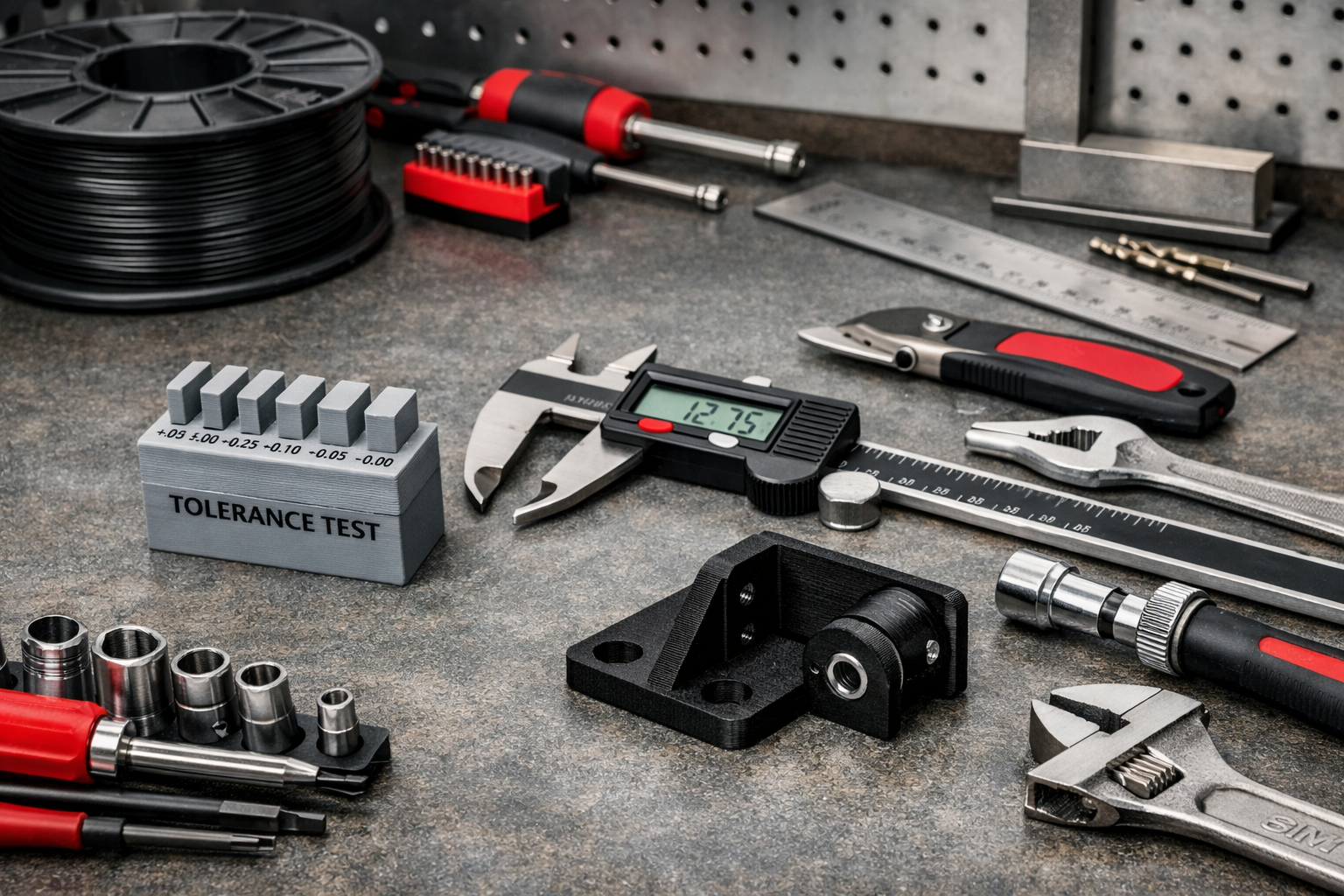
Choose the help that fits your goal
Is this the right guide for you?
Print It Practical is written for beginners, hobbyists, parents, teachers, and makers who want a usable foundation in filament-based 3D printing. It also introduces the questions to consider before taking on customer projects.
| What you need | A useful next step |
|---|---|
| An introduction to the basics | Start with the free beginner guide. |
| A structured reference you can keep | Choose the ebook for its chapter sequence, project planners, checklists, and fillable worksheet. |
| Help identifying a print problem | Use the free troubleshooting guide to begin narrowing the symptom. |
| Someone to review a custom part | Request a project review. Design or printing services are arranged separately from the ebook. |
Try the thinking before your next print
Four quick questions. Four useful habits.
Choose an answer in your head, then open the explanation. These questions preview the kind of practical decisions covered in the guide.
1. Your first layer will not stick. Where do you begin?
- Increase infill.
- Check the build surface, profile, and first-layer conditions.
- Scale the model up.
Reveal answer 1
B. Start with the foundation: the appropriate plate, its preparation, the correct profile, and the first-layer position. Follow your machine and plate instructions.
2. One opening is too tight. What is the most useful next print?
- The entire model again with several unrelated changes.
- A decorative test model.
- A small, labeled sample of the opening.
Reveal answer 2
C. A small interface test isolates the fit question. Measure it and keep a record of the clearance you tried before revising the complete part.
3. A part faces warmth and steady force. What should guide your choices?
- Material behavior, geometry, layer direction, and testing.
- Filament color alone.
- A smooth surface and 100% infill.
Reveal answer 3
A. Heat and sustained load affect how a plastic part behaves over time. Infill or appearance alone cannot establish suitability. High-consequence uses require appropriate expertise and validation.
4. Your printer produces little noticeable odor. What does that tell you?
- The air needs no further assessment.
- Odor alone cannot establish safe exposure.
- The enclosure removes every emission.
Reveal answer 4
B. Match exposure controls to the printer, material, and workspace. For further guidance, see NIOSH’s guide to safer 3D printing.
Meet the author
Practical guidance from Kevin A. Meyer.
Kevin is the founder of 3D Printing by Kevin in Northern Kentucky and the creator of the P.R.I.N.T. Method™. His work includes custom parts, replacement components, prototypes, 3D modeling, and small-batch projects.
He works with Bambu Lab X1 Carbon, Raise3D Pro2, Creality CR-M4, and MakerGear M3 filament printers. The guide brings that practical focus to the decisions a beginner can observe, record, and improve.
Print It Practical: 3D Printing for Beginners
Keep a practical reference beside your printer.
Get the revised September 2026 edition and work through your next project with a clearer plan.
$15 · Digital PDF ebook
- 56 pages and 15 chapters
- The complete P.R.I.N.T. Method™
- Printable planners, a first-print checklist, and troubleshooting reference
- A fillable worksheet, linked contents, and knowledge check
The button opens the ebook purchase page. This is a digital product; no physical book is shipped. Review the Digital Download Refund Policy before purchasing.
Before you choose
Questions about the ebook
Can I use this if I have never owned a 3D printer?
Yes. Begin with the printer basics and buying chapters, then work through workspace setup, slicing, and your first useful print. You can return to later chapters as your projects develop.
Do I need to know CAD?
You can begin with an existing model licensed for your intended use. The guide introduces modeling and measurement when you are ready to change a design or create a custom fit.
Is the guide for a particular printer brand?
The main workflow applies broadly to filament-based FDM/FFF printing. Use the correct profiles and follow the instructions for your exact printer, build plate, material, and software version.
How much resin-printing instruction is included?
The ebook introduces the differences between filament and resin processes. Its practical emphasis is filament printing. Kevin does not operate resin printers in his shop, and this guide is not a dedicated resin-handling or production course.
Can I print the worksheets or type into the PDF?
Yes. Print selected worksheet and reference pages for your own use. Page 51 contains fillable fields for a compatible PDF reader; save a new copy for each project. Some browser previews may not retain form entries, so check your saved copy.
Does the ebook include personal project review?
The purchase is for the digital ebook. For a specific design or printing project, use the project intake page to request a separate review.
Can I use the guide to approve a replacement part as safe?
The guide is educational. Follow manufacturer instructions and seek qualified review for parts with serious consequences of failure. A successful print or fit test does not establish long-term durability or approval for a regulated use.
Where can I read the purchase and refund terms?
See the ebook purchase page and the Digital Download Refund Policy before ordering.
What would make your printer more useful this week?
Tell me in the comments: What would you like to make, and what is getting in the way—setup, print quality, material choice, or fit? Your question can help shape a future tutorial.
For private project files or a custom quote, use the project intake page.
