
Confidential prototypes · Clear approvals · Practical workflow
Before a client sends a confidential STEP file, there is a simpler question to settle: who can see it, and what are they allowed to do with it?
Collecting NDA signatures for 3D printing projects should make that answer easier to document. A quick signature helps, but so do the correct agreement, a readable final PDF, and a clear boundary around the next step.
For my project workflow, I want confidentiality, file sharing, and production approval to be clear before work moves forward. Here is the process I recommend, including where an offline signing app can help and what still needs checking.
Quick answer: how should you collect a 3D printing NDA signature?
Agree on the terms and signing method, send the final unsigned PDF to the appropriate person, collect the required signatures, and give each party the completed agreement. Then share only the project files and permissions covered by the agreement and any additional authorization.
Signing, sending, and storing are separate privacy decisions. A local signing app can handle the first step; you still need to check the delivery route, storage location, and backup settings.
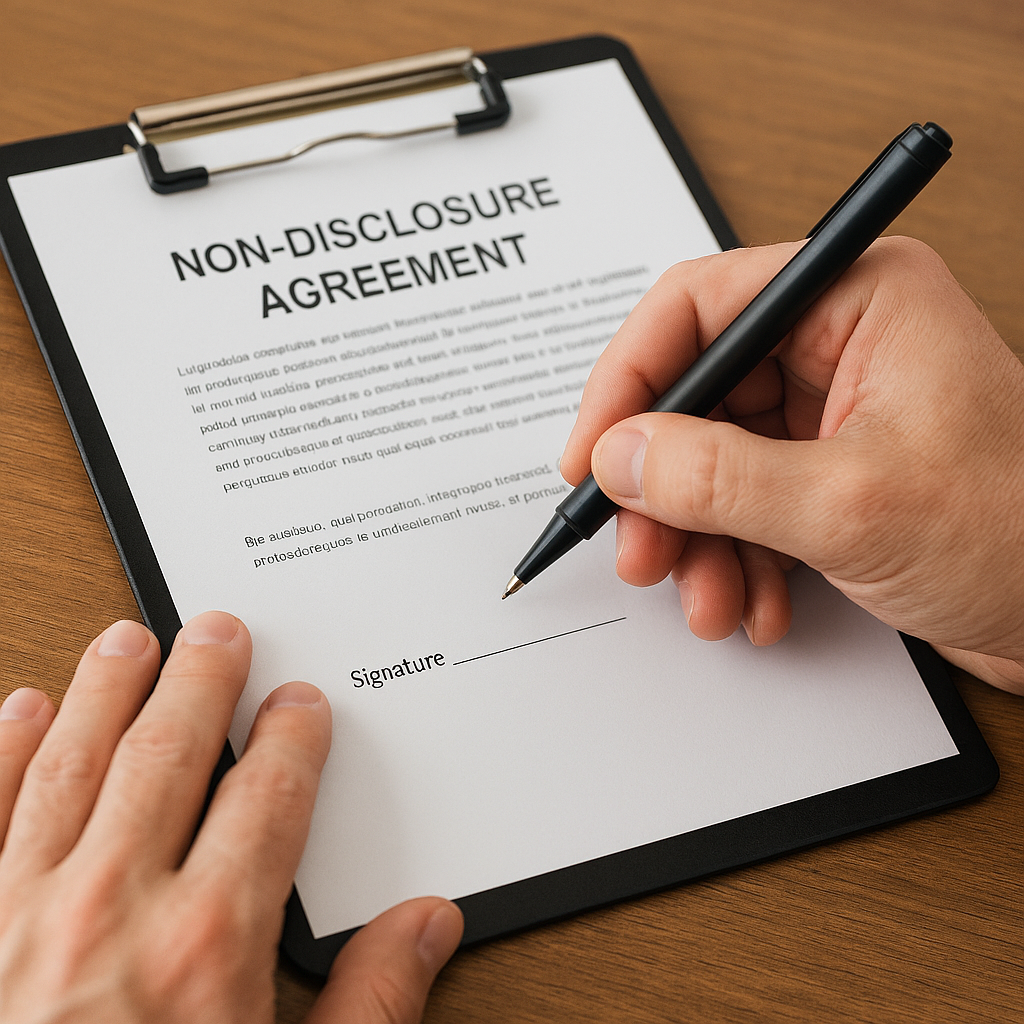
What needs protection before the model changes hands?
A confidential project can include more than the printable model. Drawings, assembly photos, tolerances, pricing, customer names, and an unreleased product’s purpose may also need controlled access.
The USPTO’s trade secret guidance explains that trade secret protection requires, among other things, reasonable efforts to maintain secrecy. An NDA can be one part of that effort; practical control over files matters too.
Before sending sensitive material, discuss which information is covered, the permitted purpose, who may receive it, and how long the obligations last. Have an attorney review the agreement when the project involves valuable IP, unusual restrictions, or unfamiliar legal requirements. This article explains a workflow, not the enforceability of a particular NDA.
Sign
Where does the app process the document? What account, export, or network requirements apply?
Send
Which recipient and delivery service receive the PDF? Is the sharing method approved for this project?
Store
Where do saved copies, synced folders, and backups go? Who can open them later?
Compare the signing options before asking a client to install an app
Start with the other party’s requirements. They may accept a signed PDF, provide their own signing portal, or require a particular verification process.
| Option | Useful when | Check first |
|---|---|---|
| Apple Markup or Preview | You need to add a signature to an ordinary PDF on a supported Apple device. | Whether a simple signed PDF is accepted, plus saving and sharing settings. |
| eSign | You want the developer’s on-device PDF/DOCX workflow on iPhone or iPad. | Export tier, privacy disclosures, and the finished PDF. |
| Managed electronic-signature service | You need a defined signing order or additional identity and completion records. | Whether the selected plan actually supplies those features, and how it retains files. |
| Paper, then scan | The parties prefer paper and accept a scanned return. | Every required signature and page, plus storage of the original. |
Apple documents PDF signing through Markup and Preview on Mac. eSign’s features are described in its current App Store listing. The remaining rows describe workflow choices, not tested product rankings.
What changed in the eSign guidance?
The app linked here is eSign: Sign PDF DOCX Documents, by Evgenii Aleksanov. Its App Store listing describes local document processing without an app account. Free exports use rewarded ads; Premium removes those ads and enables fully offline exports. Check the current purchase terms before subscribing.
The developer’s privacy policy says document contents and signatures are processed locally, while analytics and attribution providers can receive technical identifiers and usage information. It also says some telemetry may be queued while offline and transmitted after reconnection. Those are developer disclosures, not an independent audit.
That distinction matters if a client requires no third-party processing or tightly restricted devices. Review the complete policy and the client’s requirements before selecting the tool.
View eSign’s current listing through my affiliate link
The NDA signing workflow I recommend
1. Start with a nonconfidential project outline
If confidentiality is a condition of discussing the design, raise it before uploading the design. An initial note can describe the general service needed, approximate size, quantity, and the need for an NDA without revealing the confidential geometry.
Use the project intake page to start that conversation. For a sensitive project, hold the proprietary attachments until the agreement and transfer method are settled.
2. Confirm the parties, purpose, and final agreement
Check the legal names of the parties and the signer’s role or authority. Confirm whether the agreement protects disclosures from one party or both, and whether it covers evaluation, quoting, manufacturing, or another specific purpose.
Keep the document version clear. A neutral filename such as Project-042_NDA_v03_unsigned.pdf helps avoid returning a signature on an obsolete draft. Keep sensitive project names out of filenames when they are unnecessary.
3. Agree on the signing method and send the unsigned PDF
Confirm that the other party accepts the proposed method. If they require a signing portal, identity verification, witnesses, or another formality, resolve that before sending a basic PDF for annotation.
For a PDF workflow, send the agreed version with clear instructions about who signs, where signatures and dates belong, and how to return it. Keep confidential model files separate unless they are required attachments to the agreement and their handling has been agreed.
4. Sign using the agreed tool
On a supported iPhone or iPad, open the PDF and use the available form-filling or Markup controls to add the required information and signature. Apple’s iPhone signing guide explains the available controls; newer devices also offer PDF form signing in Preview on iPad. The precise controls depend on the app and system version.
On a Mac, Preview can add text and a signature. If you use another device or signing application, agree on an equivalent method and check its export behavior before handling the real document.
5. Reopen the returned file and check the complete agreement
Check that every page is present, the text is readable, the document version matches, and all required names, dates, initials, and signatures appear. Confirm any countersignature and effective-date requirements.
Preserve the received original and any completion or audit record. Give each party the completed copy. Avoid editing, converting, or “cleaning up” an executed file; a correction should follow an agreed process rather than silently replacing signed terms.
6. Confirm the next authorized step
An NDA does not automatically settle price, quantity, the approved model revision, delivery dates, or permission to manufacture. Record the scope and production decision separately when those items are not addressed in the signed documents.
For confidential work, my approach is to obtain written authorization before submitting project files to an outside manufacturing provider. Make that authorization specific enough to identify the provider, files, and purpose.
Confidentiality
What information is protected, and which uses or disclosures does the agreement permit?
Outside file sharing
Which provider may receive which files, for what purpose, and under which restrictions?
Production
Which revision, material, quantity, price, and scope have the parties approved?
Does an electronic signature make an NDA enforceable?
Under the U.S. E-SIGN Act, a covered signature or contract generally cannot be denied legal effect solely because it is electronic. The law preserves other substantive legal requirements and generally does not force a person to accept electronic signatures.
That means the electronic format alone is not the whole question. The agreement, applicable law, authority to sign, and evidence of assent still matter. Where legally required records are retained electronically, the Act addresses accuracy, accessibility, and later reproduction. Ask an attorney about the particular NDA or any cross-border requirements.
A visible signature and a digital signature offer different evidence
Drawing a signature on a PDF does not, by itself, provide cryptographic proof of who signed or whether the document changed. A properly implemented digital signature can help verify origin and integrity. It does not, by itself, keep the document confidential.
When a project needs stronger evidence, specify the authentication, document-integrity, and completion-record requirements before choosing the signing method.
Privacy checks after signing
A file can be edited locally and later stored in a synced folder. Apple explains that iCloud Drive stores files in the cloud and keeps changes synchronized. “Available on this device” therefore does not necessarily mean “stored only on this device.”
The eSign privacy policy also distinguishes its own processing from services chosen for export or sharing. Sending a PDF by email or saving it to another provider creates a separate handling decision.
- Limit access: share with the specific people who need the document; avoid open links when recipient-restricted access is appropriate.
- Protect the device and account: use a strong device lock, current software, and multifactor authentication where available.
- Check copies: include downloads, sent attachments, app storage, synced folders, and backups in the retention plan.
- Set a retention rule: keep the executed agreement and necessary records for the required period; handle deletion requests in line with contractual and legal obligations.
The FTC’s business guidance supports collecting only needed personal information, restricting access, protecting stored data, and setting a retention policy. Apply those principles alongside the project’s confidentiality requirements.
Add confidentiality to your P.R.I.N.T. project planner
Use the P.R.I.N.T. Method™ to connect the paperwork with the physical job. These are planning prompts; they do not replace the terms of an NDA.
Before you release the confidential file
Check each item when it is settled. Keep confidential project details in your own project records.
For help with the manufacturing side of that plan, explore The Practical Guide to 3D Printing: 2026 Expanded Edition. It covers practical printing decisions and the P.R.I.N.T. Method; it is not an NDA template or legal guide.
Four-question knowledge check
Choose an answer to see the explanation. You can change your choice at any time.
Frequently asked questions
Do I need an NDA for every 3D printing project?
No single rule fits every project. Consider whether you will share confidential information and whether an existing agreement already covers it. An ordinary nonconfidential print request has different needs from an unreleased commercial prototype.
Do clients have to use the same signing app?
For an agreed PDF-return workflow, the practical requirement is a complete, readable signed document. If the other party requires a particular portal or verification method, follow that requirement or agree on an alternative before signing.
Is eSign completely private because it processes documents locally?
Local document processing does not describe every data flow. The developer’s policy also covers analytics and attribution, and your chosen sharing destination has its own practices. Evaluate both against the project’s requirements.
Does an NDA transfer ownership of my CAD model?
Read the actual terms. Confidentiality obligations, ownership, licensing, and permission to manufacture are distinct matters, although a contract may address several of them. Ask for unclear IP provisions to be reviewed before signing.
Should I send the signed page alone?
For the workflow described here, return the complete agreement unless the parties have agreed on another execution procedure. That makes the signature easier to connect with the terms and document version it accompanies.
What if a project changes after the NDA is signed?
Check whether the existing agreement covers the new information, recipients, and purpose. Separately document changes to the production scope or file revision. Obtain any required amendment or permission before expanding access.
Have a confidential 3D printing project?
Start with a brief, nonconfidential description and tell me that you need an NDA before sharing files. We can discuss the agreement, the proposed file-transfer method, and what needs review next.
A conversation or signed NDA is not, by itself, acceptance of a production order or a confirmed price or delivery date.
What makes signing difficult in your projects?
Is it getting the right person to sign, handling the PDF on a phone, or deciding who can see the design afterward? Share the general sticking point in the comments. Keep client names, signatures, contract text, and proprietary design details out of public comments.
Sources and review: Updated for September 2026 using the linked Apple instructions, eSign developer disclosures, E-SIGN statute, NIST definitions, FTC business guidance, and USPTO trade secret guidance. App features and terms can change.
About the author: Kevin Meyer is the founder of 3D Printing by Kevin in Northern Kentucky. His work focuses on practical FDM printing, custom parts, prototypes, and project planning.