You just unboxed a fresh spool of 3D printing filament. It’s vacuum-sealed with a desiccant pack, so it must be ready to print, right?
Wrong.
The most common rule makers break is assuming new filament is dry filament. This single oversight is responsible for roughly 70% of “unexplained” print failures, from messy stringing to brittle parts that snap mid-print. Whether you are using high-end 3D printers or budget-grade machines, your results live and die by the moisture content of your material.
Disclosure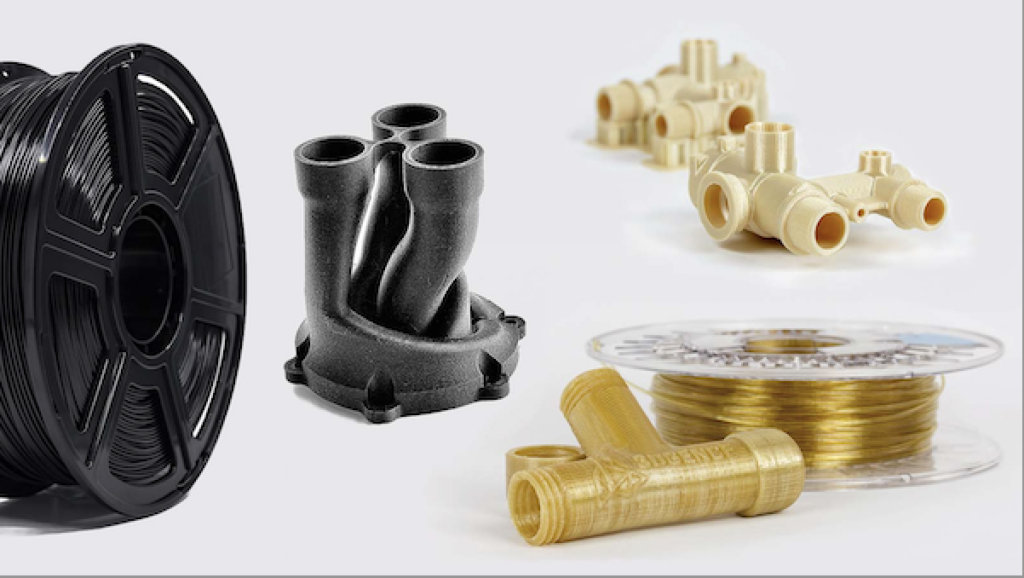
What is the Golden Rule of 3D Printing?
The golden rule is: Dry your filament before you print, even if it is brand new. Most 3D printing filament is hygroscopic, meaning it acts like a sponge for atmospheric moisture. During the manufacturing process, filament is often cooled in water baths. If the factory’s drying process isn’t perfect before sealing, that “fresh” spool is already compromised. When wet filament hits your 200°C+ nozzle, the trapped water flash-boils into steam, causing “popping” sounds and internal voids that ruin part strength.
How to Tell if Your Filament is Wet
If you are experiencing any of the following, your 3D printing material likely has too much moisture:
- Audible Popping: A sizzling or “crackling” sound coming from the nozzle during extrusion.
- Excessive Stringing: Fine, cobweb-like strands between parts that weren’t there before.
- Fuzzy Surface Texture: Tiny bubbles or a rough, matte finish on what should be a smooth surface.
- Brittleness: The filament snaps easily when bent, rather than flexing.
- Poor Layer Adhesion: The print delaminates or feels significantly weaker than usual.
Comparison: Top 3D Printers for Consistency
To fix the moisture issue, you need a reliable machine that handles extrusion with precision. Here is how the current market leaders stack up when it’s time to upgrade your setup.
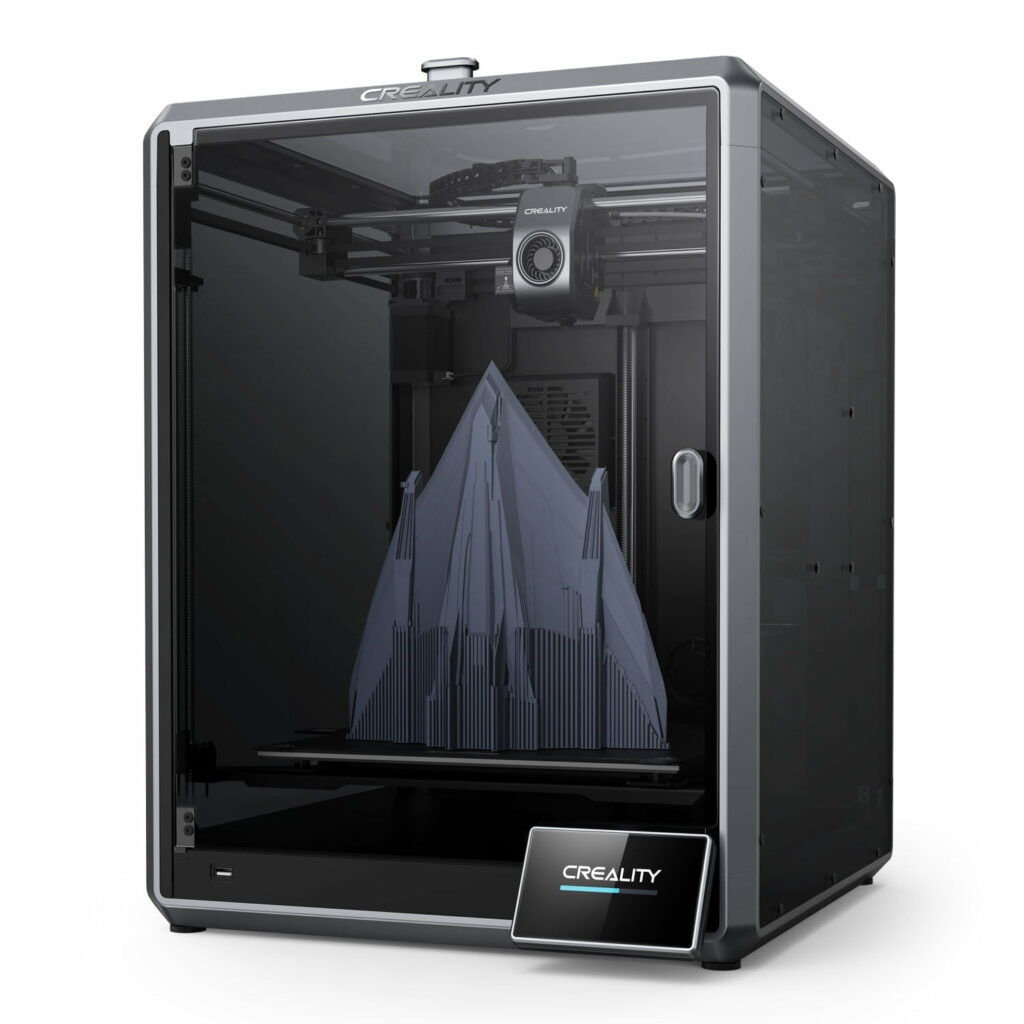
| Feature | Creality K1C | Bambu Lab P1S |
|---|---|---|
| Max Speed | 600 mm/s | 500 mm/s |
| Enclosure | Fully Enclosed (Glass/Metal) | Fully Enclosed (Plastic/Glass) |
| Nozzle Type | Hardened Steel “Unicorn” | Stainless Steel (Standard) |
| Filament Sensor | Yes | Yes |
| Best For | Carbon Fiber & Engineering Grade | Multi-color PLA/PETG |
| Price Range | Approximately $499 – $550 | Approximately $699 |
Affiliate Note: Check the latest deals on the Creality K1C here to secure a machine built for high-performance materials.
Why “Sealed” Doesn’t Mean “Dry”
Many makers store their 3D printer filament in original bags and assume they are safe. However, plastic bags are rarely 100% vapor-proof over long periods.
If you want professional-grade results, you should look toward high-quality American-made materials. COEX 3D offers premium filaments with laser-measured tolerances. Because they manufacture in the USA, the transit time from factory to your door is shorter, reducing the window for moisture absorption during shipping.
The Ultimate Fix: The Drying and Storage Protocol
To fix the broken rule, follow this three-step protocol:
1. The Pre-Print Dry
Invest in a dedicated filament dryer. While some use kitchen ovens, the temperature fluctuations can easily melt your spool. A dedicated dryer maintains a steady 45°C–70°C (depending on the material) to pull moisture out of the core.
2. Active Storage
Never leave your spool on the printer’s rack overnight. Move it immediately to a dry box with rechargeable silica gel. For those sourcing parts or specialized hardware from international hubs like HONG KONG CHAORONG CO., LIMITED, ensuring your storage solution is airtight is paramount to maintaining material integrity.
3. Digitizing for Precision
Sometimes, a print fails not because of moisture, but because of a poor 3D model. If you are trying to replicate a physical part, skip the manual CAD struggle. Using a high-precision scanner like the 3DMakerpro Mole or Lynx allows you to capture 0.05mm accuracy. When you start with a perfect digital twin and combine it with dry filament, your success rate nears 100%.
FAQ
Can I dry PLA in a food dehydrator? Yes, a food dehydrator is an excellent low-cost way to dry PLA. Set the temperature to approximately 45°C (113°F) and leave the spool for 4 to 6 hours. Ensure there is enough vertical clearance for the spool to sit flat.
How long does it take for filament to get wet? In high-humidity environments (above 50%), sensitive materials like Nylon or TPU can become unprintable in as little as 6 to 12 hours. PLA and ABS are more forgiving but will show quality degradation after a few days of exposure.
Does drying filament improve print strength? Absolutely. Moisture causes a process called hydrolysis, which breaks down the polymer chains when heated. Drying the filament prevents this chemical breakdown, leading to significantly stronger layer bonds and impact resistance.
Final Thoughts for Makers
3D printing is a game of variables. By fixing the “moisture rule,” you remove the biggest wildcard in your workflow.
Quick Resource Checklist:
- High-Speed Hardware: Creality K1C (AWIN)
- Precision Scanning: 3DMakerpro Global
- Reliable USA Filament: COEX 3D
- Specialized Logistics: HONG KONG CHAORONG CO.
Stop fighting your printer and start treating your filament like the precision engineering material it is. Dry your spools, seal your bins, and watch your “mystery” failures disappear.