
When you work in 3D printing, you quickly learn that signatures matter. Whether it’s an NDA, a licensing agreement, or a prototype approval form, every project needs a clean, secure, and fast way to handle documents — especially when clients are on the go.
Over the years, I’ve tested dozens of signing apps. Most of them require accounts, cloud uploads, or subscriptions that don’t make sense for simple document workflows.
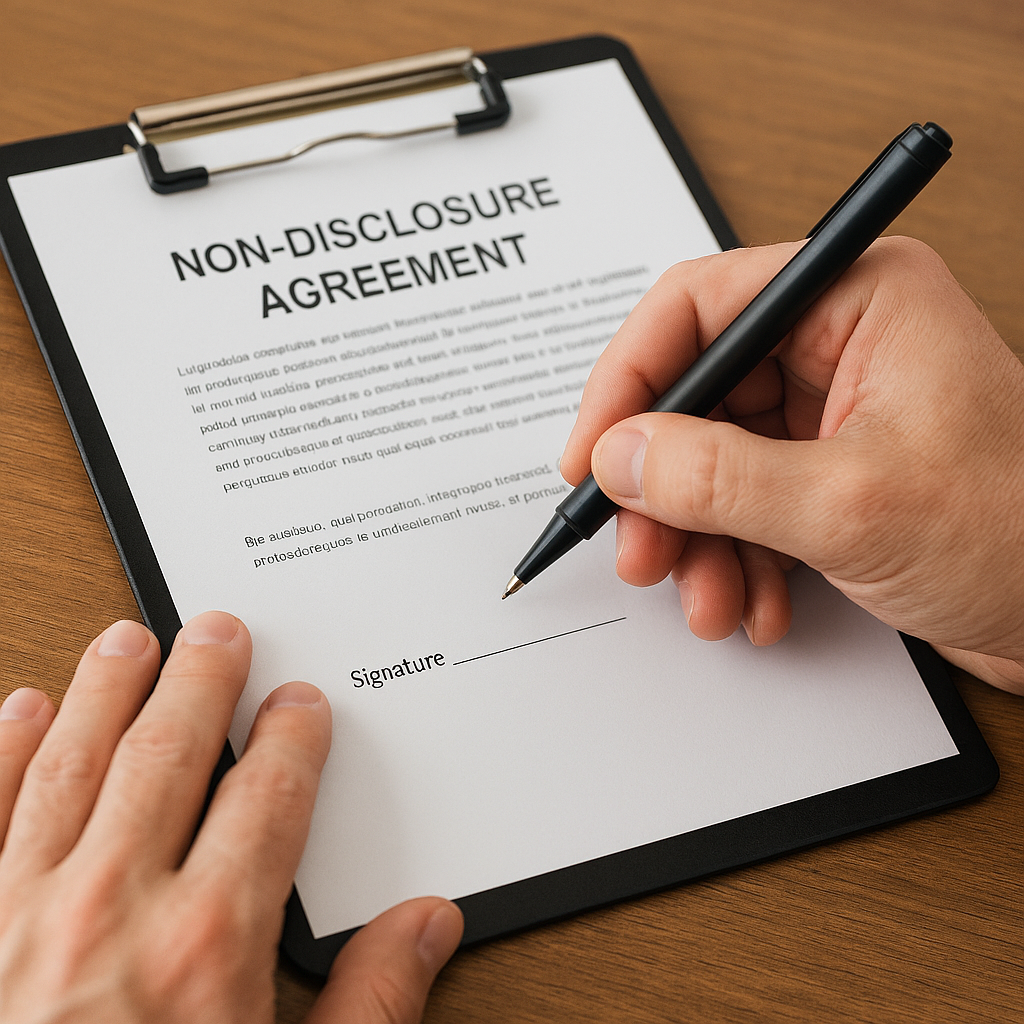
But recently I switched to a tool that fits perfectly into my 3D printing business: eSign — an offline PDF & DOCX signing app for iPhone and iPad.
It’s fast, private, and doesn’t require creating an account or uploading anything to the cloud. Everything stays on your device.
Below is exactly how I use it in my day‑to‑day workflow and why I recommend it to clients.
Why Offline Signing Matters in 3D Printing
If you’re a maker, designer, or small business owner, you already know the risks:
- NDAs often contain sensitive IP
- Prototype designs shouldn’t be uploaded to random servers
- Clients want a simple way to sign without creating accounts
- Many signing apps store documents online by default
When you’re dealing with proprietary models, early‑stage inventions, or licensing agreements, privacy isn’t optional — it’s essential.
That’s why an offline signing workflow is such a big deal.
What I Use Promote eSign For
Here are the exact documents I handle with it:
1. NDAs (Non‑Disclosure Agreements)
Before I begin any custom modeling or prototyping, clients sign an NDA. Promote eSign lets them open the PDF, sign with a finger or stylus, and export instantly — all offline.
2. Licensing Agreements
For projects involving intellectual property, I send a simple licensing agreement. Clients can sign it on their phone in under a minute.
3. Prototype Approval Forms
When I send a final render or pre‑production model, clients approve the design with a quick signature.
4. Change Orders & Revision Approvals
If a project shifts direction, I send a one‑page revision approval. Promote eSign makes it easy for clients to sign without friction.
5. Vendor or Supplier Forms
If you work with manufacturers, material suppliers, or collaborators, you’ll appreciate having a fast mobile signing tool.
Why I Recommend Promote eSign to My Clients
Here’s what makes it stand out:
✔ Fully Offline (No Cloud Uploads)
Nothing leaves your device. This is ideal for NDAs, proprietary models, and sensitive agreements.
✔ No Accounts or Logins
Clients don’t need to create an account just to sign one document.
✔ Works on iPhone & iPad
Most clients already have one of these devices.
✔ Free to Start
The free version handles basic signing. Upgrading removes ads and unlocks offline exports.
✔ Perfect for Privacy‑Focused Workflows
If you care about IP protection, this is the simplest solution I’ve found.
My Step‑By‑Step Workflow (Clients Love This)
Here’s how I guide clients through signing:
- I email the NDA or agreement as a PDF.
- The client opens it in Promote eSign.
- They sign with their finger or Apple Pencil.
- They export the signed PDF and send it back.
- We begin the project immediately.
It’s fast, clean, and avoids the usual “I can’t open this” or “I don’t want to create an account” issues.
Why This Matters for Makers, Inventors, and Small Businesses
If you’re working with:
- prototypes
- custom designs
- confidential ideas
- early‑stage inventions
- licensing or IP agreements
…you need a signing workflow that respects privacy.
Promote eSign gives you exactly that — without the complexity of enterprise tools.
How do I sign the NDA or approval form for my 3D printing project?
You can sign the NDA or approval form using a simple offline signing app on your iPhone or iPad. Just open the PDF, sign with your finger or stylus, and export the completed document back to me.
Do I need to create an account to sign documents?
No. The signing process I recommend does not require creating an account, logging in, or uploading anything to the cloud.
Is the signing process secure and private?
Yes. The workflow is fully offline, meaning your documents stay on your device and are never stored on external servers.
Can I sign documents on my phone or tablet?
Absolutely. Most clients use their iPhone or iPad to sign NDAs, licensing agreements, and approval forms in under a minute.
What if I prefer signing on a computer instead?
You can sign on any device you prefer. The mobile option is simply the fastest and most convenient for most clients.
Do I need special software to sign the NDA?
No special setup is required. The recommended app is free to start, easy to use, and works instantly with any PDF I send you.
Final Thoughts
I’m always looking for tools that make my workflow smoother and help clients move through the onboarding process quickly. Promote eSign has become one of those tools.
If you’re a maker, designer, or small business owner who needs a simple, private, offline way to sign documents on iPhone or iPad, it’s worth trying.
It’s free to start, and the upgrade is inexpensive if you want offline exports and no ads. Check it out here: https://tidd.ly/4r6QsUl
