
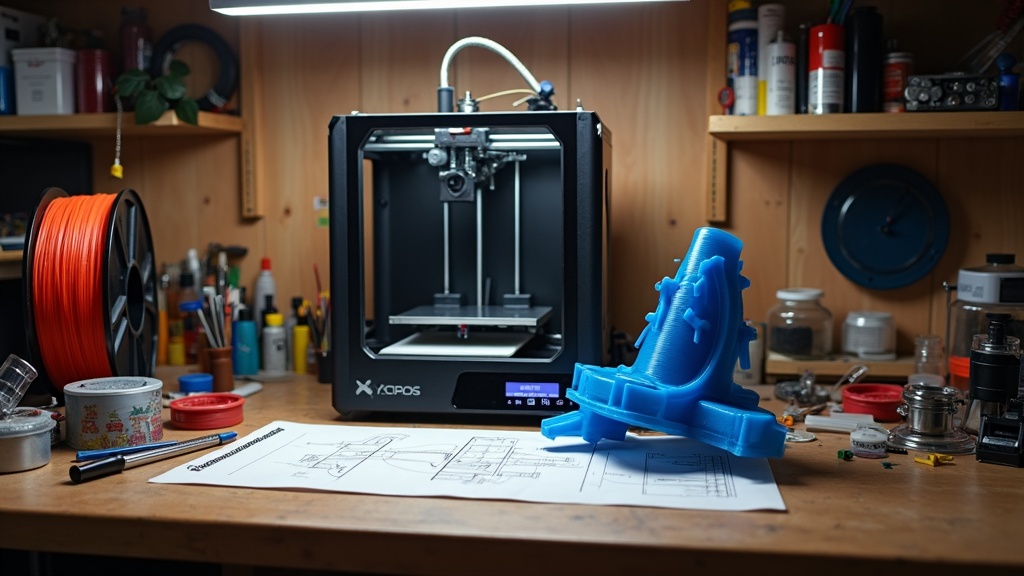
There is a long-standing myth in the 3D printing community: if you want a “strong” part, you must reach for PETG. However, engineering data and controlled mechanical tests tell a different story. While PETG excels in durability and heat resistance, PLA actually has higher raw tensile strength.
Understanding the nuances of filament selection is the first step in successful 3D printing for beginners. This guide breaks down the data, identifies which material wins in specific scenarios, and provides the necessary 3D printing calibration steps to ensure your 3D prints achieve their maximum potential.
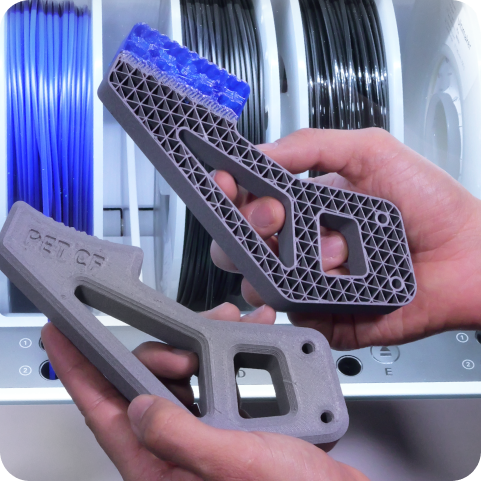
PLA vs PETG: The Data-Driven Comparison
When we discuss “strength,” we are often conflating three different mechanical properties: tensile strength (pulling), impact resistance (shattering), and rigidity (bending).
| Property | PLA (Polylactic Acid) | PETG (Polyethylene Terephthalate Glycol) |
| Tensile Strength | 50-60 MPa (Higher) | 40-50 MPa (Lower) |
| Impact Resistance | Low (Brittle) | High (Tough) |
| Heat Resistance | ~55°C (Low) | ~75°C (Medium) |
| UV Resistance | Poor | Good |
| Flexibility | Very Rigid | Semi-Flexible |
| Difficulty | Very Easy | Moderate (Stringing issues) |
Why PLA Wins on Tensile Strength
In a controlled pull test, PLA typically withstands more force before it breaks. It is a stiffer material, meaning it does not deform easily under load. For static parts like brackets or display pieces that do not face heat or sudden impacts, PLA is technically the “stronger” choice.
Why PETG Wins on Durability
If you drop a PLA part, it is likely to shatter. If you drop a PETG part, it will likely bounce or deform slightly. PETG has superior layer adhesion and impact resistance. It is the better choice for “functional” strength where the part might be subjected to vibration, outdoor elements, or mechanical shocks.
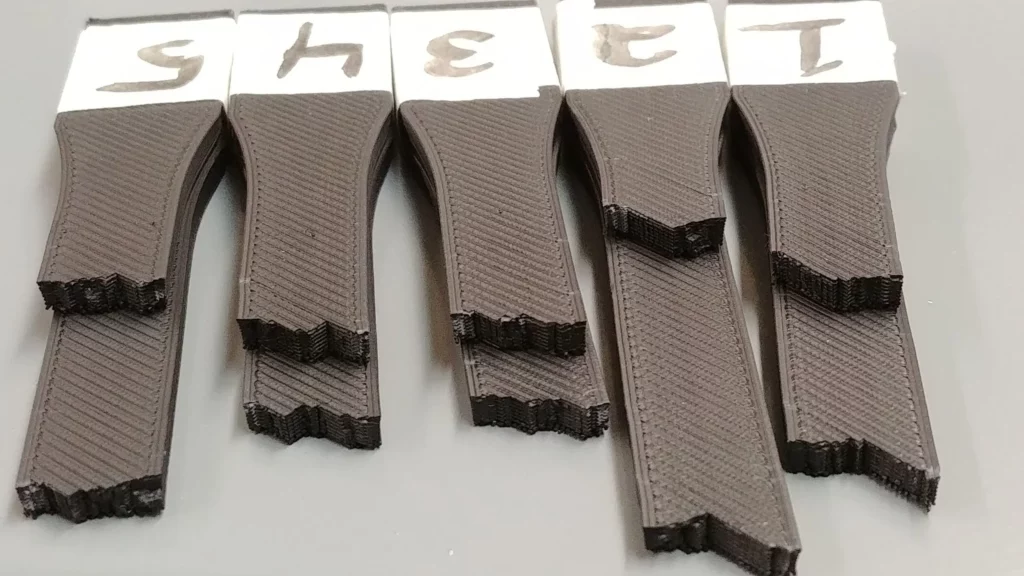
3D Printing Calibration for Maximum Strength
Regardless of the material you choose, a poorly calibrated printer will produce weak parts. To ensure your prints live up to their material specifications, follow these essential 3D printing calibration steps.
1. E-Step Calibration
If your extruder is not pushing the exact amount of filament requested, you will face under-extrusion, which creates air gaps between layers.
- Mark 100mm of filament.
- Extrude 100mm via your printer interface.
- Measure the remaining distance and adjust your E-steps in the firmware using the formula:$$\text{New E-steps} = \frac{\text{Current E-steps} \times 100}{\text{Actual Extruded Amount}}$$
2. Temperature Tuning
Printing too cold prevents layers from fusing, while printing too hot can make PETG brittle.
- PLA: Usually 190°C – 220°C
- PETG: Usually 230°C – 250°C
3. Flow Rate (Extrusion Multiplier)
Fine-tune the amount of plastic extruded during the print. A flow rate of 95-100% is standard for PLA, while PETG often requires a slightly lower flow (90-95%) to prevent “oozing” and blobs.
Recommended Gear for Beginners and Pros
To achieve consistent results, using high-quality hardware and verified materials is essential.
- Reliable 3D Printers: For those just starting, the Creality Ender and K1 series offer a perfect balance of community support and performance.
- Precision Scanning: If you are replicating functional parts to print in PETG, the 3DMakerpro Scanners provide the accuracy needed for engineering-grade models.
- American-Made Quality: For the highest consistency in your filament, COEX 3D produces high-grade PLA and PETG in the USA, ensuring tight diameter tolerances.
- Global Components: For specialized parts and international shipping, HONG KONG CHAORONG provides a wide array of printer upgrades.
Frequently Asked Questions
Is PETG better than PLA for outdoor use?
Yes. PETG has much higher UV resistance and can withstand higher ambient temperatures. A PLA part left in a hot car or under direct summer sun will likely warp or “melt,” whereas PETG will remain stable up to approximately 75°C.
Which filament is easier for a beginner?
PLA is the gold standard for beginner 3D printing. It requires no heated enclosure, has minimal warping, and sticks to almost any print bed with ease.
Can I print PETG on a standard PLA setup?
Most modern printers can handle PETG, but you may need to upgrade to a Capricorn PTFE tube or an all-metal hotend if you plan to consistently print at temperatures above 240 °C.
US Store-New Product Launch: SPARKX i7
Internal Resources at 3dprintingbykevin.com
- The Ultimate Guide to Bed Adhesion
- How to Fix Stringing in PETG
- Best Upgrades for Your Creality Printer

