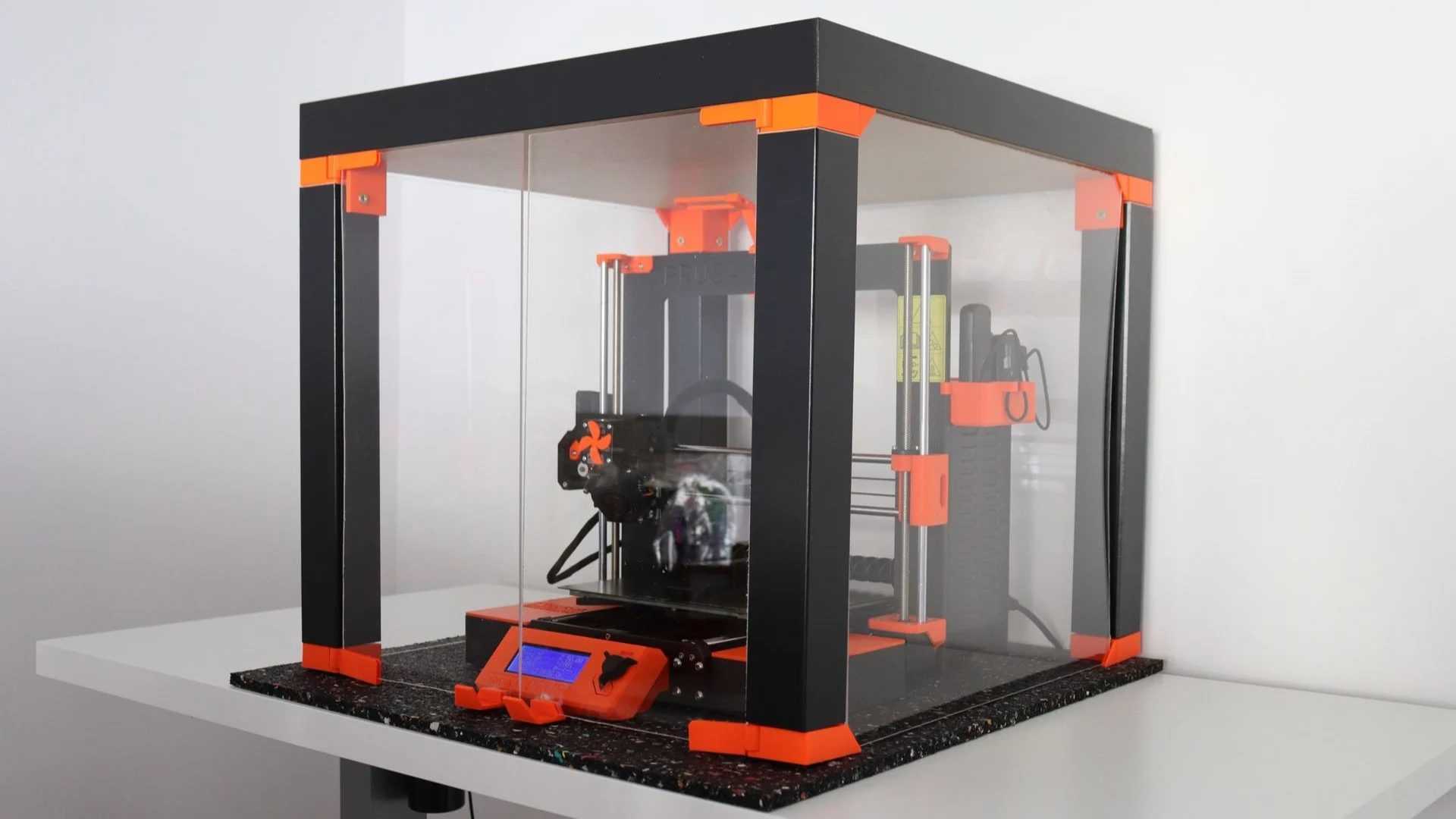
If you could make one upgrade that improves surface finish, layer consistency, and print reliability across almost every material, this is it:
A proper 3D printer enclosure.
This isn’t a tweak. It isn’t a calibration trick. It’s a physical upgrade that solves several common print-quality problems at once, especially for hobbyists printing in real-world environments.
Below is a clear, fact-safe breakdown of why enclosures work, how to choose one, and how they compare, with ethical affiliate placement and internal links structured for 3DPrintingbyKevin.com.
What upgrade instantly improves 3D print quality?
A 3D printer enclosure instantly improves print quality by stabilizing temperature, reducing warping, improving layer adhesion, and protecting prints from drafts and environmental changes.
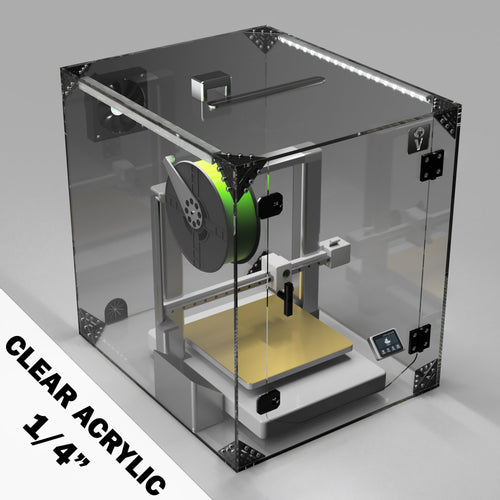
Why an Enclosure Makes Prints Look Better Immediately
Most print defects aren’t slicer problems. They’re environmental.
An enclosure fixes the environment.
What actually improves
- Smoother sidewalls due to consistent cooling
- Cleaner layer lines from stable extrusion temperature
- Less warping and corner lift, especially on larger parts
- Stronger layer bonding, critical for ABS, ASA, and Nylon
- Higher success rate on long prints
If you’ve ever had a print look great on one day and terrible the next with the same settings, drafts and temperature swings are the reason.
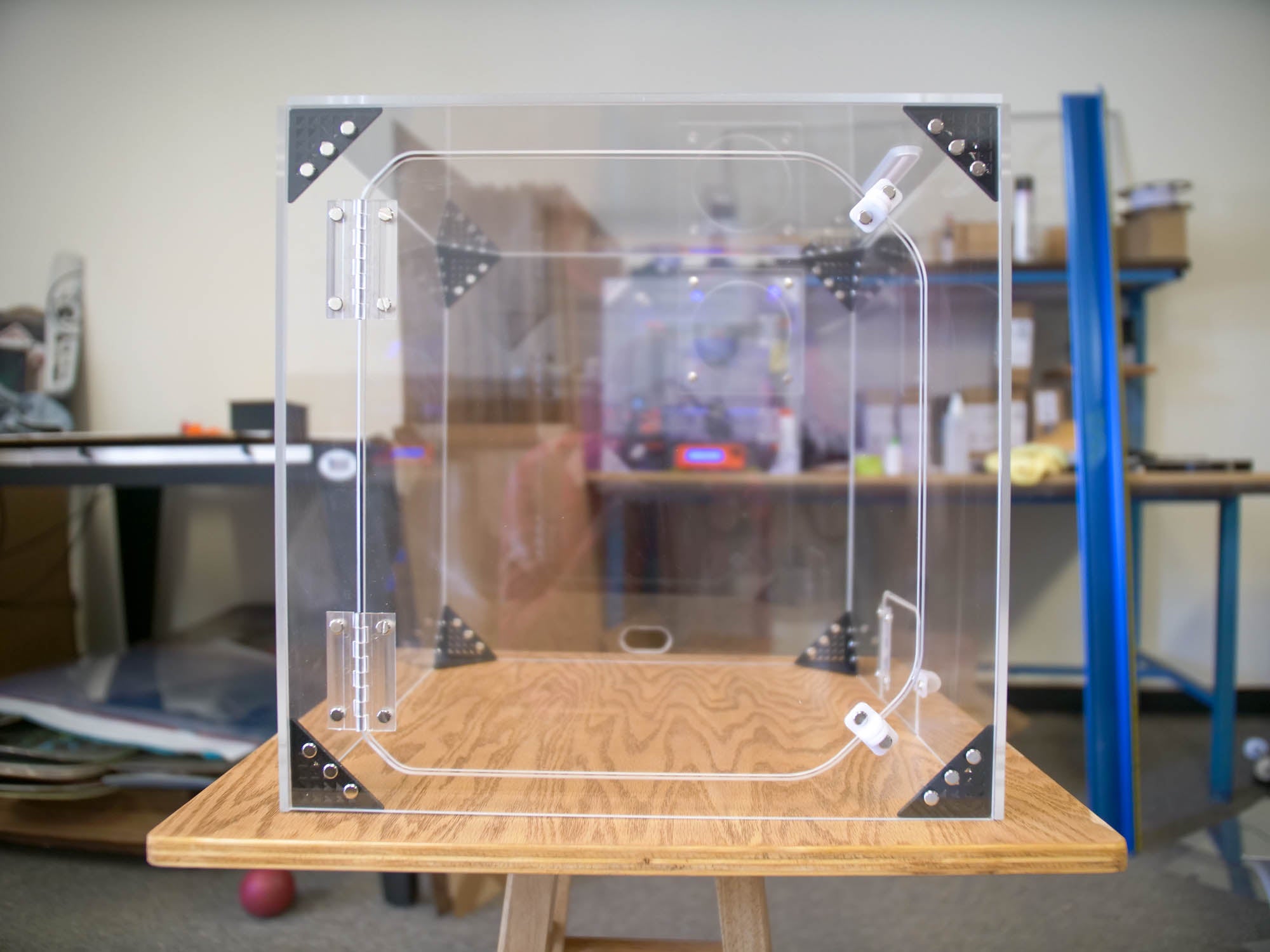
When an Enclosure Matters Most (And When It Doesn’t)
| Scenario | Enclosure Impact |
|---|---|
| Printing ABS, ASA, Nylon | Massive improvement |
| Large PLA prints | Noticeable improvement |
| PETG functional parts | Moderate improvement |
| Small PLA parts | Minimal visual change |
| Drafty room or garage | Huge improvement |
If your printer sits near a window, door, AC vent, or garage wall, an enclosure is one of the highest ROI upgrades you can make.
Open-Air vs Enclosed Printing: Visual Quality Comparison
| Feature | Open Printer | Enclosed Printer |
|---|---|---|
| Layer consistency | Variable | Stable |
| Warping | Common | Rare |
| Surface finish | Inconsistent | Predictable |
| Large prints | Risky | Reliable |
| Material range | Limited | Expanded |
This is why enclosure upgrades often feel “instant.” You’re removing the biggest uncontrolled variable.
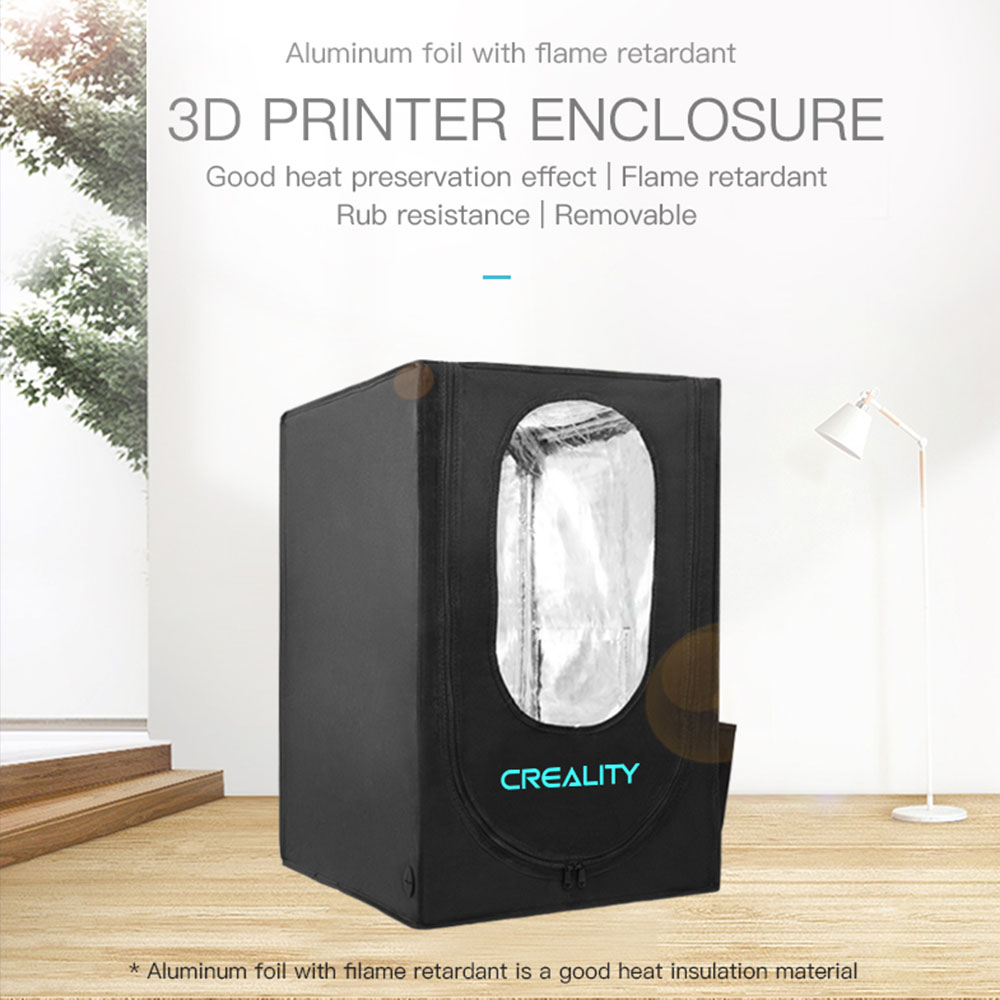
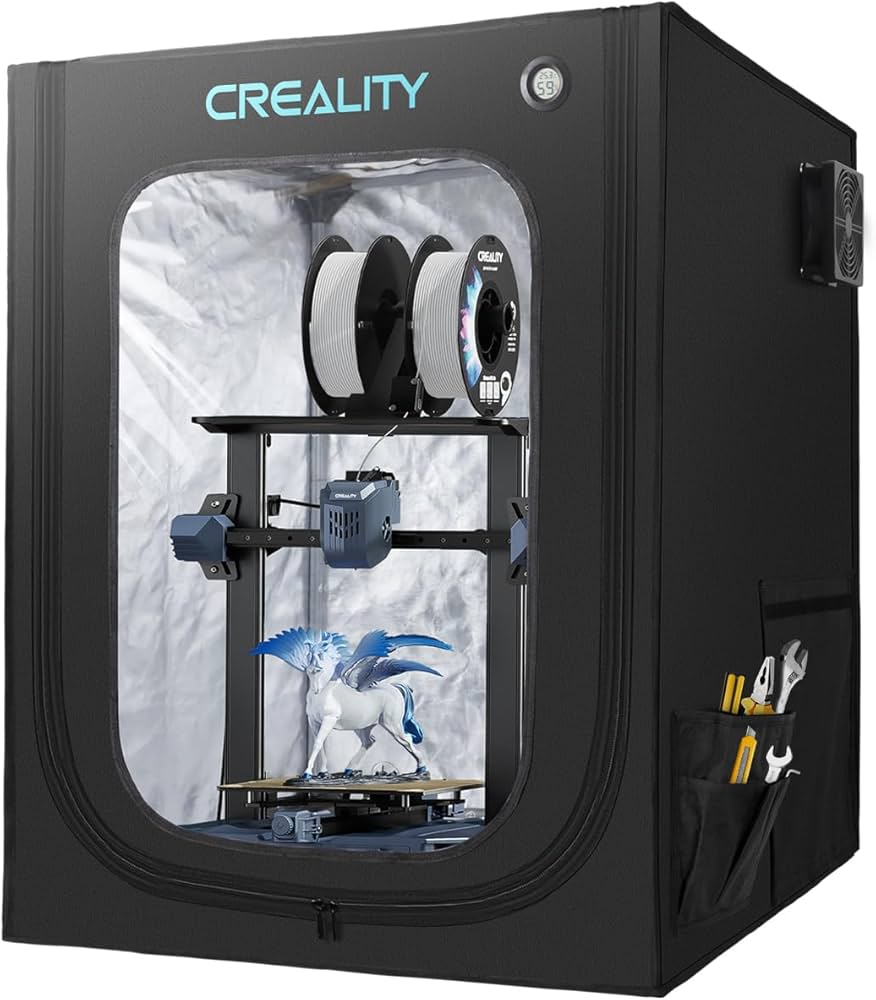
Creality Enclosures: Safe, Simple, Proven
For most users, a manufacturer-designed enclosure is the cleanest option.

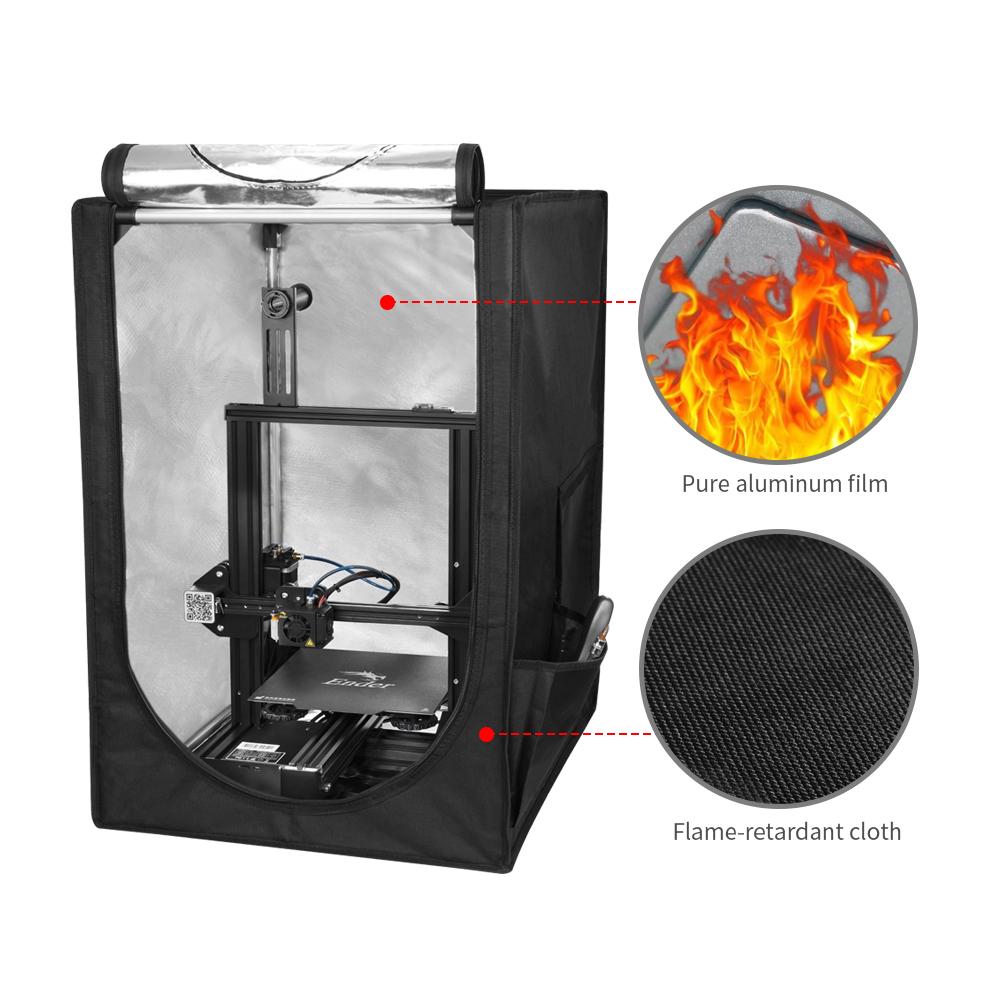
Creality enclosures are designed for correct airflow, visibility, and thermal stability without DIY guesswork.
If you want a plug-and-play solution that fits common Creality printers, this is the lowest-risk path.
Ethical affiliate link (supports the site at no extra cost):
Creality enclosure options → https://tidd.ly/3KUghXJ
Why I recommend them:
- Fire-retardant materials
- Proper ventilation cutouts
- Clean cable routing
- No airflow hacks needed
DIY Enclosure vs Prebuilt: Honest Comparison
| Factor | DIY Enclosure | Prebuilt Enclosure |
|---|---|---|
| Cost | Lower upfront | Higher upfront |
| Time investment | High | Low |
| Thermal consistency | Varies | Reliable |
| Fire safety | Depends on materials | Tested |
| Aesthetics | Functional | Clean |
DIY works if you know what you’re doing. If not, small airflow mistakes can actually reduce print quality.
Where Scanners and Hotend Upgrades Fit In (Context Matters)
Not every tool improves surface quality directly.
For example, 3DMakerpro scanners don’t improve prints on their own, but they dramatically improve input accuracy when reverse-engineering or scanning real-world parts.
That means fewer surface artifacts caused by poor models.
Global affiliate link (useful when scanning is part of your workflow):
https://tidd.ly/49ziphJ
Similarly, precision components from HONG KONG CHAORONG CO., LIMITED can help maintain consistent extrusion, which complements the thermal stability of an enclosure.
Relevant components:
https://tidd.ly/4oBR0PW
None of these replace an enclosure. They stack with it.
Common Enclosure Myths (Quick Reality Check)
“PLA doesn’t need an enclosure.”
Small parts don’t. Large prints often do.
“It’s only for ABS.”
ABS benefits most, but PLA quality still improves in unstable rooms.
“I can just turn off cooling.”
That fixes one problem and creates three more.
- Learn why temperature swings cause layer separation
- How to tune cooling once your printer is enclosed
- Best filaments for enclosed printers
- Fire safety basics for desktop 3D printers
Final Verdict,
If your goal is better-looking prints without chasing settings, an enclosure delivers immediate, visible results.
It’s not flashy. It doesn’t change your slicer. It just removes the biggest quality killer most printers face: an unstable environment.
That’s why it works.