
ABS has a reputation problem. Warping, corner lift, cracked layers. Most beginners assume an enclosure is mandatory. It is not.
With the right filament, accurate first-layer calibration, proper bed preparation, and controlled airflow, flat and durable ABS 3D prints are achievable on open-frame printers.
This guide focuses on practical ABS printing for beginners and buyers who want consistent results without expensive hardware upgrades.
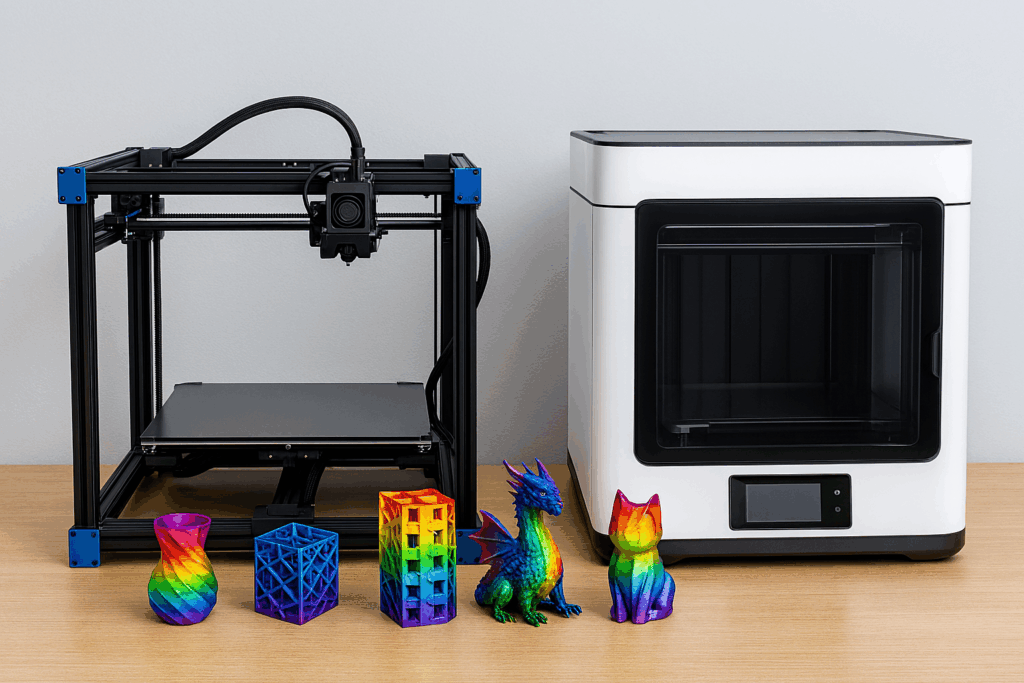
Can You Print ABS Without an Enclosure?
Yes. ABS can be printed without an enclosure by using low-warp ABS filament, strong bed adhesion, correct first-layer compression, limited cooling, and a draft-free printer location. Enclosures improve reliability, but they are not required for most functional prints under 200 mm.
Why ABS Warps (And Why Most Advice Misses the Point)
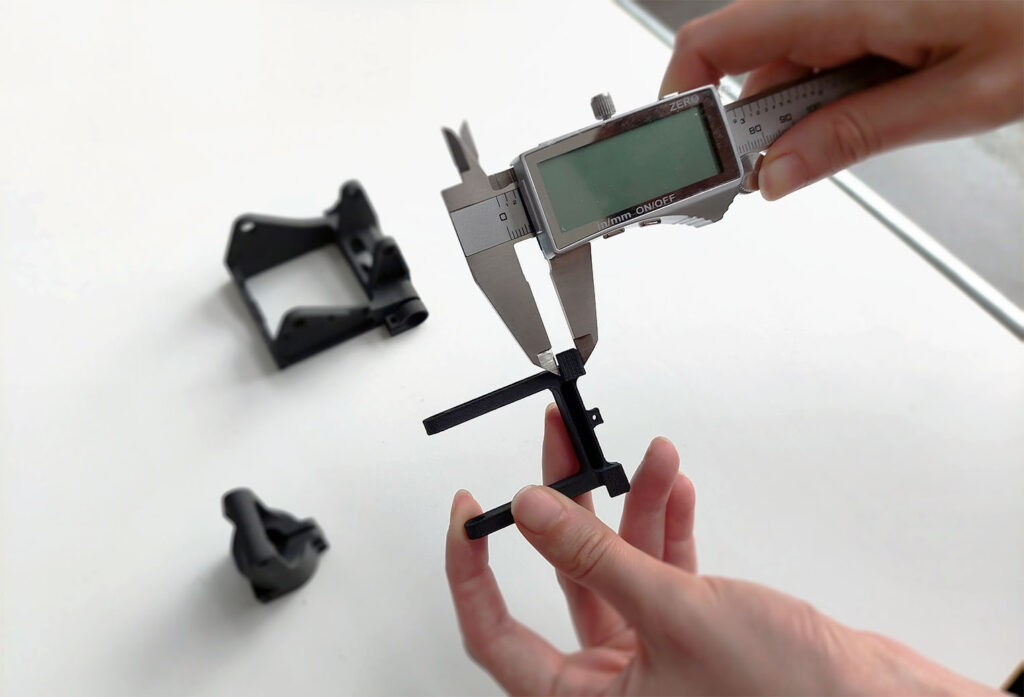
ABS warping is caused by uneven cooling, not by the material itself. As ABS cools, it shrinks. When different areas cool at different rates, internal stress builds and pulls corners upward.
Most guides recommend enclosures because they mask these issues instead of solving them.
The real factors are:
- Uneven temperature loss across the print
- Weak first-layer bonding
- Excessive cooling fan use
- Poor bed surface adhesion
- Drafts from room airflow
Control these, and enclosure dependency disappears.

Who This Guide Is For
- Beginners transitioning from PLA to ABS
- Functional part makers printing mounts, brackets, and housings
- Buyers comparing ABS filament options
- Users learning proper 3D printing calibration
If you plan to print large ABS parts daily, an enclosure helps. For most users, it is optional.
Zero-Warp ABS Requirements (Non-Negotiable)
| Requirement | Why It Matters |
|---|---|
| Heated bed (100–110°C) | Prevents bottom-layer contraction |
| Draft-free environment | Eliminates uneven cooling |
| Correct Z-offset | Enables molecular bonding |
| Limited cooling | Reduces internal stress |
| Quality ABS filament | Modern blends warp less |
Step-by-Step ABS Setup Without an Enclosure
1. Choose the Right ABS Filament
Not all ABS filament behaves the same. Modern low-warp ABS blends are easier to print and far more forgiving for beginners.
Look for:
- “Low warp” or “easy ABS” labeling
- Tight diameter tolerance
- Matte or semi-matte finish
Recommended suppliers
COEX ABS offers consistent diameter and predictable shrink behavior.
Creality ABS is widely available and beginner-friendly.
CHAORONG ABS is a budget-focused option for bulk printing.
If you are purchasing ABS filament for the first time, consistency matters more than brand recognition.
Creality ABS is available here:
👉 https://tidd.ly/3KUghXJ
(affiliate link – supports the site at no extra cost)
2. Bed Surface Selection
| Bed Surface | ABS Performance | Notes |
|---|---|---|
| Smooth PEI | Excellent | Clean with isopropyl alcohol |
| Textured PEI | Good | Slightly reduced grip |
| Glass + glue stick | Very good | Reliable release layer |
| Bare glass | Poor | Not recommended |
Glue stick is not used to “stick” ABS. It acts as a release layer that prevents cracking during cooldown.
3. First-Layer Calibration (Critical)
ABS requires compression, not just contact.
- Z-offset slightly lower than PLA
- First-layer line width: 120–140%
- First-layer speed: 20 mm/s or slower
- No gaps and no raised ridges
If corners lift, recalibrate Z-offset before changing temperatures.
4. Proven ABS Temperature Settings
| Setting | Safe Range |
|---|---|
| Nozzle | 235–250°C |
| Bed | 100–110°C |
| Cooling fan | Off or ≤10% after layer 5 |
Cooling causes warping. Use it only when bridging requires it.
5. Draft Control Without an Enclosure
- Keep printer away from windows
- Turn off ceiling fans
- Use foam board or cardboard shields on three sides
- Print when room temperatures are stable
This step alone resolves most ABS warping issues.
ABS vs PLA vs PETG (Material Comparison)
| Property | ABS | PLA | PETG |
|---|---|---|---|
| Heat resistance | High | Low | Medium |
| Warp risk | Medium | Low | Low |
| Strength | High | Medium | Medium |
| Beginner friendly | Moderate | High | High |
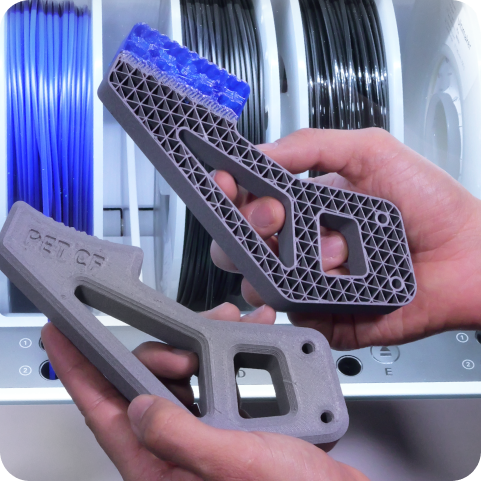
ABS remains the best option for heat-resistant functional parts.
Beginner ABS Calibration Checklist
- Bed leveled and clean
- Z-offset verified
- Cooling minimized
- Filament dry
- Drafts blocked
Calibration beats slicer profiles every time.
Recommended Hardware for ABS Printing
When buying or upgrading for ABS printing, prioritize:
- Stable heated bed
- Consistent temperature control
- Reliable extrusion
Creality printers remain a popular entry point due to community support and parts availability:
👉 https://tidd.ly/3KUghXJ
(affiliate link)
For users designing functional parts from scans, 3DMakerpro scanners integrate well into ABS workflows:
👉 https://tidd.ly/49ziphJ
(affiliate link)
Conclusion,
You do not need an enclosure to print ABS successfully.
You need calibration discipline, airflow control, and quality filament.
Once dialed in, ABS delivers durability that PLA cannot.
US Store-New Product Launch: SPARKX i7

