
Discover how 3D printing works, from digital slicing to the final layer. Learn about FDM vs. SLA, essential 3D printing calibration, and the best filament for beginners.
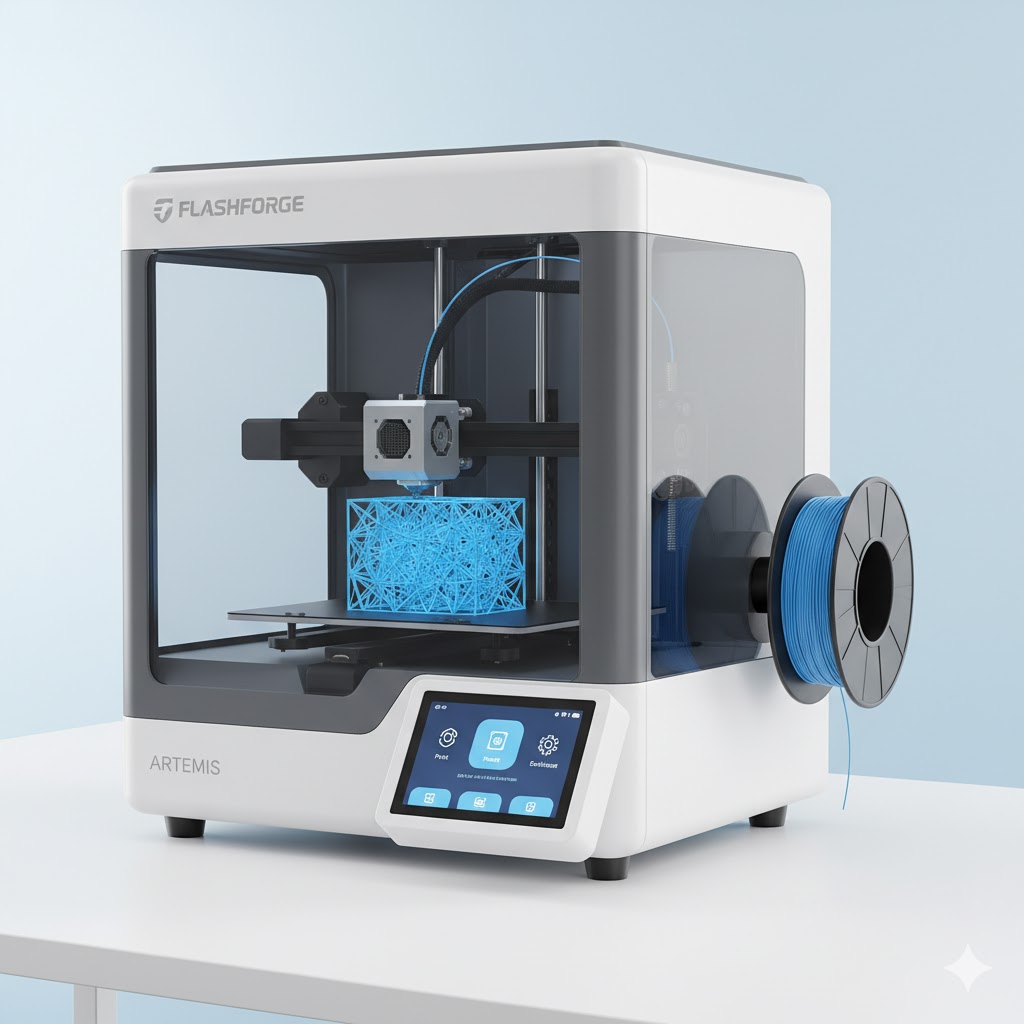
3D printing, also known as additive manufacturing, is the process of creating three-dimensional solid objects from a digital file. Unlike traditional subtractive manufacturing—which carves an object out of a larger block of material—a 3D printer builds the object layer by layer.
For those interested in 3D printing for beginners, understanding the synergy between hardware, software, and material is the first step toward successful 3D prints. This guide breaks down the core technologies, essential components, and how to achieve the necessary 3D printing calibration for high-quality results.
How Does 3D Printing Work?
The 3D printing process follows a specific workflow to convert a digital concept into a physical reality:
- Digital Modeling: You create a 3D model using CAD (Computer-Aided Design) software or download an existing STL file.
- Slicing: Slicing software translates the 3D model into “G-code,” which provides specific instructions for the printer’s coordinates and temperature.
- Printing: The printer reads the G-code and deposits material layer by layer until the object is complete.
- Post-Processing: This may include removing support structures, sanding, or curing (in the case of resin prints).
Core 3D Printing Technologies Compared
While many types of additive manufacturing exist, two technologies dominate the consumer and prosumer markets: FDM and SLA.
| Feature | FDM (Fused Deposition Modeling) | SLA (Stereolithography) |
|---|---|---|
| Material Source | Filament (Plastic Spools) | Resin (Liquid Photopolymer) |
| Mechanism | Heated nozzle melts plastic | UV Light/Laser cures liquid |
| Best For | Prototyping, functional parts | High-detail miniatures, jewelry |
| Ease of Use | High (Beginner-friendly) | Moderate (Requires chemical cleanup) |
Essential Components for Beginners
The Printing Material: Filament
The most common material for beginners is filament. These thermoplastic strings are melted and extruded. Popular types include PLA (easy to print), PETG (durable), and ABS (heat resistant). For high-grade, American-made materials, sourcing from COEX 3D ensures consistency in diameter and color, which is vital for print reliability.
Calibration and Maintenance
Success in this hobby relies heavily on 3D printing calibration. This involves leveling the print bed, adjusting the E-steps (extrusion steps), and fine-tuning the nozzle height. Without proper calibration, prints may suffer from warping, “spaghetti” failures, or poor layer adhesion.
Expert Tip: When starting, choose a printer with an active community. Brands like Creality offer a vast ecosystem of mods and troubleshooting guides that are invaluable for those just beginning their journey.
Recommended Hardware for 2026
Selecting the right hardware depends on whether you are looking to create functional mechanical parts or highly detailed scans and replicas.
- Best Overall Entry Point: The Creality Ender series remains the industry standard for value and upgradability. Explore the latest models at Creality Official.
- High-Precision Scanning: If you need to replicate real-world objects into digital files for printing, 3DMakerpro provides professional-grade 3D scanners. View their global catalog at 3DMakerpro Global.
- Specialized Industrial Components: For advanced electronics and specialized 3D printing peripherals, HONG KONG CHAORONG offers professional sourcing options.
Frequently Asked Questions
Is 3D printing expensive for beginners?
Entry-level FDM printers now start under $200. The primary ongoing costs include filament and occasional nozzle replacements. It has become significantly more accessible over the last five years.
What software do I need to start 3D printing?
Beginners should start with Tinkercad for modeling and UltiMaker Cura or PrusaSlicer for slicing. These tools are free and offer extensive documentation.
How long does a 3D print take?
Print time varies by size and complexity. A small coin might take 20 minutes, while a full-sized helmet or complex mechanical part could take 24 to 72 hours.
Further Reading on 3DPrintingByKevin.com
- The Ultimate Guide to 3D Printing Calibration
- Choosing the Right Filament for Your Project
- How to Fix Common 3D Print Failures
Ready to Start Your First Print?
Building your 3D printing setup requires the right tools. We recommend starting with a reliable machine and high-quality material to reduce the learning curve.
Shop our trusted partners:
- Creality: Get the latest 3D Printers here
- COEX: Premium American-made Filament
- 3DMakerpro: Precision 3D Scanners

