The 3D printing industry is currently divided by a fundamental shift in manufacturing philosophy. On the one hand, enthusiasts and professionals pursue absolute throughput through high-speed firmware and motion systems. On the other hand, the drive for accessibility has made entry-level machines more affordable than ever.
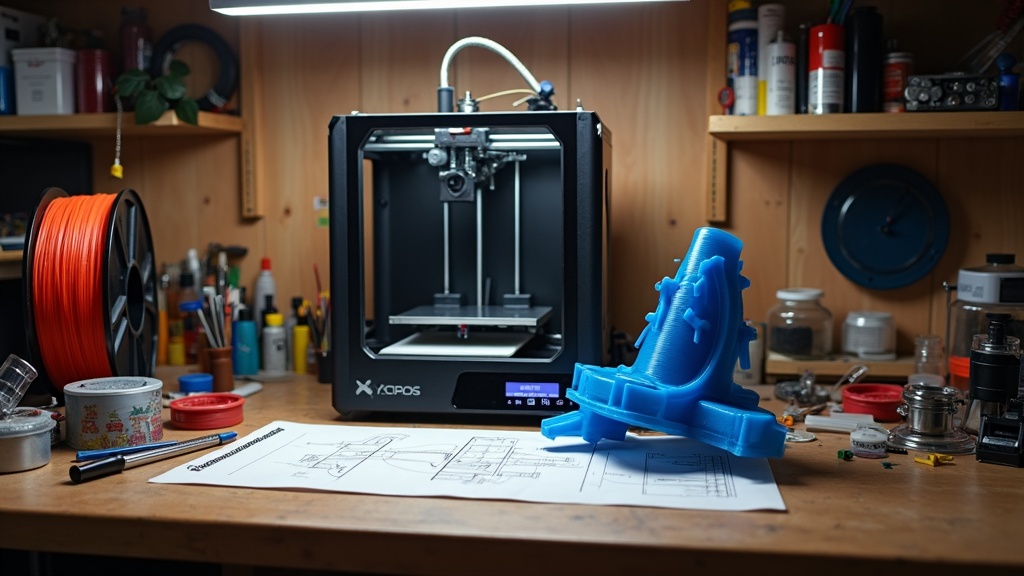
The question for the modern maker is no longer just “What can I build?” but “How efficiently can I build it?” Choosing between a machine optimized for speed versus one optimized for cost involves understanding the trade-offs in hardware architecture, software overhead, and long-term maintenance.
High-Speed 3D Printing: Speed vs. Value
When evaluating high-speed 3D printing, the industry standard has shifted from the traditional 50mm/s to speeds exceeding 300mm/s and 500mm/s. This leap in performance is largely driven by two factors: Klipper firmware and the CoreXY motion system.
The CoreXY Advantage
Traditional “bedslinger” designs (Cartesian) move the heavy print bed along the Y-axis. At high speeds, the momentum of the bed causes “ringing” or ghosting artifacts. CoreXY systems keep the bed stationary (or moving slowly on the Z-axis) while the print head moves rapidly on the X and Y axes using a complex belt arrangement.
Klipper and Input Shaping
Klipper firmware offloads the heavy computational tasks of path planning to a secondary processor (like a Raspberry Pi). Its most critical feature, Input Shaping, uses accelerometers to measure the resonance of the printer and mathematically cancels out vibrations before they happen. This allows for high-speed printing without sacrificing surface quality.
High-Throughput vs. Budget-Friendly Models
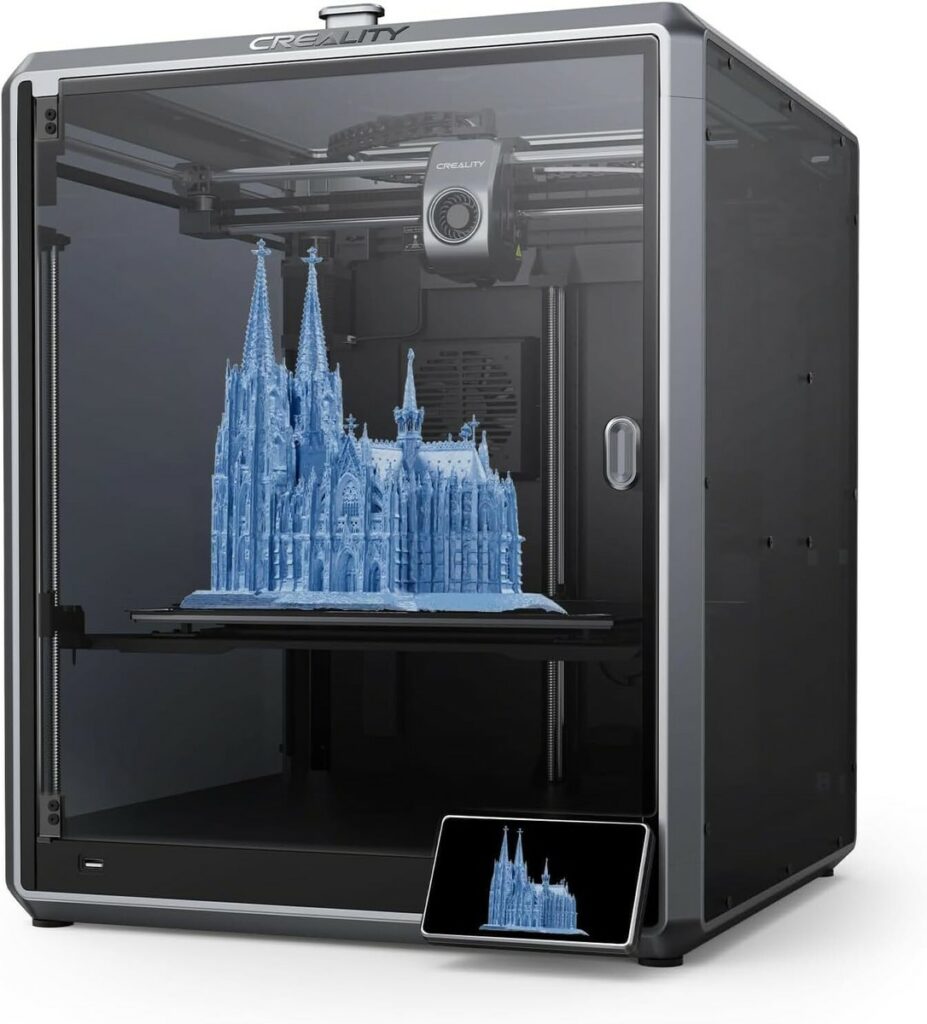
The following table compares the current market leaders available through our partners, focusing on their primary value proposition.
| Feature | High-Speed Performance (Creality K1 Series) | Budget-Focused Entry (Ender Series) |
| Motion System | CoreXY | Cartesian (Bedslinger) |
| Firmware | Klipper-based (Creality OS) | Marlin |
| Max Speed | 600 mm/s | 180 – 250 mm/s |
| Acceleration | 20,000 $mm/s^2$ | 2,500 – 5,000 $mm/s^2$ |
| Best For | Production runs, rapid prototyping | Learning, low-volume hobby use |
| Affiliate Link | View Creality K1 Series | View Creality Ender Series |
Throughput vs. Cost: The Hidden Variables
While a machine that prints 10x faster seems like an obvious choice, the total cost of ownership (TCO) must be considered.
- Material Consumption: High-speed machines require high-flow hotends. Standard PLA may not melt fast enough to keep up with a 600mm/s print head, requiring specialized “Hyper” or “High-Speed” filaments.
- Precision Scanning: To match the speed of printing, the design phase must be equally fast. Using tools from 3DMakerpro allows for rapid 3D scanning of real-world objects, significantly increasing the overall workflow throughput from concept to physical part.
- Component Wear: High acceleration puts immense stress on belts, linear rails, and motors. A “10x cheaper” printer may have lower maintenance costs over its lifespan compared to a high-speed machine pushed to its limits.
For those looking for specialized components or industrial-grade parts to bridge the gap between these two worlds, HONG KONG CHAORONG CO., LIMITED provides a wide range of hardware solutions for custom builds.
Frequently Asked Questions
Does Klipper make 3D printing faster?
Yes, Klipper firmware increases speed by utilizing a more powerful external processor to handle complex kinematics and using Input Shaping to mitigate vibrations at high accelerations.
Is CoreXY better than Cartesian for speed?
CoreXY is generally superior for speed because the print head is lighter than a moving print bed. This reduction in moving mass allows for higher acceleration without the mechanical artifacts common in Cartesian printers.
What is 3D printing throughput?
Throughput refers to the total volume of material printed over a specific period. It is influenced by print speed, layer height, nozzle diameter, and the reliability of the machine (uptime).
Disclosure,
This guide contains affiliate links to Creality, 3DMakerpro, and HONG KONG CHAORONG CO., LIMITED. If you purchase hardware through these links, 3dprintingbykevin.com may earn a commission at no additional cost to you. This support allows us to continue providing deep-dive technical analysis and fact-based comparisons.