
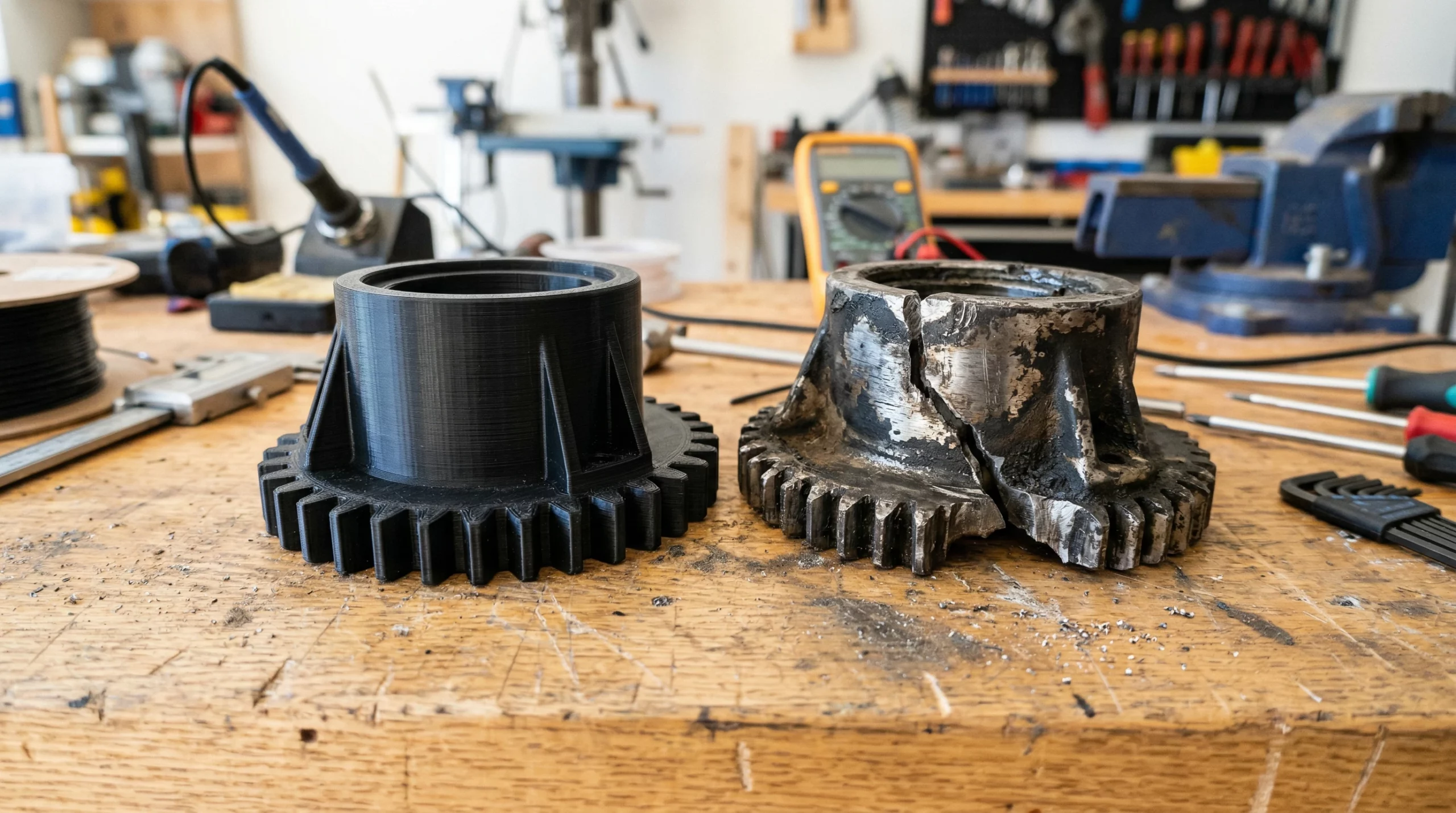
A tiny plastic stop breaks, and suddenly the whole drawer comes out in your hands. Set the broken stop and its screws on the bench. Before shopping for a printer, I’d check how far apart the screws are and where the stop catches as the drawer opens.
Start with what you actually need to make. I checked four Black Friday 3D printing deals from Creality and 3DMakerpro and matched each to a job. One of the simplest checks takes place in your slicer, where a few extra millimeters can change which printer you need.
What’s stopping you from making the part?
Affiliate disclosure. I may earn a commission if you buy through the Creality or 3DMakerpro links marked below. Read my affiliate disclosure.
Four Black Friday 3D printing deals for 2026
| Product | Price | Consider it if… |
|---|---|---|
| Creality K2 | From $349 | You regularly print clips, jigs, or mounts within a 260 × 260 × 260 mm build volume. |
| Creality K2 Plus | From $854 | You keep needing larger one-piece prints. Its build volume is 350 × 350 × 350 mm. |
| 3DMakerpro Seal Lite | $215 | You regularly need a shape reference for small, irregular objects. |
| 3DMakerpro Moose | $419 | You work with a wider range of object sizes or need color texture in the scan. |
Prices and stock can change. Check your model, bundle, and delivered price on the Creality sale page or the 3DMakerpro sale page.
Before you pay for a bigger printer, slice your biggest job
A 250 mm fixture sounds like a fit on a 260 mm bed. Lay it straight along one axis and add a 6 mm brim at each end. Here’s the space it needs along that axis.
250 mm part + 6 mm brim + 6 mm brim = 262 mm
Open the model using the printer’s slicer profile. Preview the brim and any supports, then see if rotating the model gives you a workable layout. If this happens on several jobs and the parts need to print in one piece, the K2 Plus’s larger bed may justify the $505 difference in the starting prices above.
For mostly single-color repairs, price the stand-alone printer first. The combo’s CFS filament system has more value if you regularly switch compatible filaments or print in multiple colors. Check the chamber features and the configurations you’re considering in the official K2 series comparison.
Visit Creality’s store (affiliate link)
Scan the curve. Measure what has to fit.
If I’m copying a flat spacer with two holes, I’ll start with calipers. A curved housing cover is a different job. A scan can give me the outer profile to work from in CAD. I still measure the hole centers, mounting faces, and tab thickness so the replacement seats where it belongs.
Before buying, pick one object you’d actually scan. Match its size to the manufacturer’s guidance and look for a sample scan of a similar shape and finish. A shiny shell or a deep recess can be harder to capture. Check computer requirements and kit contents in the Seal Lite specs and the Moose specs.
Visit 3DMakerpro’s store (affiliate link)
For one broken part, price the repair first
Look up the furniture model and any markings on the drawer stop. If you can order the original spare, that gives you a quick price to compare. If it’s discontinued, save the original and its screws. Here are the three details I’d want for an initial review.
- Photograph the mounting face so I can see where the stop sits.
- Measure the center-to-center screw spacing on the part or where it mounts.
- Show the contact point where the stop catches as the drawer opens.
A small test print can check the screw spacing before you print the whole piece. For a custom replacement, send photos, dimensions, and a sentence about what broke. I work from Independence, Kentucky. Request a replacement-part quote.
Put three real jobs on your shopping list
Pick three projects you expect to tackle in the next few months. Run each one through these prompts from my Print It Practical planner.
- Record the problem and how often it comes up.
- Write down the requirements, including the dimensions and where the part will be used.
- Mark the interfaces, such as the holes, edges, or surfaces that have to fit.
- Compare the next-best materials and methods. Price the spare, the custom quote, and the setup and materials you’d need to make it yourself.
- Plan to test and tune. Decide what you can verify with a small test piece before committing to a full print.
Circle the same problem if it shows up on more than one project. That gives you a specific feature or capability to compare while you shop. Get the P.R.I.N.T. project planner in Print It Practical.
Already own a printer? Give your calipers a home
Use an overhead photo to make a fitted tool tray for the calipers, hex keys, or small level you reach for every week. Measure the drawer, leave room to lift the tools out, and print one pocket before committing to the full tray. See my GridPilot photo-to-tray walkthrough.
Four questions before you check out
Pick an answer, then open the question to check it.
1. One drawer stop broke. Do you price the spare or a printer first?
Price the spare. If it’s discontinued, compare the cost of a custom replacement with the full cost of making one yourself.
2. Your fixture is a few millimeters smaller than the quoted bed size. What do you check?
Slice the exact model with the printer’s profile. Check the orientation, brim, and supports before counting on that build space.
3. A scan looks right. What should you check before rebuilding the screw holes in CAD?
Measure the hole centers on the original or where it mounts. Use those dimensions to place the holes in the replacement model.
4. You print single-color mounts every week. Which configuration do you price first?
Start with the stand-alone printer. Price the combo if its automatic filament handling would solve a recurring problem.
Frequently asked questions
Can I use a downloaded model for a replacement part?
Yes, when the model matches your part and its license allows your use. Check the equipment model or revision, verify the mounting dimensions, and test the fit before printing multiples.
How do I compare two Black Friday printer bundles?
Compare the same printer variant and the delivered price. List which extras you would actually buy separately, and check the return and warranty terms for each offer.
Will the Black Friday price still be there on Cyber Monday?
Check the seller’s live listing for your exact model and bundle. Prices, stock, and promotion terms can change between sale dates.
What’s the first part you’d make? Tell me what broke or what you’re building in the comments. Include the largest dimension and the step that has you stuck.
