
There is a specific kind of heartbreak that only a 3D printer owner understands. You start a ten-hour print, go to bed dreaming of a perfect result, and wake up to find the corners of your model peeling away from the build plate like a stale grilled cheese sandwich.
Warping is the ultimate joy-killer in additive manufacturing. Whether you are using a budget-friendly machine or the brand-new SPARKX i7, physics remains the same: plastic shrinks as it cools. If that shrinkage happens unevenly, your print lifts, distorts, or fails entirely.
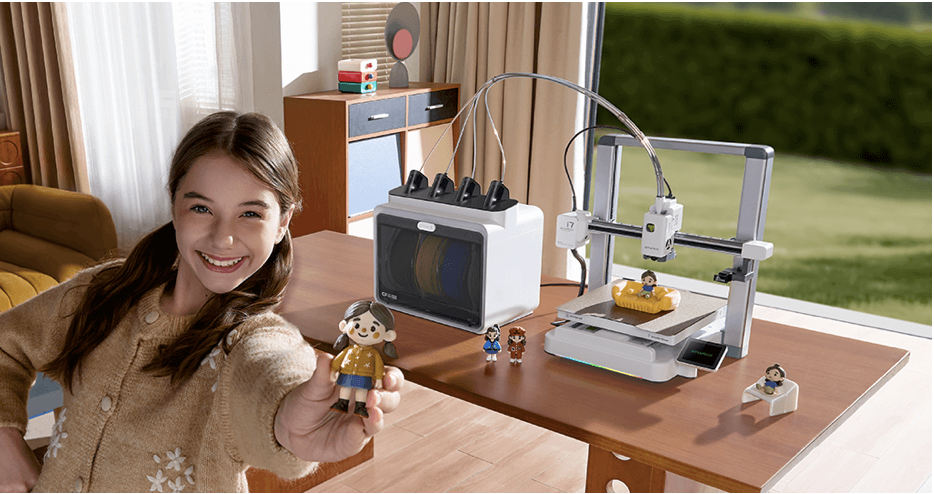
The good news is that you do not need a degree in thermal dynamics to fix it. Here is how to stop 3D print warping in minutes and ensure your first layer stays locked down.
Why 3D Prints Warp (The Science of Frustration)
Before diving into the fixes, it is vital to understand the “why.” When thermoplastic is extruded, it is expanded by heat. As it hits the build plate and begins to cool, it contracts. If the upper layers cool and shrink faster than the bottom layers attached to the bed, they pull the corners upward.
This is a frequent hurdle for those just starting out. If you are new to the hobby, reviewing a guide on 3D printing for absolute beginners can help you visualize how these temperature forces interact.
Level Your Bed (The Right Way)
The most common cause of warping is not the filament or the temperature; it is a poor first layer. If your nozzle is too far from the bed, the plastic merely rests on the surface instead of being “squished” into it. Without that mechanical bond, the slightest thermal tension will pull the print up.
Most makers rely on the “paper test,” but there is a more precise method. Utilizing the calibration trick that makes any 3D printer perform better ensures your Z-offset is perfect, providing the foundation needed to resist warping.
Master the Surface Chemistry
Sometimes the hardware is perfect, but the surface lacks grip. Different materials require different levels of “stick.”
- PLA: Usually stays put on clean PEI or glass.
- PETG: Can stick too well, often requiring a release agent.
- ABS/ASA: Notorious for warping without a heated enclosure and strong adhesives.
If you are struggling with specific materials, check out this deep dive into the easiest way to stop 3D print warping for PLA, PETG, and ABS.
Pro Tip: Keep your build plate clean. Finger oils are the enemy of adhesion. A quick wipe with Isopropyl Alcohol can solve 50% of your warping issues instantly.
Recommended Gear for Better Adhesion
If your current printer is showing its age, upgrading to modern hardware with superior thermal management can eliminate warping at the source.
- The Powerhouse: Check out the latest SPARKX i7 for professional-grade reliability.
- The Reliable Workhorse: Browse the Creality Official Store for tested-and-true machines.
- High-Quality Filament: Use premium materials from COEX. Use code 3DPRINTINGBYKEVIN at checkout for 15% off your order.
Manage Your Environment
Drafts are the silent killers of 3D prints. An open window or an air conditioning vent can cause one side of your print to cool prematurely, leading to a massive warp.
- Use an Enclosure: Even a simple cardboard box over the printer can maintain a stable ambient temperature.
- Turn Off the Fan: For the first 2-3 layers, keep your cooling fan at 0%. This allows the plastic to settle and bond to the plate before the cooling process begins.
- Slow Down: High speeds increase vibration and cooling inconsistencies. You might find that slowing your 3D printer down produces surprising results regarding both surface finish and bed stay-power.
Use Brims and Rafts
If the geometry of your part has sharp corners, it is more likely to warp. Sharp corners concentrate the pulling forces. By adding a “Brim” in your slicer software, you increase the surface area of the print’s footprint.
For those who are acquiring the skills to design 3D objects using software, you can even design “mouse ears” (small circular discs) at the corners of your models to hold them down without wasting as much filament as a full raft.
Essential Tools for Maintenance
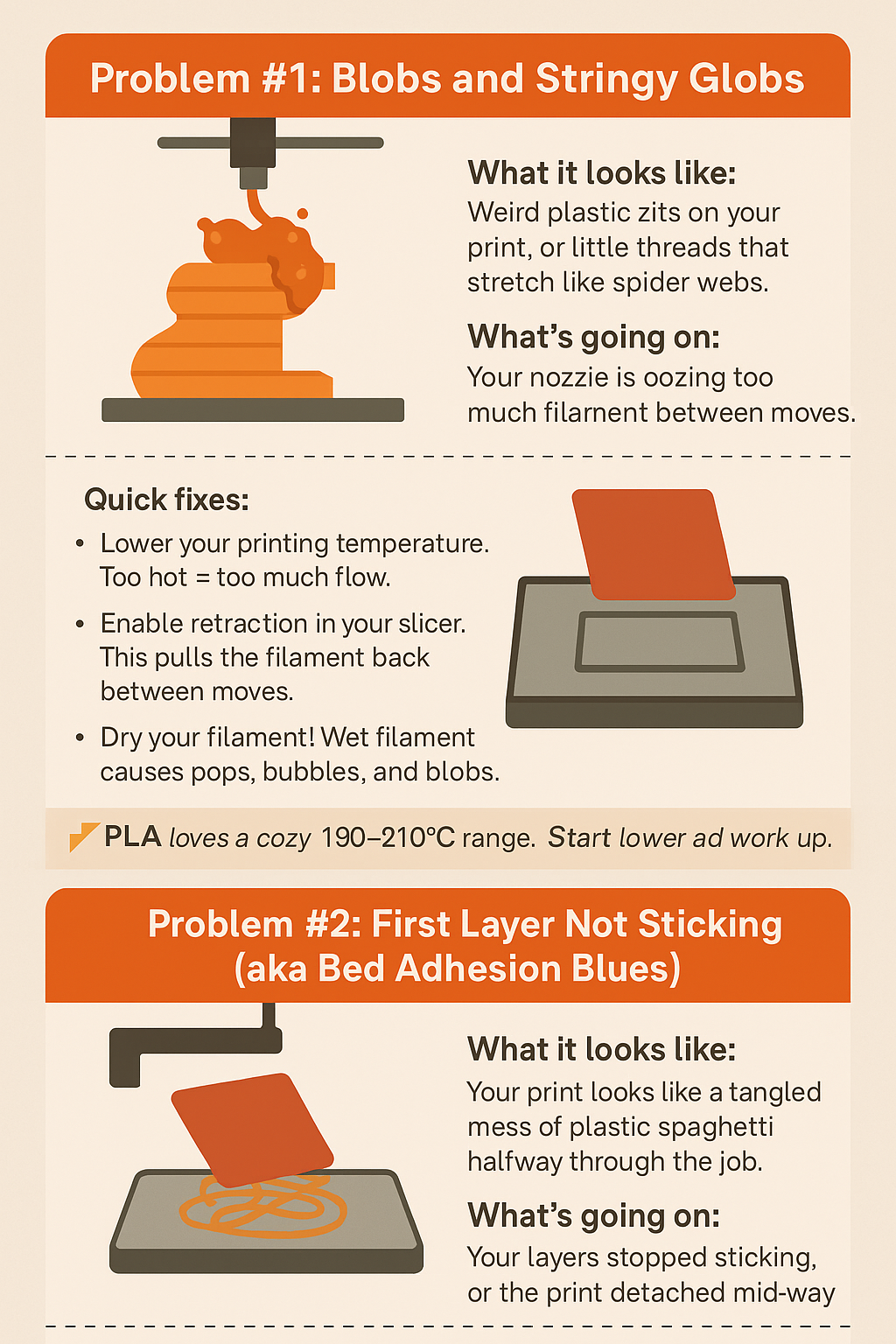
Maintenance is often overlooked. A clogged nozzle or a loose belt can lead to uneven extrusion, which mimics warping symptoms. Having the right kit on hand allows you to troubleshoot common 3D printing problems quickly.
In fact, there is one $15 tool every 3D printer owner should have that makes cleaning and prepping the bed significantly more effective.
Summary of Fixes for Warping
| Solution | Difficulty | Time Required |
| Clean Build Plate | Easy | 1 Minute |
| Re-Level Bed | Medium | 5 Minutes |
| Add a Brim in Slicer | Easy | 1 Minute |
| Reduce First Layer Speed | Easy | 1 Minute |
| Apply Adhesive (Glue/Hairpsray) | Easy | 2 Minutes |
FAQ
Can I fix a print that has already started warping?
Usually, no. Once the corner has lifted, the nozzle will likely hit it later in the print, causing a layer shift or total failure. It is best to stop, fix the adhesion issue, and restart.
What is the best bed temperature for PLA?
Generally, 60°C is the sweet spot. If you go too high, the plastic remains too soft (the glass transition temperature) and can actually deform under its own weight.
Do I need a 3D scanner to fix hardware issues?
While not for warping, 3D scanners like those from 3DMakerpro are incredible for replicating parts that need to fit perfectly, reducing design errors that lead to print failures.
Final Thoughts
Warping is not a sign of a bad printer; it is simply a sign that the environment and the settings are not yet in harmony. By leveling your bed, managing your cooling, and using high-quality filaments from places like COEX (don’t forget code 3DPRINTINGBYKEVIN for 15% off), you can turn your “spaghetti monsters” back into masterpieces.
Disclosure: This post contains affiliate links. If you use these links to buy something, we may earn a commission. We only recommend products we truly believe in. Use code 3DPRINTINGBYKEVIN at COEX for a 15% discount on your filament needs.

