
Your printer finishes faster. Your part still needs another try.
That is where speed stops being useful. A rippled cover, an incomplete top surface, or a clip that will not fit can cost more time than the slicer saved.
Slowing down can help—but the useful discovery is more specific: you can often slow one type of move instead of the entire print. The goal is an acceptable finished part with less rework.
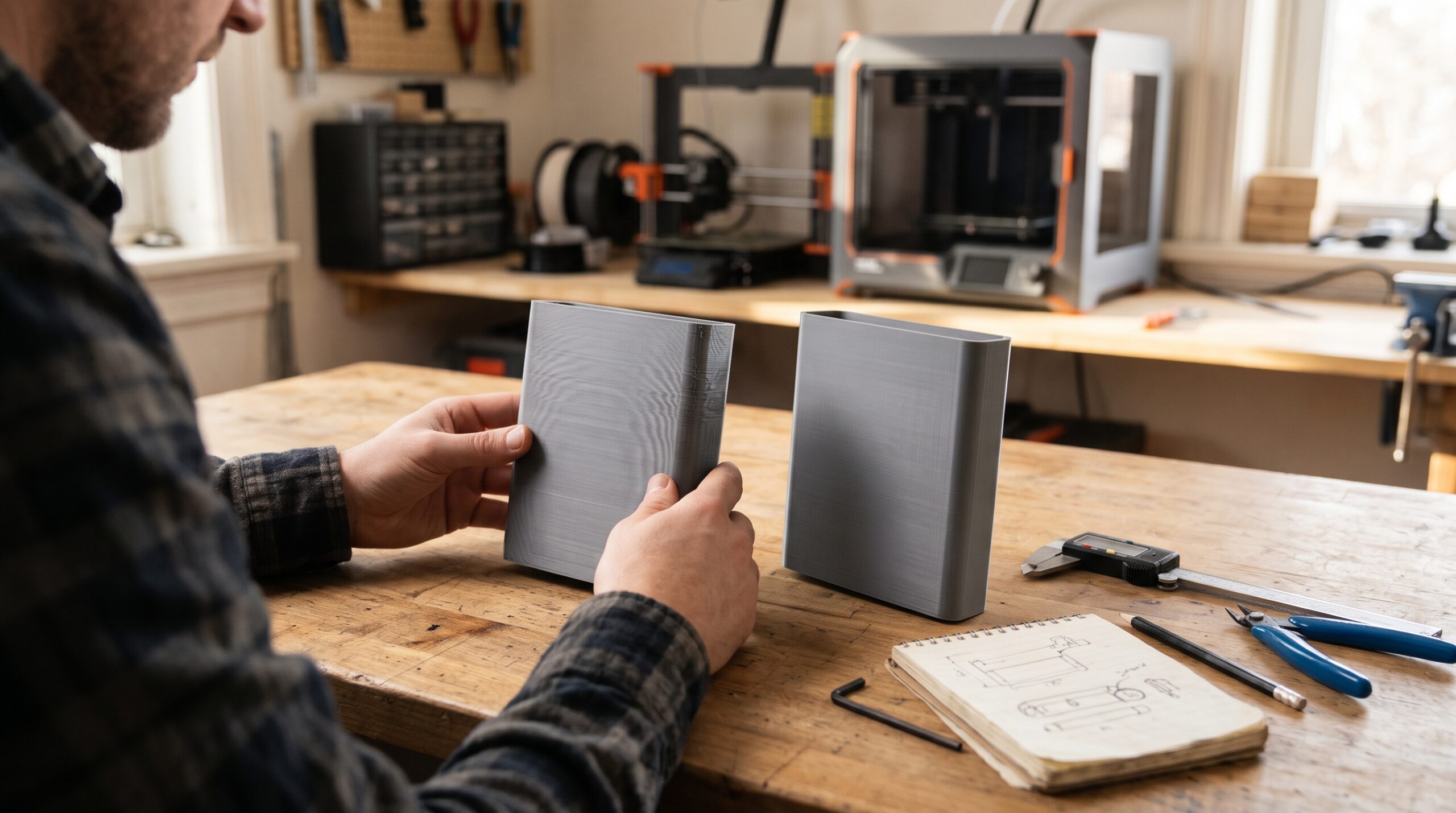
Scope: This guide covers filament-based FDM/FFF printing. The examples below are illustrative tuning exercises, not measured results from Kevin’s shop.
The surprising result: the slower job can finish first
Imagine a cover that takes 90 minutes to print but fails your finish inspection. A second attempt takes another 90 minutes. A revised profile that produces an acceptable cover in 110 minutes would have saved 70 minutes of machine time.
For a replacement cover or workshop fixture, that is the number worth watching: time to an acceptable part. A faster profile that already meets your requirements is worth keeping.
Three different limits hide behind the word “speed”
1. Plastic delivery: can the hotend keep up?
A wide, tall extrusion needs more plastic than a narrow, thin one at the same movement speed. As a rough planning estimate:
Flow demand ≈ line width × layer height × print speed
At 0.45 mm width and 0.20 mm height:
60 mm/s requests approximately 5.4 mm³/s.
120 mm/s requests approximately 10.8 mm³/s.
This rectangular estimate is simplified. Slicers can use a more accurate extrusion cross-section. Neither value establishes your printer’s actual limit.
If the requested flow exceeds what your filament, nozzle, temperature, and hotend can sustain, extrusion may become incomplete. Slowing the affected moves reduces demand. A properly tested maximum volumetric flow setting can also cap demanding moves automatically.
See Prusa’s explanation of maximum volumetric speed for how that limit interacts with feature speeds and cooling. Do not copy another printer’s flow ceiling without testing.
2. Motion: how aggressively does the printer change direction?
Ringing appears as repeating echoes beside corners and other abrupt features. Speed can influence it, but acceleration, mechanical condition, and vibration compensation matter too. A lower outer-wall speed is a useful comparison; persistent ringing calls for a mechanical and acceleration review.
Short paths may never reach the speed entered in your slicer. Look at the sliced speed preview before assuming that changing a headline speed will change the print.
3. Cooling: when does the nozzle return?
A tiny tower can soften when the nozzle returns before the previous layer has cooled enough. A layer-time cooling rule may help, within the material’s cooling requirements. Excessively slow motion can also keep the hot nozzle close to delicate features for longer. Check the actual result instead of continually lowering speed.
What should you slow down first?
| What you see | Useful first comparison | What else to check |
|---|---|---|
| Ripples after corners | Lower outer-wall speed | Acceleration, belts, loose components, vibration compensation |
| Incomplete extrusion on long, fast paths | Lower speed on those paths or test a lower flow ceiling | Partial clog, filament feed, temperature, spool resistance |
| Rough top surface | Lower top-surface speed | Flow calibration, top thickness, support beneath the top, nozzle buildup |
| Soft tiny features | Review minimum layer time | Fan operation, material profile, nozzle heat near the feature |
| Sagging bridge | Compare bridge-specific settings | Cooling, bridge flow, span, orientation; slower is not always better |
| Tight hole or slot | Measure a small interface test | Clearance, shrinkage, orientation, first-layer expansion |
Keep travel speed separate. Travel moves do not intentionally extrude plastic. Lowering them along with every other speed can increase time spent moving between features and may worsen oozing. Use an appropriate machine profile.
A small comparison that gives you a useful answer
Before tuning, check that the printer is mechanically sound, the filament feeds freely, and the material is conditioned according to its manufacturer’s instructions. If extrusion is inconsistent at ordinary speeds, start with the calibration guide.
- Choose one defect. Write something observable: “Three ripples follow the front corner,” rather than “quality is bad.”
- Choose a representative sample. Use the same wall, opening, or top surface that fails. A cropped sample can answer a local question, but changes in layer time mean the full part still needs validation.
- Save the baseline. Keep the model, orientation, material, layer height, temperature, cooling, and starting profile consistent.
- Change one relevant speed. As a comparison, try reducing that feature’s configured speed by about 20%. This is a test step, not an optimum. Check the preview to see whether another limit already controls it.
- Inspect after cooling. Compare the same face under the same lighting. Measure the critical interface. Record print time and cleanup.
- Keep, revert, or investigate. Keep a change only when the result justifies its cost. If it makes little difference, test the next plausible cause separately.
For example, if an outer wall is set to 100 mm/s, an 80 mm/s comparison is easy to interpret. If cooling already limits it to 40 mm/s, changing 100 to 80 may accomplish nothing. The preview helps explain why.
What slowing down will not prove
A smooth part is not a strength test
Slower extrusion may help when excessive flow demand caused incomplete lines. It does not establish load capacity. Material, geometry, layer direction, temperature, and bonding still matter. Test a functional part against its actual requirements.
A tight hole may need a design change
If the same opening stays too small at both speeds, measure it and review clearance or compensation. Scaling an entire replacement part to fix one hole can move other interfaces out of position.
Stringing needs its own investigation
Moisture, temperature, retraction, nozzle contamination, and travel behavior can contribute. A slower extrusion speed is not a universal stringing cure.
Bridges need a separate comparison
A bridge spans open air. Its speed, cooling, flow, length, and material interact. Do not assume that the slowest bridge profile gives the cleanest underside. Compare a short bridge test before committing to a long unsupported span.
Use the P.R.I.N.T. Method™ to plan the next test
Identify one defect and its location.
Define the finish, fit, and time you can accept.
Mark the hole, slot, mating face, or edge that matters.
Check whether material, orientation, or geometry needs attention.
Change one variable, inspect, and record the decision.
Copy this compact test record into your project planner:
Part / profile: __________
Material / nozzle / layer height: __________
Defect and acceptance requirement: __________
Baseline setting → test setting: __________
Actual print time / cleanup: __________
Measurement / visual result: __________
Decision and next test: __________
For a reusable project workflow, explore Print It Practical: 3D Printing for Beginners, including its project planners and worksheets.
Should you buy an upgrade?
First establish which limit you are reaching. A higher-flow hotend addresses a different problem from a loose motion component or unsuitable part orientation. If a small profile adjustment meets your requirements, you have a working solution to evaluate before spending money.
When a replacement part needs more than slicer tuning, request a project review. Include the part’s purpose, dimensions, quantity, photos, and what the current attempt gets wrong.
Four-question knowledge check
Choose an answer, then open the explanation. These checks work without JavaScript.
1. Only the visible outer wall has ringing. What is a useful first comparison?
A. Halve every speed.
B. Lower outer-wall speed while holding other settings steady.
C. Increase infill.
Reveal answer 1
B. Target the affected feature. If ringing persists, investigate acceleration and mechanical condition separately.
2. Double speed while keeping width and height unchanged. What happens to approximate flow demand?
A. It doubles.
B. It halves.
C. It stays unchanged.
Reveal answer 2
A. In the simplified estimate, flow demand rises in proportion to extrusion speed.
3. A hole is equally tight at two speeds. What next?
A. Keep slowing indefinitely.
B. Assume the calipers are wrong.
C. Measure the interface and review clearance and compensation.
Reveal answer 3
C. An unchanged fit problem points toward other causes. Test a small interface sample before revising the complete part.
4. The slower sample looks smoother. What does that establish?
A. It is safe under any load.
B. That surface improved under those test conditions.
C. Every future model should use that speed.
Reveal answer 4
B. A surface comparison does not validate strength or every other geometry.
Frequently asked questions
Does slowing down always improve 3D print quality?
No. It helps when speed contributes to the defect. Below a useful operating range, further reductions may add time or create heat and oozing problems.
What is the best speed for PLA or PETG?
There is no universal value. Start with the validated profile for your printer, nozzle, and exact filament. Compare the relevant feature speed and respect the tested flow limit.
Is the printer’s 50% speed mode a good test?
It can be a quick diagnostic, but what it scales depends on the machine and firmware. A separately sliced feature-specific comparison gives you a clearer record of the change.
Will half speed mean twice the print time?
Not necessarily. Heating, travel, acceleration, cooling limits, and unchanged moves affect total duration. Compare the sliced estimate and record the actual time.
Should I change temperature when I slow down?
Keep temperature constant for the initial comparison if it remains within the appropriate material profile. If a temperature test is needed, perform it separately within manufacturer guidance.
Fact-checked October 25, 2026: Flow-limit and slicer-speed explanations checked against Prusa’s technical documentation. Numerical examples are illustrative. Outcomes depend on the machine, material, geometry, and profile.
