
Hardware upgrades are the first step toward professional quality, but consistent maintenance is what keeps those results repeatable. Even the most expensive components will underperform if the machine is not tuned and cleaned regularly.
Use this checklist to ensure your printer remains in peak condition. For more context on why these steps matter, refer back to our guide on how to 3D print like a pro.
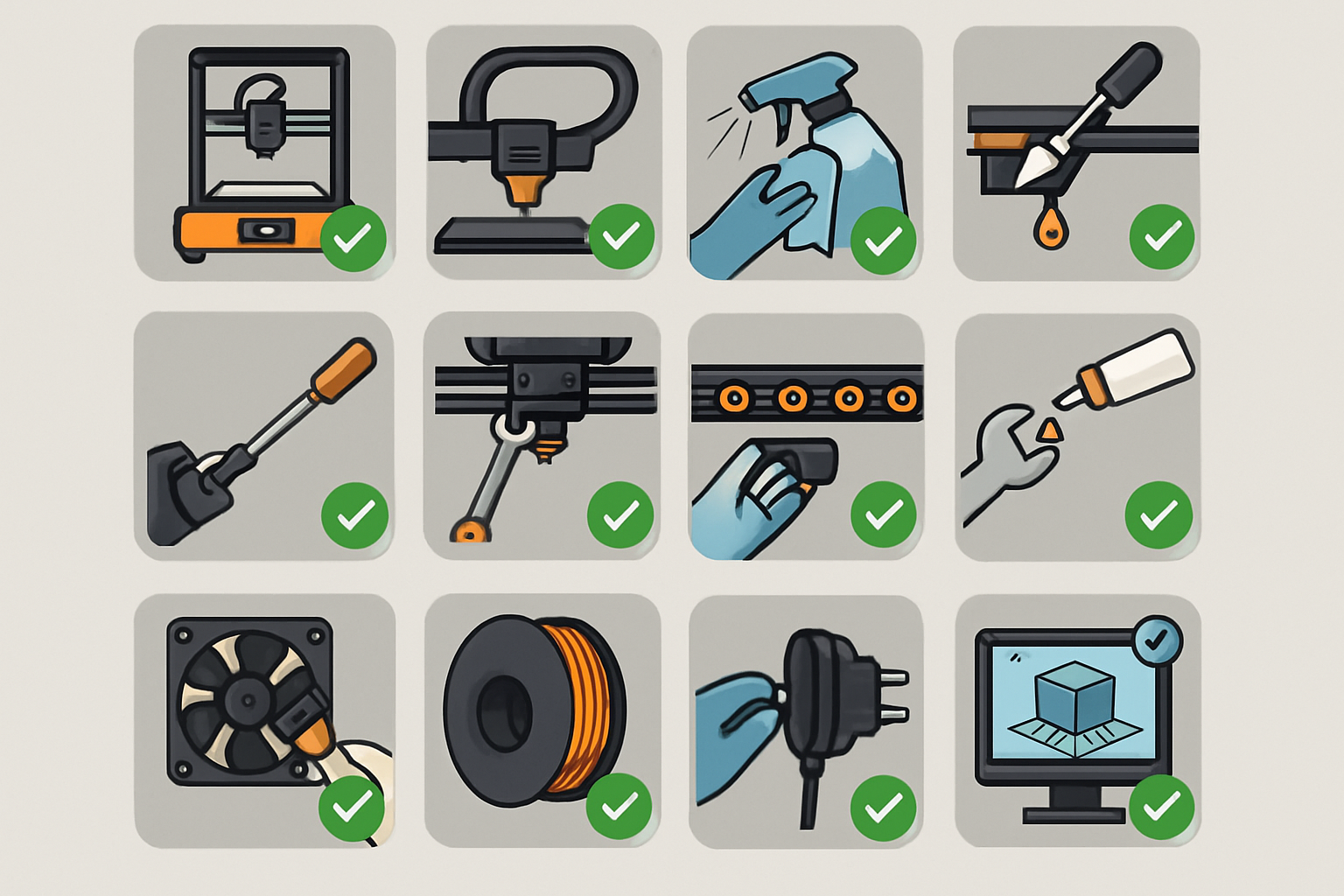
A comprehensive checklist for daily, weekly, and monthly 3D printer maintenance to ensure high-quality results. Focus: Mechanical longevity, motion system precision, and safety.
Daily: Pre-Flight and Post-Print Routine
Professional results start with a clean slate. Perform these quick checks before every project.
- Clean the Build Plate: Dust and skin oils are the enemies of adhesion. Wipe down your PEI sheet with 90 percent or higher Isopropyl Alcohol.
- Nozzle Inspection: Check for “ooze” or charred filament on the outside of the nozzle. A clean nozzle prevents unwanted artifacts in the first layer.
- Filament Check: Ensure your spool is rotating freely and the filament has not become brittle. If you are using premium COEX filament, keep it in a dry box when not in use to maintain its professional properties.
Weekly: Stability and Motion Control
Vibration and “slop” in the motion system are the primary causes of ghosting and ringing in your prints.
- Check Belt Tension: Belts should be taut like a guitar string but not overstretched. If they feel “mushy,” tighten them using your printer’s built-in tensioners.
- Clear the V-Slot Rails: Use a microfiber cloth to wipe the aluminum extrusions. Dust accumulation on the rails causes the POM wheels to wear prematurely.
- Tighten the Eccentric Nuts: Ensure there is no wobble in the X-carriage or the build plate. This is a critical part of the calibration trick that makes any 3D printer perform better.
Monthly: Deep Calibration and Wear Inspection
Every 30 days, or after 100 hours of printing, perform a deeper dive into the mechanical integrity of the machine.
- Lubricate the Lead Screws: Apply a small amount of PTFE-based grease to the Z-axis lead screw. This prevents Z-banding and ensures smooth vertical movement.
- Inspect the PTFE Tube: Check the ends of your Capricorn tubing. If the end near the hotend is charred or deformed, trim a few millimeters off to ensure a flush fit against the nozzle.
- Check for Nozzle Wear: If you use abrasive filaments, even “Pro” nozzles will wear down. Compare your nozzle aperture to a new one; if it looks enlarged, replace it immediately.
- Verify E-Steps: Calibration can drift over time. Use one $15 tool every 3D printer owner should have to measure and verify that your extruder is pushing exactly the amount of filament requested.
Quarterly: Electrical and Firmware Safety
- Check Wire Terminals: Open the control box and ensure all screw terminals are tight. Thermal cycling can occasionally loosen these connections.
- Firmware Updates: Check for manufacturer updates that might include better thermal runaway protection or improved motion algorithms.
- Fan Cleaning: Use compressed air to blow out the dust from the motherboard and power supply fans to prevent overheating.

