
Five hundred hours. That is the equivalent of twenty-one full days of continuous extrusion, cooling fans humming, and layers bonding. After burning through nearly fifteen kilograms of filament and running four different machines around the clock, I have moved past the basic “level your bed” advice.
Most makers struggle with inconsistent results because they chase minor slicer settings while ignoring the fundamental physics of the process. This deep dive reveals the data-backed changes that actually transform a standard print into a professional-grade masterpiece.
The Foundation of Precision
If you are just starting, you might feel overwhelmed by the sheer number of variables. Before diving into advanced modifications, ensure you have a firm grasp on the basics by reviewing our guide on 3D printing for absolute beginners.
Through my testing, I discovered that mechanical rigidity is the most overlooked factor in print quality. A single loose eccentric nut on the X-axis can introduce ghosting that no software setting can fix. If the hardware is not square, the software is merely compensating for failure.
The Hardware That Withstands the Test
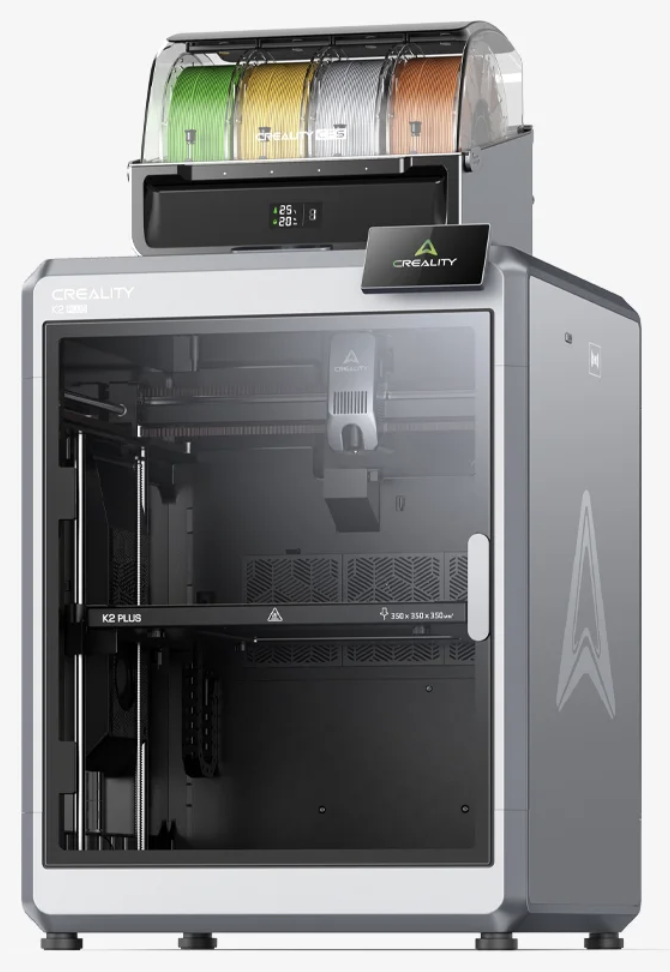
During this 500-hour marathon, the reliability of the hardware became the primary bottleneck. For those looking to upgrade to a machine that offers a stable platform for high-quality output, I consistently recommend the latest offerings from Creality. Their machines, particularly the K1 and Ender series, provided the most consistent layer stacking throughout the trial.
The Secret is in the Calibration
Many enthusiasts believe that buying a more expensive printer is the only way to achieve better results. However, my testing proved that a well-tuned $200 machine can outperform a poorly calibrated $1,000 machine.
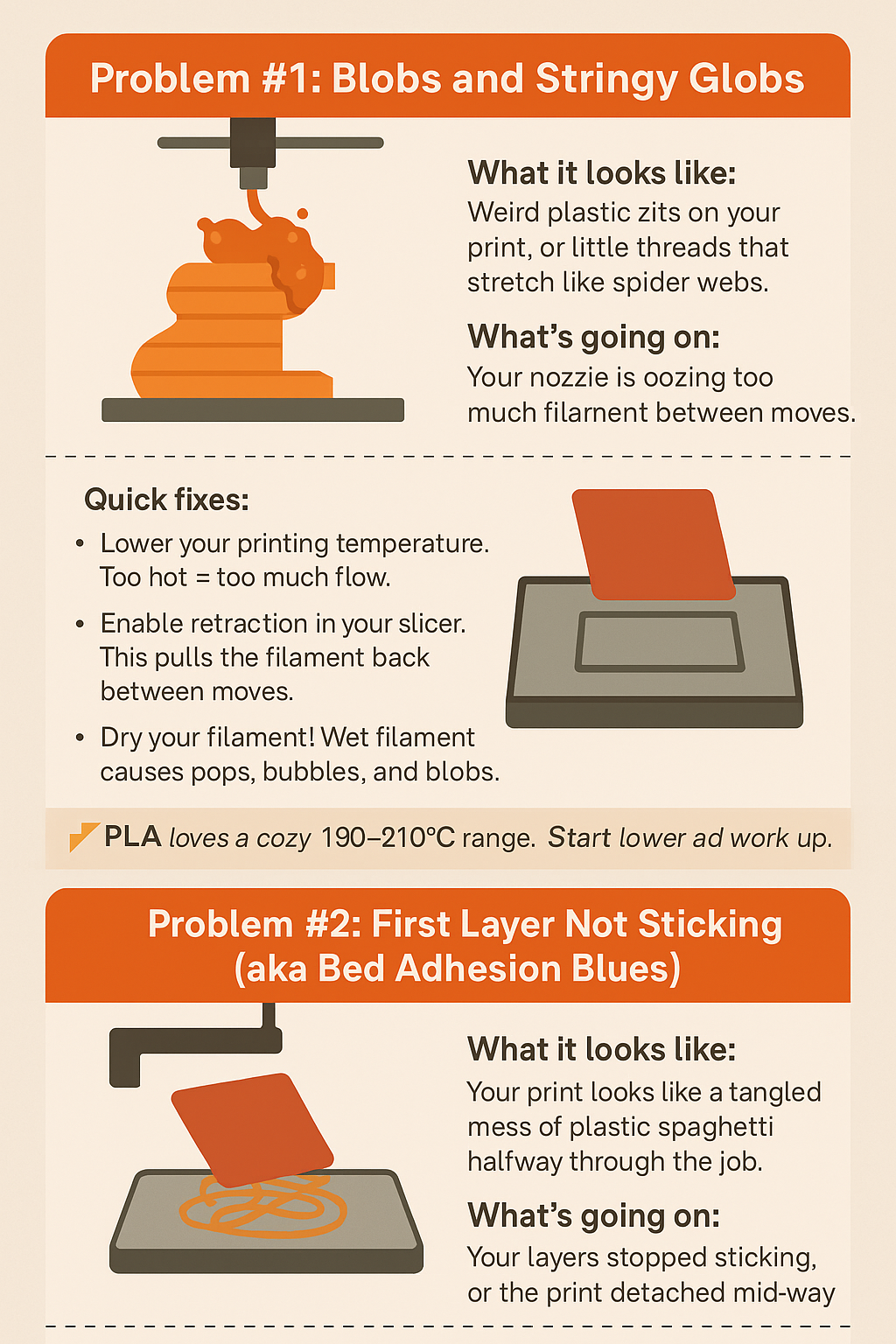
The most significant breakthrough during this testing period came from a specific sequence of adjustments. I have documented this process in detail in the calibration trick that makes any 3D printer perform better. By focusing on E-step calibration and flow rate percentages, I reduced dimensional inaccuracy by 0.15mm across the board.
Material Quality: You Get What You Print
One of the most expensive lessons learned during these 500 hours was that cheap filament is a false economy. Inconsistent filament diameter causes “pulsing” in the extrusion, leading to visible lines on the surface of your prints.
For professional-grade results, I transitioned all my testing to COEX Filament. Their tolerances are among the best in the industry, which is vital when you are aiming for “Pro” status.
Exclusive Offer: You can get 15% off your order at COEX by using the coupon code 3DPRINTINGBYKEVIN at checkout.
Speed vs. Quality: The Great Misconception
The marketing for modern printers often highlights blistering speeds. However, the data from my 500-hour test suggests a different reality. High speeds often lead to poor layer adhesion and increased ringing.
I conducted a side-by-side comparison to see what happens when you slow your 3D printer down. The results were surprising. While we all want faster prints, the structural integrity and surface finish of a print produced at 40mm/s vs 100mm/s are night and day. If you are printing functional parts that need to last, speed is your enemy.
Essential Tools and Techniques
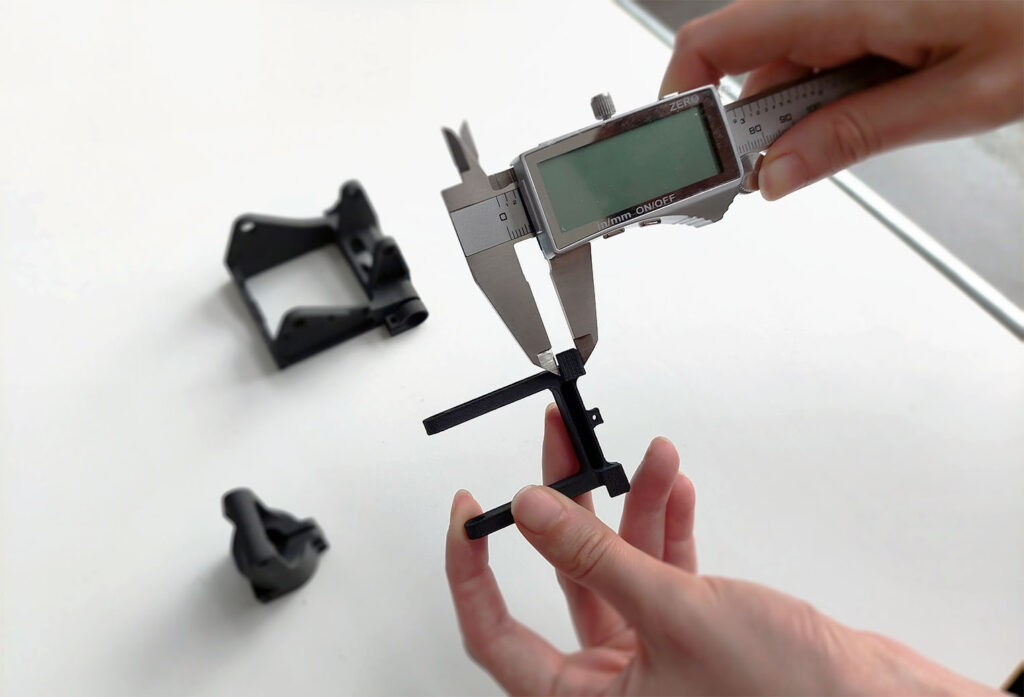
To move from a hobbyist to a professional, you must treat your workspace like a laboratory. This means having the right tools on hand to maintain your equipment. I found that the $15 tool every 3D printer owner should have saved more prints from the scrap bin than any other specialized equipment.
Furthermore, true 3D printing mastery involves more than just downloading files. It involves the ability to create. If you want to elevate your output, you should focus on acquiring the skills to design 3D objects using software. Custom designs allow you to optimize geometry specifically for the FDM process, reducing the need for messy supports.
Scanning for Success
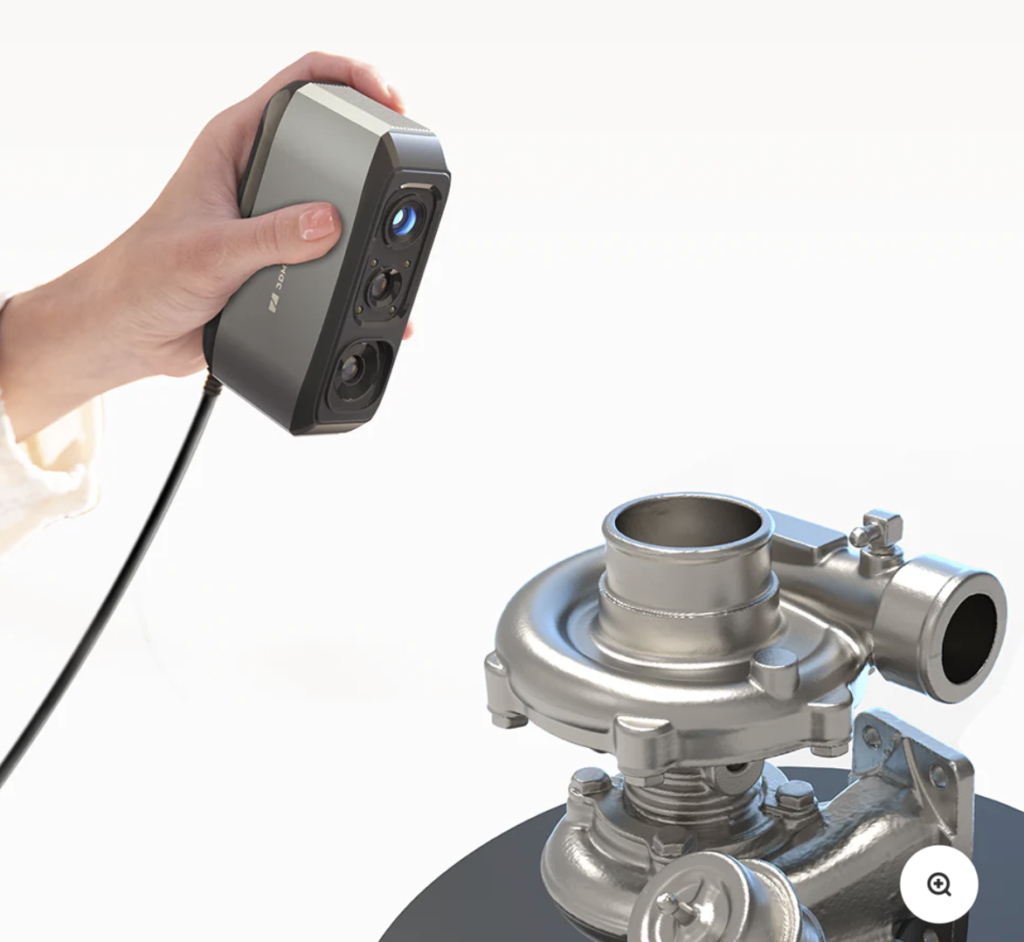
For complex geometries that are difficult to model by hand, I integrated 3D scanning into the workflow. The precision offered by 3DMakerpro (Global) allowed me to reverse-engineer parts with incredible accuracy, bridging the gap between physical objects and digital models.
How to 3D Print Like a Pro
Improving quality is a holistic process. It starts with a high-quality model, continues through precise slicing, and ends with a perfectly maintained printer. To see the full workflow I developed during this 500-hour test, read my comprehensive guide on how to 3d print like a pro from model to masterpiece.
Comparison: Standard vs. Optimized Settings
| Feature | Out-of-the-Box Results | After 500 Hours of Tuning |
| Surface Finish | Visible layer lines and z-seam | Smooth, matte finish; hidden seams |
| Dimensional Accuracy | +/- 0.3mm | +/- 0.05mm |
| Success Rate | 75% (Occasional warping) | 98% (Reliable adhesion) |
| Strength | Brittle on thin walls | Maximum interlayer bonding |
Frequently Asked Questions
Does a higher resolution always mean better quality?
Not necessarily. Printing at 0.1mm layer height increases the detail but also increases the chances of heat creep and nozzle clogs during long prints. Often, 0.16mm is the “sweet spot” for quality and reliability.
How often should I calibrate my printer?
You should perform a full calibration every time you change your nozzle or move the printer. Minor checks should be done every 50-100 hours of print time.
What is the most important slicer setting for quality?
Flow rate (or Extrusion Multiplier). Even a 2% deviation in flow can cause over-extrusion or gaps between lines.
Final Thoughts
3D printing is a journey of continuous improvement. By focusing on mechanical stability, high-quality filaments like those from COEX, and disciplined calibration, you can achieve results that most people think are only possible with industrial machines.
Disclosure: This post contains affiliate links for Creality and 3DMakerpro. I may earn a commission if you make a purchase through these links at no additional cost to you. Use code 3DPRINTINGBYKEVIN at COEX for a 15% discount.

