
Practical buying guide · Updated August 9, 2026
A sale can lower the purchase price. It cannot make the wrong printer fit your projects, your available space, your software, or the person expected to keep it running.
That matters when a 3D printer is headed to a student’s desk, a family workshop, a classroom, or a small makerspace. The exciting features are easy to compare. The daily responsibilities are easier to overlook: where the machine will operate, who will supervise it, what materials it will use, which computer will run the software, and what happens after the first failed print.
Affiliate disclosure: This article contains a Creality affiliate link. If you make a qualifying purchase through it, 3D Printing by Kevin may receive a commission at no additional cost to you. The recommendations below begin with project fit—not the size of the discount.
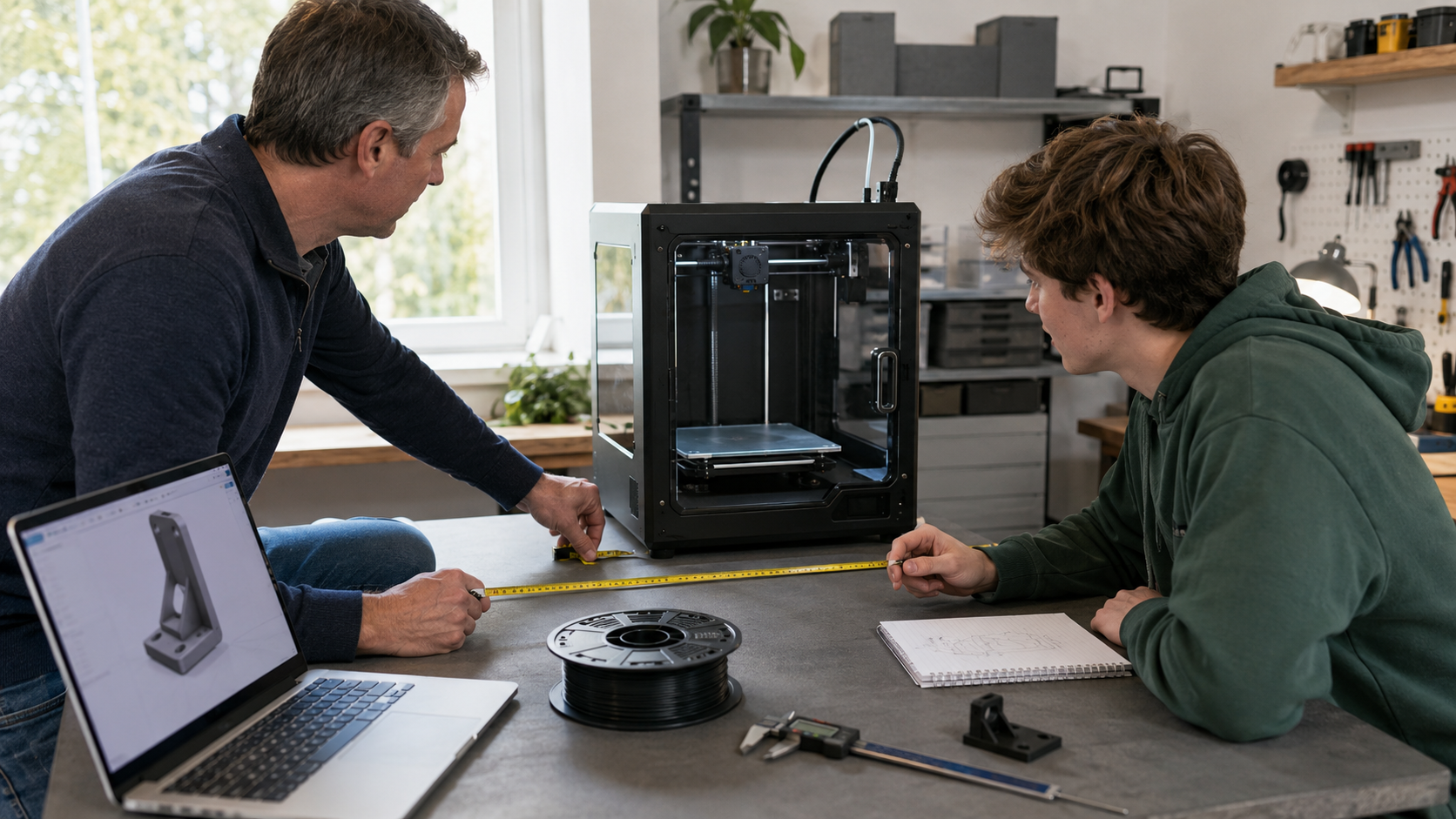
Quick answer: buy for the first 90 days
Before you buy a 3D printer for school, write down three real projects, the largest part each requires, the approved operating location, the material you expect to use, the available computer, and the person who will maintain the machine. If you cannot complete that one-page plan, the discount is arriving before the need is clear.
Current sale opportunity
Creality’s Back-to-School Sale is worth checking—with a plan
Creality’s 2026 promotion advertises savings of up to 50% on selected 3D printers, scanners, filament, and accessories. Its highlighted products include the K2 Pro Combo, Creality Pika scanner, and SPARKX i7 Nano Combo. Those are different tools for different jobs; they should not sit on one imaginary “best” list.
Use the seven questions below first. Then compare the exact configuration, included accessories, delivery estimate, warranty information, return terms, and final checkout price.
Sale details checked August 9, 2026. Prices, coupons, stock, configurations, package contents, shipping estimates, and promotional terms can change. Confirm the exact product and total at checkout.
Start with the outcome—not the machine
A person who wants to learn design and prototype for an engineering class has a different need from someone who wants one replacement clip. A teacher serving twenty students has a different workflow from a hobbyist printing alone. A scanner captures physical geometry; it does not replace the CAD work, dimensional verification, cleanup, or test fitting that many functional parts still require.
| Your actual goal | A sensible path to examine | What could be unnecessary | First proof before buying |
|---|---|---|---|
| Learn basic FDM printing and make small school projects | A dependable printer with current profiles, accessible support, and enough build volume for named projects | Huge build volume, advanced materials, or multicolor hardware with no planned use | Slice three representative models and record their size, material, and print time |
| Create mechanical prototypes or functional parts | A stable workflow, dimensional test pieces, suitable materials, and a printer that matches those material requirements | Decorative features that do not improve fit, strength, repeatability, or testing | Identify the tightest interface and print it as a small test coupon |
| Make large cosplay or display pieces | Enough build volume to reduce seams, plus a plan for supports, assembly, finishing, and storage | A large machine when the real designs divide cleanly on a smaller printer | Measure the three largest parts and test how the seams will join |
| Add readable color to models, maps, labels, or signs | A multicolor system when color improves communication or finished value | Extra color hardware when almost every planned part is single-color and functional | Prepare one actual multicolor model and review purge, material use, and print time |
| Reproduce an existing curved or organic object | A scanner plus the computer, cleanup software, CAD skill, and verification tools the workflow requires | A scanner when simple geometry is faster to measure and rebuild directly in CAD | Map the complete route from captured data to an editable, dimensionally checked model |
| Get one finished replacement or prototype | A custom printing service may cost less than buying equipment and learning the entire process | An entire printer setup purchased for a single urgent part | Compare the total ownership cost with a project quote |
1 What will you make in the first 90 days?
“School projects” is too broad. Name three objects. A robotics sensor bracket, a cell model, and a fitted project enclosure tell you far more than a list of marketing features. Record each object’s approximate dimensions, purpose, material, color needs, deadline, and consequence of failure.
If none of the first three projects requires a 300 mm build area, multicolor changes, engineering filament, or scanning, do not give those features credit merely because they are discounted.
Pass this question when: You can name three projects and explain what printer capability each one genuinely needs.
2 Where can the printer operate responsibly?
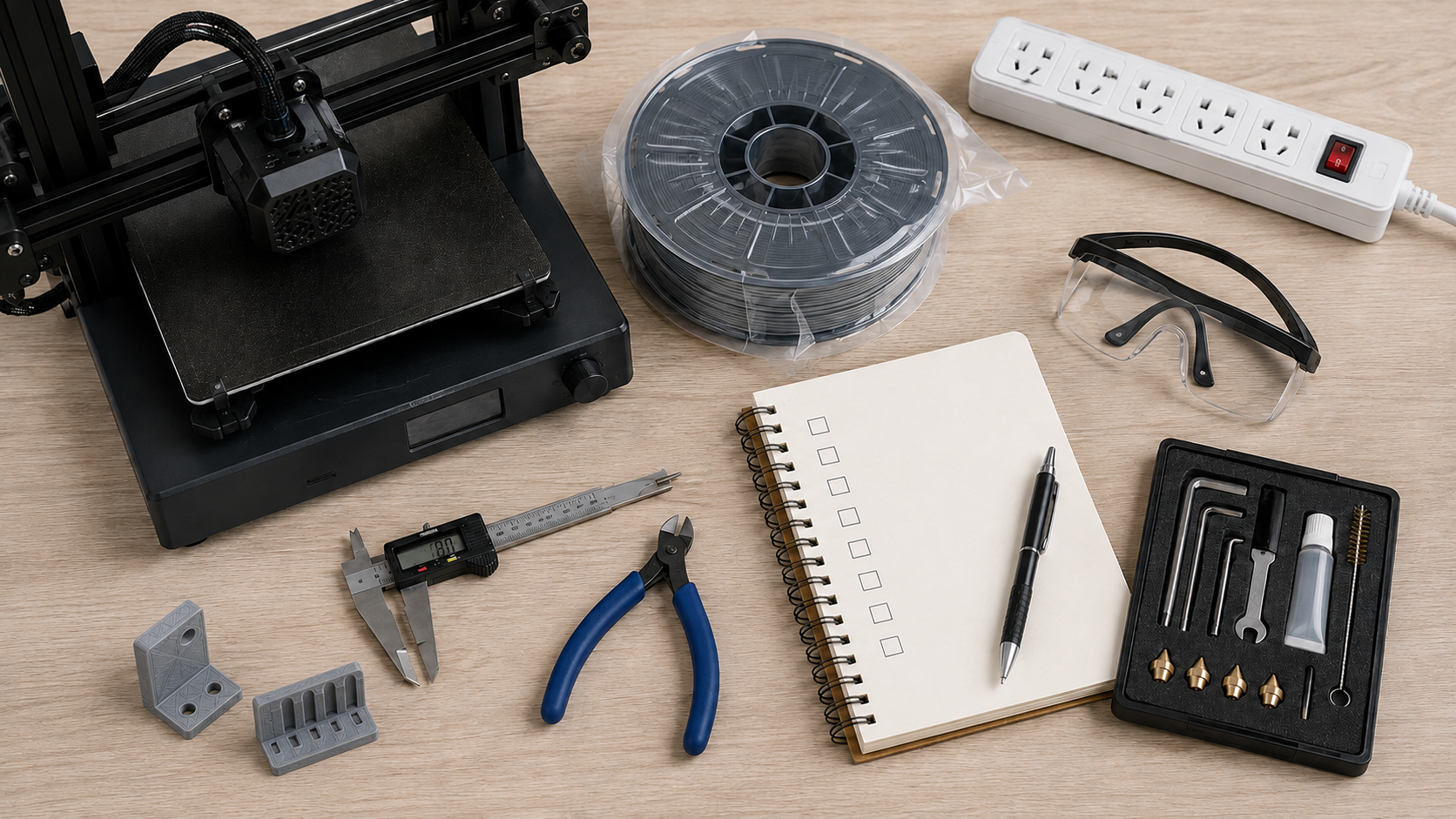
Measure the complete machine footprint with the bed, doors, spool holder, cable path, screen, and maintenance access in their working positions. A printer that fits on a desk may still need more room to move, load filament, remove parts, or open an enclosure.
Location is also a health-and-safety decision. NIOSH’s guide for makerspaces, schools, libraries, and small businesses discusses emissions, ventilation, electrical hazards, burns, post-processing, housekeeping, and other controls. Follow the current manual and material safety information for the exact equipment you use, and involve the school’s facilities or environmental health and safety staff when applicable.
- Use a stable location with appropriate space, ventilation, power, and supervision.
- Keep hot and moving parts away from children, pets, loose clothing, hair, and clutter.
- Decide who may operate the printer and what happens when no trained person is present.
- Do not assume an enclosure makes every material or room automatically suitable.
Pass this question when: The approved operating location works with the manufacturer’s instructions and the responsible adult or institution’s safety plan.
3 What is the largest part you actually need to print?
Build volume is not the same as the printer’s external size, and larger is not automatically better. A bigger machine occupies more space. A large failure can consume more time and filament. Large parts may still warp, require supports, or benefit from being divided for orientation and strength.
Open the real models in a slicer. Rotate them. Check whether they fit with the required orientation, skirt or brim, support structure, and clearance from the printable boundary. If a design can be divided at a strong, accessible joint, a smaller printer may still be the better daily tool.
Pass this question when: You have measured or sliced the largest three planned parts instead of guessing from a product photo.
4 Which material follows the project requirements?
A beginner often benefits from starting with a well-supported PLA profile and a forgiving model. That does not make PLA right for every final part. Heat, sunlight, moisture, flexing, impact, chemicals, creep, appearance, and the consequence of failure all affect material choice.
Choose the project first, then determine whether the candidate printer, nozzle, build surface, enclosure, ventilation plan, and manufacturer-supported profile match the required material. A high nozzle-temperature claim by itself does not prove that the complete machine and room are appropriate for every filament sold.
Pass this question when: You can explain why the starting material fits the first projects—and where it should not be used.
5 Will the available computer and software support the workflow?
A printer is only one part of the system. Check the operating systems, hardware requirements, network policies, account requirements, ports, storage, file-transfer method, and slicer support before purchasing. A school-managed computer may block software installation or cloud services that work freely on a personal laptop.
If a scanner is under consideration, inspect its computer requirements and software workflow even more carefully. Capturing a mesh may be the first step; cleanup, alignment, hole repair, scaling, CAD reconstruction, and dimensional verification can require additional time and skill.
For another careful perspective on choosing and using 3D-printing equipment, visit Maker’s Muse. Use independent education to develop better questions, then confirm time-sensitive specifications with the manufacturer.
Pass this question when: You have installed or verified the required software path on the computer that will actually be used.
6 Who owns setup, maintenance, and troubleshooting?
Modern automation can make the first print easier. It does not remove the need to inspect a first layer, clean a build surface correctly, store filament, replace wear items, update profiles carefully, diagnose a clog, or stop an unsafe setup.
Name the person responsible for routine inspection, filament storage, maintenance records, spare parts, account access, and troubleshooting. In a classroom or shared makerspace, also define who approves files, removes completed parts, handles sharp tools, and resets the printer after a failed job.
New users can begin with the site’s step-by-step FDM beginner guide. When fit matters, the small test that prevents a full reprint shows why controlled test pieces beat hours of hopeful printing.
Pass this question when: One named person owns the workflow after the box is opened.
7 What is the complete cost—and would outsourcing be smarter?
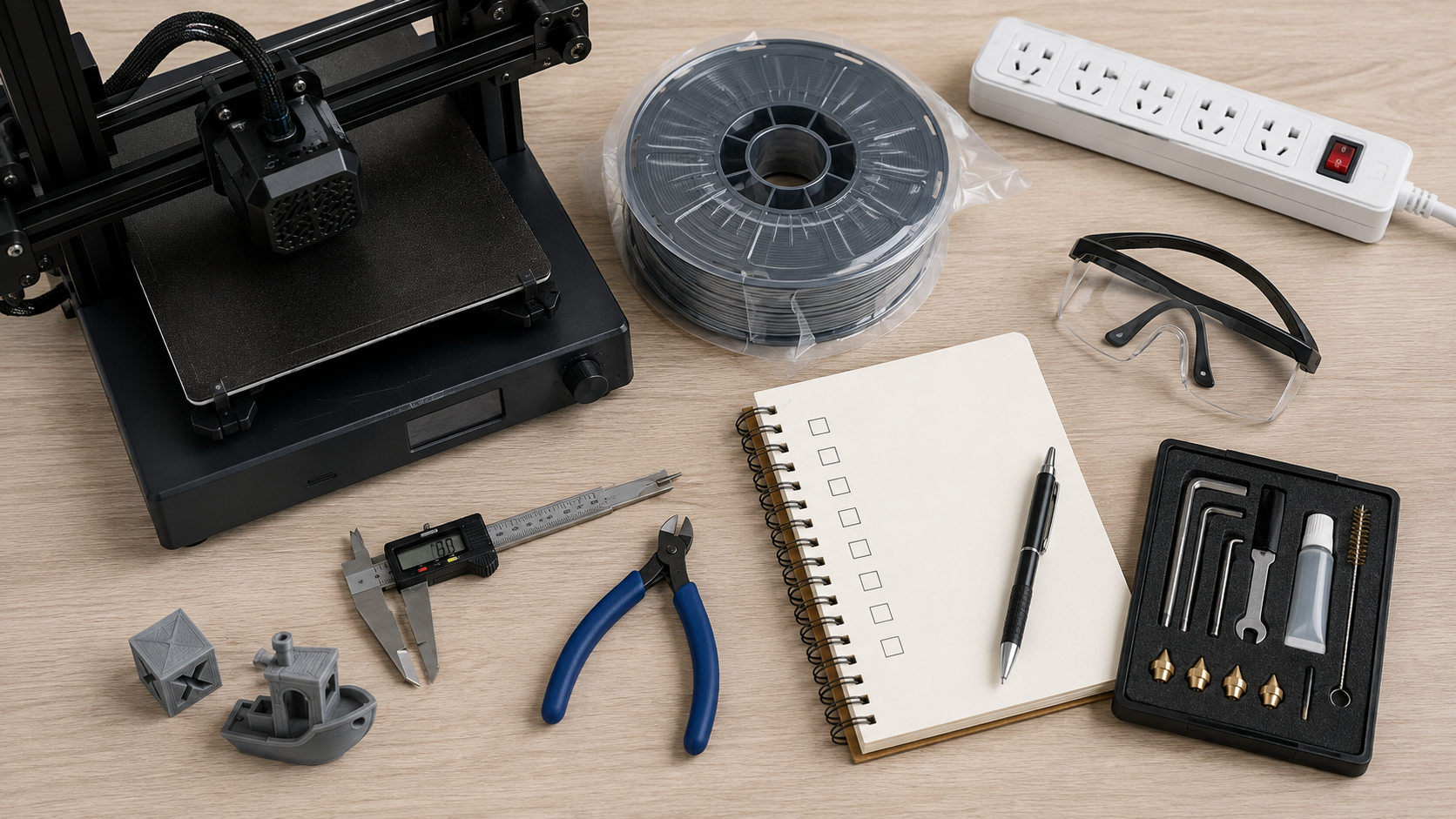
The printer price is only the beginning. Depending on the project and environment, the real plan may include filament, dry storage or conditioning, build surfaces, nozzles, small tools, eye protection, maintenance items, ventilation or filtration controls, software, a suitable computer, replacement parts, failed tests, and the time needed to learn.
There is nothing wrong with deciding not to buy. If the immediate need is one replacement part, one prototype, a short batch, or a project outside the available printer’s capability, outsourcing may be the more economical and responsible choice.
Pass this question when: You have compared the first-year ownership plan with the cost of having the actual projects made.
Planner integration
Your 90-Day 3D Printer Purchase Planner
Print this section or copy the prompts into a notebook. Complete it before returning to the sale page.
Decision rule: Buy only when one candidate satisfies the written plan without depending on features you cannot connect to a real project.
Use the P.R.I.N.T. Method™ on the purchase itself
The Practical Guide to 3D Printing: 2026 Expanded Edition carries that process beyond the purchase. It covers setup, slicers, first prints, materials, calibration, troubleshooting, replacement parts, maintenance, and practical project decisions in one 40-page reference.
Ready to compare the sale with your written plan?
Return to the promotion only after you can explain what capability you need, where the equipment will operate, who will maintain it, and which first project will prove the choice.
Four-question knowledge check
Choose your answer, then open the panel to check your reasoning.
1. What should come first: the biggest discount or three named projects?
Answer: Three named projects. They reveal the build volume, material, color, accuracy, software, and workflow you may actually need. A percentage does not define project fit.
2. Why should you measure more than the advertised build volume?
Answer: The complete machine also needs room for bed travel, doors, the spool, cables, the screen, loading, part removal, and maintenance access.
3. Does an enclosure automatically make every material suitable for every room?
Answer: No. Material choice, ventilation, filtration, operating instructions, room use, supervision, and institutional safety requirements still matter.
4. When may a printing service be the better value?
Answer: When the need is one part, a short batch, a deadline, a material or size outside your equipment, or a project whose ownership and learning costs exceed the value of buying a printer.
Frequently asked questions
What is the best 3D printer for a student?
There is no universal best model. The right choice matches three real projects, the available workspace, the approved materials, the computer and software, the responsible operator, and the complete budget. A dependable supported workflow is usually more important than owning the longest feature list.
Is an enclosed 3D printer better for school use?
An enclosure can help isolate moving and hot components and can provide a more controlled printing environment, but it does not settle every safety, emissions, ventilation, supervision, or material question. Evaluate the complete system and follow the current manufacturer and institutional guidance.
How much build volume does a beginner need?
Use the three largest projects planned for the first 90 days. Slice them in realistic orientations with supports or adhesion aids included. Buy more build volume only when it prevents a meaningful problem such as weak seams, excessive assembly, or an impossible orientation.
Should a beginner buy a multicolor 3D printer?
Multicolor can be valuable for readable labels, maps, educational models, signs, and finished presentation pieces. It may add material changes, purge waste, longer print times, and workflow complexity. Buy it when color serves a named project—not simply because the sample models look impressive.
Can a 3D scanner replace CAD skills?
Not generally. A scanner can capture useful geometry, especially curves and organic surfaces, but functional work may still require mesh cleanup, scaling, dimensional checks, CAD reconstruction, missing-feature repair, tolerances, and test fitting.
Should I buy during the Creality Back-to-School Sale?
Consider buying when a specific offer matches the written 90-day plan and the final configuration, support, shipping, warranty, return terms, and total cost are acceptable. Step away when the discount is creating the need.
Final takeaway
The best back-to-school 3D-printer purchase is not the machine with the loudest sale banner. It is the one that fits the first three projects, the operating space, the material plan, the available computer, the responsible user, and the real budget.
Start with the problem. Buy the capability. Test it with a small, useful part.

What would your first three projects be?
Share them in the comments, along with the printer or scanner you are considering. Include the largest part, material, and available workspace if you know them. That gives the community something useful to compare—and may reveal a requirement before money changes hands.