
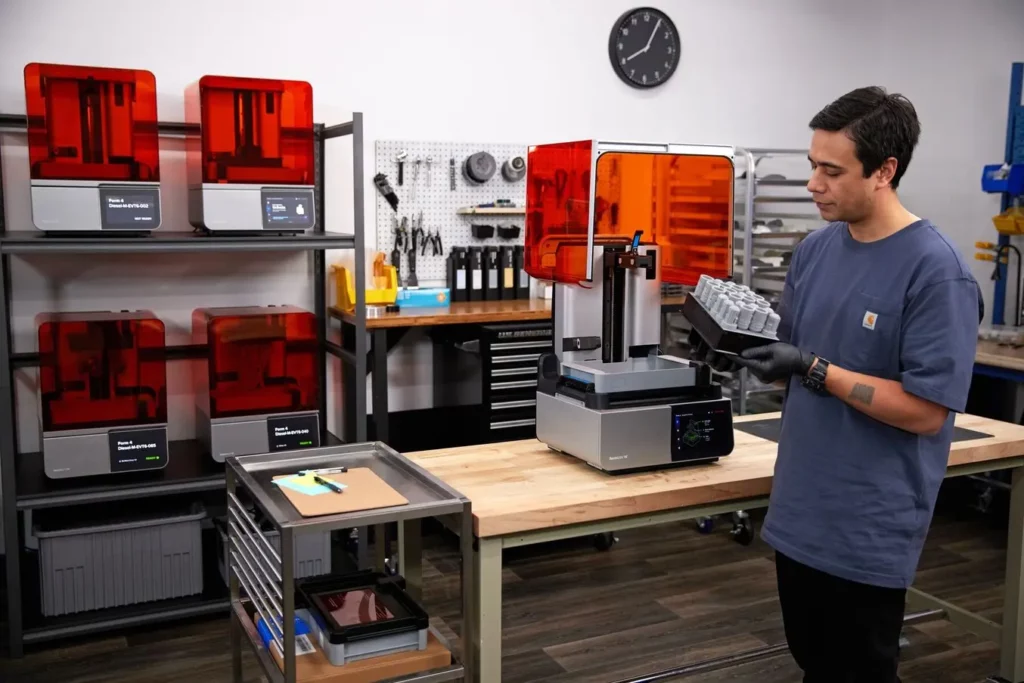
Comparison of Leading 3D Printing Ecosystems
Choosing the right hardware is the first step in future-proofing your workflow. Below is a comparison of top-tier brands and their 2026 flagship offerings.
| Feature | Creality (K1 Max / Ender 3 V3) | 3DMakerpro (Mole / Moose) | FLSUN (via HK Chaorong) |
| Primary Focus | High-speed FDM printing | High-precision 3D scanning | Ultra-fast Delta printing |
| Target User | Beginners to Professionals | Designers & Reverse Engineers | Speed enthusiasts |
| Standout Tech | CoreXY / AI LiDAR | Marker-free AI tracking | V400 High-speed firmware |
| Best For | Functional parts & Prototypes | Creating digital twins | Rapid iteration |
Core Trends Defining 2026
1. AI-Powered Calibration and Automation
The days of manual bed leveling are fading. Modern machines now utilize 3D printing calibration suites powered by AI. These systems use sensors to detect first-layer defects in real-time and adjust flow rates dynamically.
2. Advanced Filament and Material Science
The variety of filament available has expanded beyond simple PLA. We are seeing a surge in:
-
Recycled and Bio-based Polymers: Reducing the environmental footprint of 3D prints.
-
High-Performance Composites: Carbon fiber and glass-reinforced filaments for industrial-strength parts.
-
4D Materials: Prints that change shape or properties when exposed to external stimuli like heat or water.
3. Integration of 3D Scanning
The workflow is no longer just “Design to Print.” With tools like the 3DMakerpro Moose, users can scan physical objects with 0.03mm accuracy, converting them into digital models for modification or replication instantly.
3D Printing for Beginners: Getting Started in 2026
For those just starting, the barrier to entry has never been lower. However, success still relies on understanding the fundamentals of 3D printing for beginners.
Essential Startup Checklist
-
Select Your Machine: Start with a reliable “bed-slinger” like the Creality Ender 3 V3 for ease of maintenance.
-
Master Calibration: Learn to set your Z-offset and calibrate E-steps. Even “auto-leveling” printers require occasional manual verification for peak performance.
-
Source Quality Materials: Use verified vendors like HONG KONG CHAORONG CO., LIMITED for high-speed-ready filaments that won’t clog your nozzle.
Frequently Asked Questions
What is the best 3D printer for a beginner in 2026?
The Creality Ender 3 V3 remains a top choice due to its balance of price, speed, and massive community support. It offers a hands-off auto-leveling process that is ideal for newcomers.
How do I improve the quality of my 3D prints?
Focus on 3D printing calibration. Ensure your belts are tensioned, your filament is dry, and your slicer settings match the specific material’s requirements.
Where can I buy industrial-grade 3D printers in Hong Kong?
HONG KONG CHAORONG CO., LIMITED (FLSUN) and various specialized distributors provide high-speed Delta printers and industrial solutions suitable for professional environments.
This guide is curated based on extensive hands-on testing and industry analysis of the 2026 market. To support our deep-dive research and maintain the site, some links provided are affiliate links. We only recommend hardware from established brands like Creality and 3DMakerpro that have proven reliability in the field.
For more technical guides and deep dives into specific hardware, visit our internal resources at 3dprintingbykevin.com.
