
High-speed 3D printing can shorten a job dramatically—but the maximum speed printed on the box is only one limit. The real result depends on acceleration, hotend flow, cooling, filament, geometry and calibration working together.
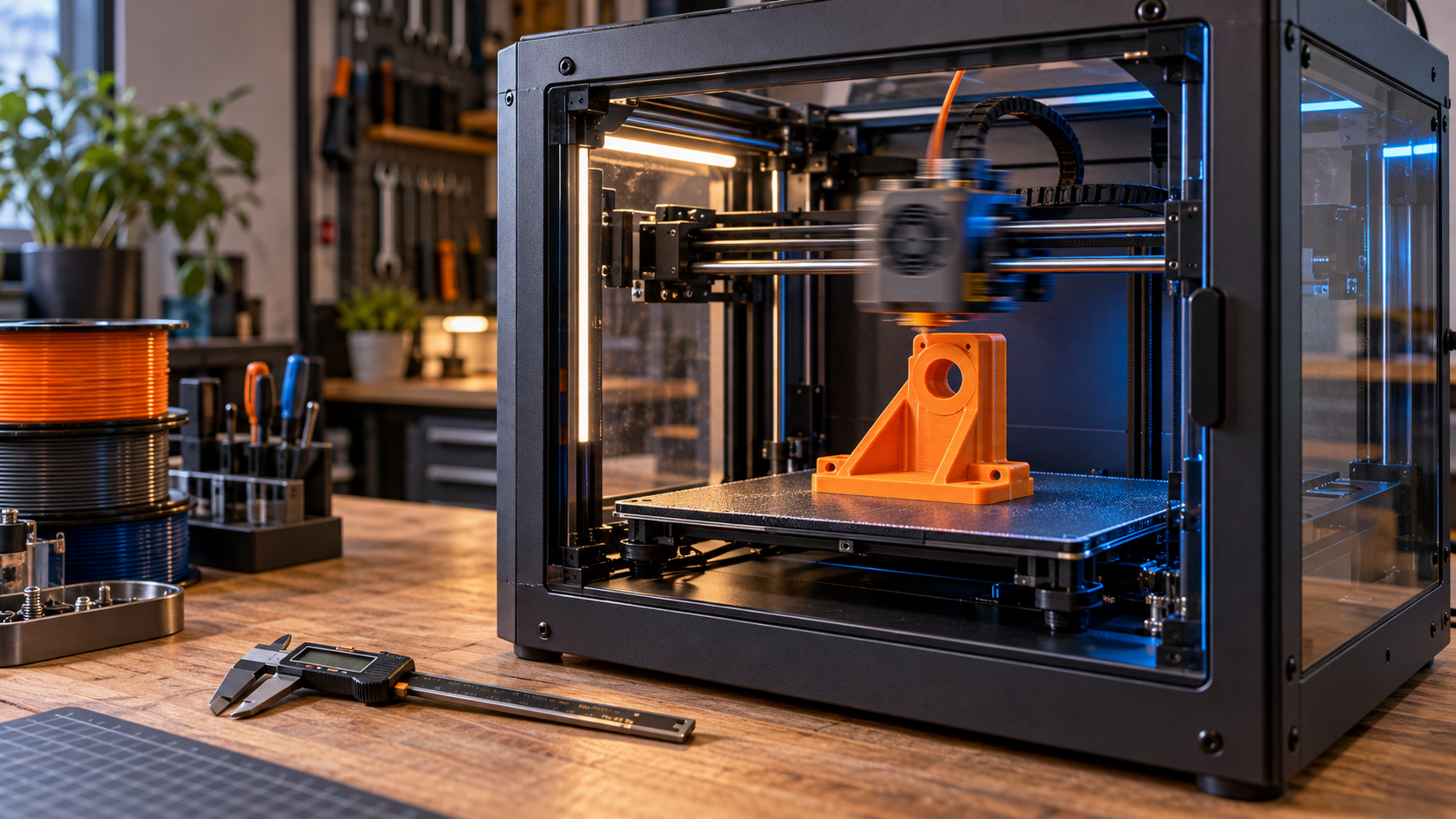
Quick answer: What makes high-speed 3D printing work?
A genuinely fast printer must reach useful speeds on real parts, melt enough plastic to maintain the requested line width and layer height, control vibration, cool each layer and remain accurate. A well-tuned machine printing at 200 mm/s can finish sooner—and produce a stronger part—than a poorly matched setup chasing a 500 mm/s headline.
- Speed controls the requested toolhead velocity.
- Acceleration determines how quickly the printer can reach that velocity.
- Volumetric flow limits how much plastic the hotend can melt each second.
- Input shaping reduces vibration-related ringing; it does not fix loose hardware.
- Cooling and material behavior determine whether fast layers retain their shape and bond properly.
I use speed as a production tool, not a contest. My Bambu Lab X1 Carbon can move quickly, but a replacement bracket, fitted insert or customer prototype still has to meet its dimensional and functional requirements. If added speed makes the corners inaccurate or the layers weak, the saved minutes are not useful.
Disclosure: This article contains affiliate links. If you buy through one, I may earn a commission at no extra cost to you. Recommendations are based on practical fit, not the largest advertised speed number.
Why 500 mm/s does not mean the whole print runs at 500 mm/s
Maximum toolhead speed is a ceiling, not an average. Short walls, holes, corners, bridges and small features may end before the machine has enough distance to accelerate to its top speed. The slicer also assigns different speeds to outer walls, inner walls, infill, supports and travel moves.
This is why a small calibration cube may show little time difference between 300 and 500 mm/s. A long, straight infill path can take advantage of higher speed; a detailed gear with dozens of direction changes usually cannot. My deeper comparison of 500 mm/s printers and real print quality explains that distinction.
The six limits that decide real printing speed
| Limit | What it controls | What you may see when pushed too far |
|---|---|---|
| Motion speed | Requested toolhead velocity | More noise, vibration or skipped steps |
| Acceleration | How quickly the toolhead changes speed | Ringing, shifted layers or longer-than-expected times |
| Volumetric flow | Plastic melted per second | Thin lines, gaps and weak layers |
| Cooling | How quickly new layers become stable | Soft corners, poor bridges and warped details |
| Material | Melt behavior, adhesion and flexibility | Weak bonding, jams or inconsistent extrusion |
| Geometry | Available distance and direction changes | Printer rarely reaches the requested speed |
1. Acceleration often matters more than top speed
A printer can only hold a high velocity after it accelerates. On compact or detailed models, it may begin slowing for the next corner before reaching the requested maximum. A rigid CoreXY frame and light moving toolhead can help, but aggressive acceleration still increases the forces carried by belts, bearings, fasteners and the printed part.
2. Volumetric flow is the hotend’s speed limit
Volumetric flow is measured in cubic millimeters per second (mm³/s). A useful approximation is:
Flow = line width × layer height × print speed
For example, a 0.45 mm line at a 0.20 mm layer height and 200 mm/s requests about 18 mm³/s. Increase the speed to 300 mm/s and the request becomes 27 mm³/s. If the hotend and filament combination cannot melt that much plastic consistently, the actual print may under-extrude even though the motion system can move faster.
That limit changes with nozzle size, temperature, material and even filament formulation. Test the exact combination you plan to use rather than copying one universal value. Prusa’s maximum volumetric speed guidance explains how slicers can use this limit to keep flow within a hotend’s capability.
3. Input shaping controls vibration—not every defect
Fast direction changes can create ringing or ghosting near sharp features. Input shaping modifies motion commands to reduce resonance at measured frequencies. It is a powerful tool, but it cannot tighten a loose belt, square a frame, repair worn bearings or supply missing hotend flow. The official Klipper resonance-compensation documentation also notes that overly aggressive smoothing can reduce detail.
4. Pressure control protects corners and line consistency
Pressure advance—or a manufacturer’s equivalent—accounts for pressure changes inside the nozzle during acceleration and deceleration. When it is poorly tuned, corners can bulge and line width can vary. Tune it for the filament and temperature you actually use; a value copied from a different machine is only a starting clue.
5. Cooling can become the hidden bottleneck
Fast printing places the next line sooner. PLA often benefits from strong part cooling, especially on bridges and short layers. PETG may need a more balanced approach to preserve layer bonding. ABS and ASA generally prefer controlled cooling and an enclosure. Flexible TPU commonly needs slower, steady extrusion even on a fast machine.
6. Filament consistency matters more as flow rises
Moisture, inconsistent diameter and a formulation that cannot melt cleanly at the requested rate can all reduce reliable speed. I use COEX filament when it fits the job because consistency removes one variable from the process. My code 3DPRINTINGBYKEVIN provides 15% off eligible purchases.
High-speed printer versus a traditional printer
| Question | Traditional workflow | High-speed workflow |
|---|---|---|
| Best advantage | Predictable, proven profiles | Shorter iteration and batch times |
| Typical priority | Moderate motion and flow | Balanced motion, flow, cooling and compensation |
| Setup sensitivity | More tolerant of small mismatches | Small weaknesses become visible sooner |
| Ideal models | Nearly any model when time is flexible | Prototypes, batches and parts with longer toolpaths |
| Main buying mistake | Assuming slow always means accurate | Buying by maximum mm/s alone |
Use the P.R.I.N.T. Method™ before increasing speed
- P — Problem: Are you reducing production time, speeding prototypes or simply testing the machine?
- R — Requirements: Record strength, finish, tolerance, material and deadline before changing a profile.
- I — Interfaces: Protect holes, threads, snap fits and mating faces; these may need slower outer walls.
- N — Next-Best Materials & Methods: Match the nozzle, hotend, filament and cooling to the required flow.
- T — Test & Tune: Change one limit at a time and compare the finished part—not just the slicer’s estimate.
I walk beginners through this same practical decision process in P.R.I.N.T It Practical — 3D Printing for Beginners.
A safe five-step high-speed tuning plan
- Begin with maintenance. Check belt condition and tension, fasteners, nozzle condition, lubrication requirements and toolhead movement. Use my 3D printer maintenance checklist.
- Save a known-good profile. Keep a baseline you can return to before editing speed or acceleration.
- Test flow first. Establish a reliable maximum volumetric flow for the nozzle, material and temperature.
- Tune motion compensation. Follow the printer or firmware maker’s procedure for input shaping and pressure control.
- Validate with a real part. Measure interfaces, inspect corners and bridges, and test strength in the direction the part will be loaded.
Increase one major variable at a time. If speed, acceleration, temperature, flow and cooling all change together, a failed test will not tell you which change caused it.
Should you upgrade an older printer or buy a fast machine?
An older printer may gain useful speed from careful maintenance, modern firmware, input shaping, a higher-flow hotend or improved cooling. But upgrades do not remove every mechanical limit. A flexible frame, heavy moving bed or worn motion system may still cap acceleration and print quality.
Before spending money, compare the upgrade cost, installation time, safety implications and expected gain against a purpose-built machine. If a new printer makes sense, look beyond the top-speed label. Compare flow capability, acceleration, cooling, replacement-part support, noise, enclosure needs and the quality of its slicer profiles. You can browse Creality printers through my affiliate link, but choose the machine that matches your actual parts and materials.
When slowing down is the professional choice
I deliberately slow outer walls, small holes, bridges, overhangs, top surfaces and critical mating features when the job calls for it. Functional parts are judged by fit and service life, not by the loudest speed claim. A fast printer is most valuable when it gives you a larger operating range—including the control to slow down where precision matters.
Knowledge check: Are you ready to print faster?
Open each question, choose your answer, and then reveal the explanation.
1. What does a 500 mm/s rating tell you?
It tells you the printer’s advertised maximum toolhead speed. It does not prove that every model, feature or material will print at that speed.
2. Which calculation estimates required hotend flow?
Line width × layer height × print speed. The result is an approximate volumetric-flow request in mm³/s.
3. Does input shaping repair loose belts or worn bearings?
No. It compensates for measured resonance in motion commands. Mechanical problems should be corrected first.
4. What is the best first step before raising speed?
Define the part’s requirements and save a known-good baseline profile. Then test one constraint at a time.
Frequently asked questions
Does high-speed 3D printing reduce quality?
Not automatically. A capable, calibrated system can print quickly with excellent quality. Defects appear when motion, flow, cooling or material limits are exceeded. Critical outer surfaces and interfaces may still benefit from lower speeds.
Can PETG be printed at high speed?
Yes, but the reliable speed depends on the specific filament, hotend, temperature, cooling and geometry. Test for layer bonding, stringing and stable flow instead of applying a universal PLA speed.
Will a larger nozzle make a print faster?
It can reduce the number of lines and layers, but it also requests more volumetric flow. The hotend must melt that additional plastic. For large functional parts, a larger nozzle at a sensible motion speed can be more productive than a small nozzle moving at an extreme speed.
Does high-speed printing wear out a printer faster?
Higher acceleration and sustained motion can increase loads and maintenance needs, but wear depends on design, components, tuning and operating conditions. Follow the manufacturer’s maintenance schedule and investigate new noise or play rather than assuming it is normal.
The bottom line
The high-speed trend is worth using, but the winning number is not the highest mm/s. It is the shortest repeatable print time that still produces the fit, finish and strength your part requires.
Need a functional part without guessing through the setup? Send the project details through my quote intake form. Based in Independence, Kentucky, I serve Northern Kentucky, Greater Cincinnati and customers who can ship or receive parts elsewhere.
What limits your printer first—flow, cooling, vibration or part geometry? Share the printer, material and speed you are testing in the comments. Your result may help another maker avoid chasing the wrong setting.
