
Most PETG problems come from printing it like PLA. Fix stringing, weak layers, and messy walls with one simple adjustment.
Affiliate Disclosure: This post contains affiliate links. If you click through and make a purchase, I may receive a commission at no additional cost to you. I only recommend products from trusted partners like Creality, 3DMakerpro, HONG KONG CHAORONG CO., LIMITED, and COEX.
How to Print PETG Correctly
To achieve instant results with PETG, the most critical change is to increase your Z-offset. Unlike PLA, which requires a “squished” first layer for bed adhesion, PETG needs to be “laid down” onto the surface. If you treat PETG like PLA, you will experience nozzle buildup, scarring, and catastrophic bed adhesion issues.
The Fatal Flaw in Your PETG Strategy
Many hobbyists approach Polyethylene Terephthalate Glycol (PETG) as if it were simply “high-temperature PLA.” This assumption is the primary cause of failed prints. While PLA thrives on being pressed firmly into the build plate, PETG is highly viscous and prone to sticking to the nozzle if it is compressed too tightly during the initial layer.
If you are seeing “boogers” or clumps of filament gathering around your heater block, your Z-offset is likely too low. By making one simple adjustment—raising your nozzle height by 0.02mm to 0.05mm more than your PLA settings—you allow the material to flow naturally without dragging through previous paths.
Hardware Matters: The Foundation of PETG Success
Before adjusting your slicer, ensure your hardware is capable of the thermal demands PETG requires. Professional-grade results start with a stable platform.
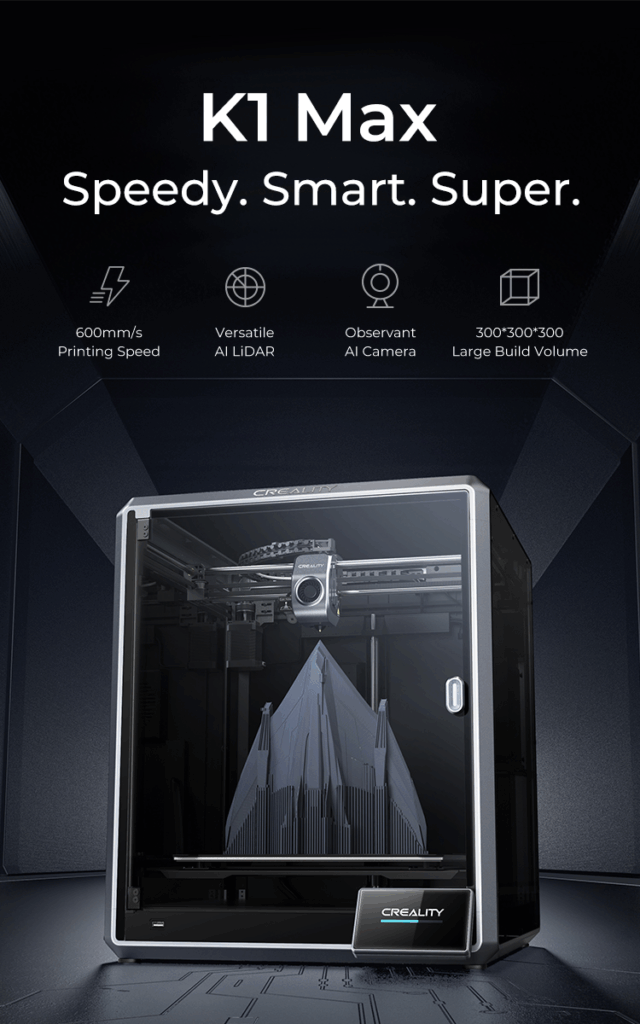
- Reliable Motion Systems: Printers like the Creality K1 series or the Ender 3 V3 provide the rigid frame necessary to handle PETG’s higher extrusion temperatures without introducing ghosting.
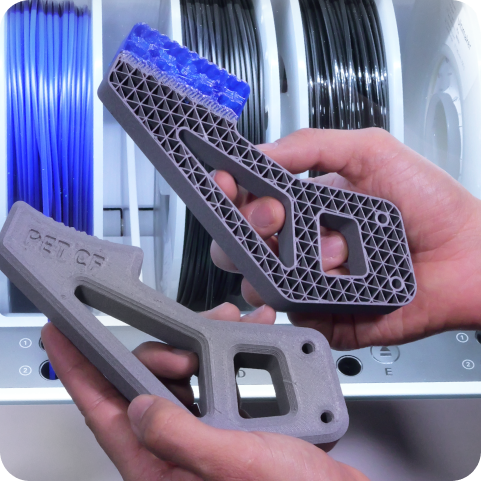
- Quality Filament: Not all resins are created equal. For structural parts that demand high impact resistance, I recommend COEX PETG, which is manufactured with tight tolerances to prevent clogging.
- Precision Measurement: If you are designing replacement parts or functional components, using a high-fidelity scanner like those from 3DMakerpro ensures your digital models match your physical requirements before you ever hit print.
Key Calibration Steps for Instant Improvement
1. The 50% Fan Rule
One of the most significant differences between PETG and PLA is cooling. PLA requires 100% fan speed for crisp details. In contrast, PETG requires minimal cooling to ensure proper layer adhesion. Furthermore, excessive cooling can lead to brittle parts that snap along the layer lines. Set your fan to 0% for the first three layers and cap it at 50% for the remainder of the print.
2. Temperature Tuning
PETG typically prints between 230°C and 250°C. However, the “sweet spot” is narrow. If you notice excessive stringing, your temperature is likely too high or your retraction settings are insufficient. Conversely, if the finish is matte rather than glossy, you may need to increase the heat to ensure full polymer melting.
3. Bed Surface Selection
PETG is famous for its “glass-breaking” adhesion. If you print directly onto clean glass, the PETG may fuse to the surface, taking chunks of glass with it upon removal. Use a textured PEI plate or a release agent like hairspray or glue stick to provide a protective barrier.
PETG vs. PLA vs. ABS
| Feature | PLA | PETG | ABS |
|---|---|---|---|
| Print Difficulty | Low | Medium | High |
| UV Resistance | Poor | Excellent | Moderate |
| Heat Resistance | 55°C | 75°C – 80°C | 100°C |
| Layer Adhesion | Excellent | Superior | Moderate (Prone to warping) |
| Best Use Case | Aesthetics/Models | Functional/Outdoor Parts | High-Heat/Enclosed Parts |
To further refine your technique, explore our comprehensive guides on related topics:
- How to Calibrate Your E-Steps for Consistent Extrusion
- Choosing the Right Build Plate Surface for Different Filaments
- Troubleshooting Common 3D Print Failures
Frequently Asked Questions
Why is my PETG stringing so much?
PETG is naturally hygroscopic, meaning it absorbs moisture from the air. If your filament is “wet,” the water turns to steam in the nozzle, causing oozing and stringing. Ensure your filament is dry and check your retraction distance; for Bowden setups, 6-7mm is standard, while direct drive typically requires 1-2mm.
Can I print PETG in an enclosure?
While not strictly necessary like ABS, an enclosure can help maintain a consistent ambient temperature, which reduces the risk of warping on large-format prints.
Is PETG food safe?
While the raw material is often FDA-approved, the 3D printing process introduces microscopic gaps where bacteria can grow. Use a food-safe epoxy coating if the part will come into contact with consumables.
Ready to Upgrade Your Setup?
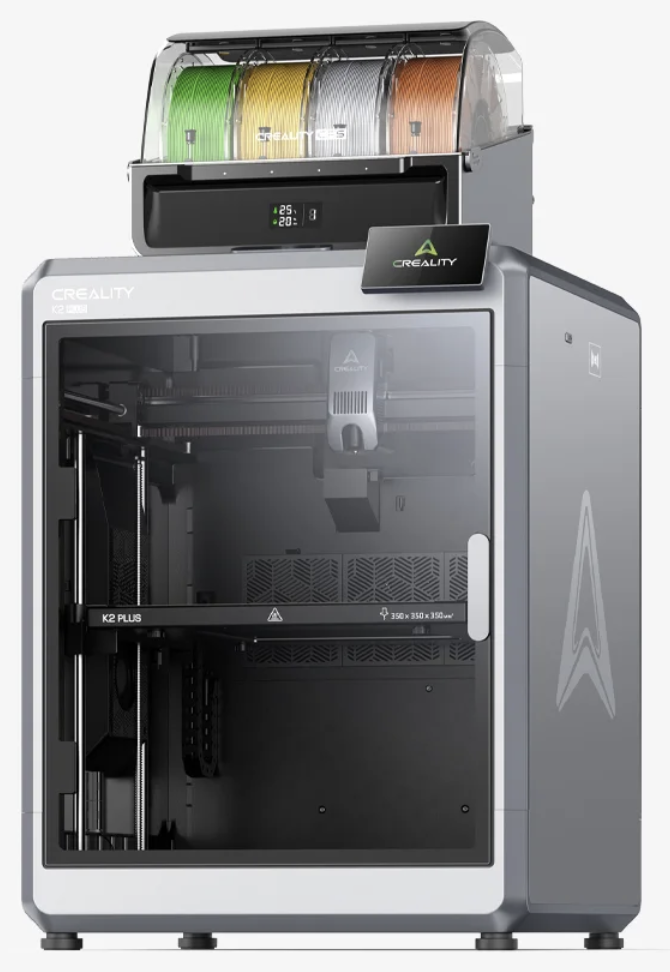
If you are tired of troubleshooting old hardware, it might be time for a more capable machine. Check out the latest high-speed offerings from Creality or source specialized components from HONG KONG CHAORONG CO., LIMITED to take your workshop to the next level. For consistent material performance, always stock up on COEX PETG.

