
3D printing used to feel like a hobby reserved for rocket scientists or elite software engineers. You would buy a kit, spend twelve hours assembling it, and then spend another twelve hours wondering why the nozzle was scraping the bed.
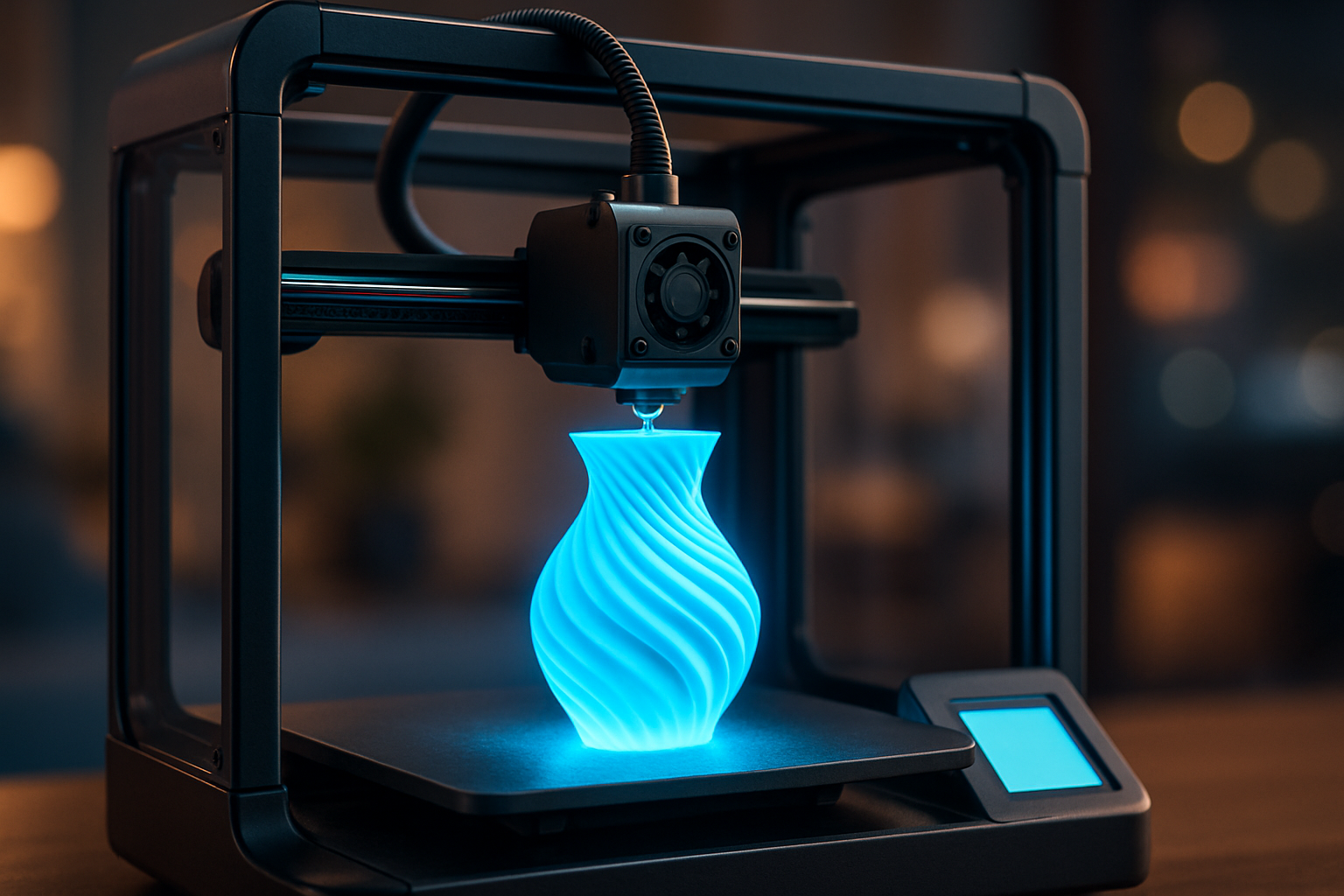
Those days are officially over. As we move through 2026, the barrier to entry has vanished. Today, you can take an idea from your head to a physical object on your desk faster than you can order a pizza. Whether you want to fix a broken bracket in your kitchen or create custom tabletop miniatures, the technology is now built for you.
The New Reality of Plug-and-Play 3D Printing
The biggest shift in the industry has been the move toward “intelligent” hardware. Modern machines now handle the heavy lifting that used to frustrate beginners. Features like Automatic Bed Leveling, Vibration Compensation, and AI-assisted Spaghetti Detection mean the printer is constantly checking its own work.
If you are just starting, 3D printing for absolute beginners is more accessible than ever. You no longer need to understand the physics of thermal expansion to get a perfect first layer.
Start With the Right Hardware
When choosing your first machine, reliability is the only metric that matters.
- Creality: Their latest machines, such as the SparkX i7 and the K2 series, are built for speed and ease. You can find excellent deals at My Creality to get started with a community-trusted brand.
- 3DMakerpro: If you want to replicate real-world objects without learning complex 3D modeling, a scanner like the 3DMakerpro Moose allows you to “copy-paste” physical items into your computer.
Mastering the Learning Curve (Without the Stress)
Even with “smart” printers, a little bit of knowledge goes a long way. You don’t need a degree, but you do need to know which levers to pull when you want to level up your results.
1. The Secrets of Slower Speeds
While manufacturers brag about high speeds, there is a hidden magic in pacing yourself. What happens when you slow your 3D printer down is often a massive jump in surface quality and structural strength. Sometimes, the best way to move forward is to take it slow.
2. Calibration is Your Superpower
You don’t need to be an expert to use the calibration trick that makes any 3D printer perform better. It’s a simple process that ensures your machine is actually extruding the exact amount of plastic it thinks it is.
3. Design Simplified
You might think you need to be a CAD expert to make your own parts. However, acquiring the skills to design 3D objects using software has become significantly easier thanks to browser-based tools and AI-assisted modeling programs.
Troubleshooting Like a Pro
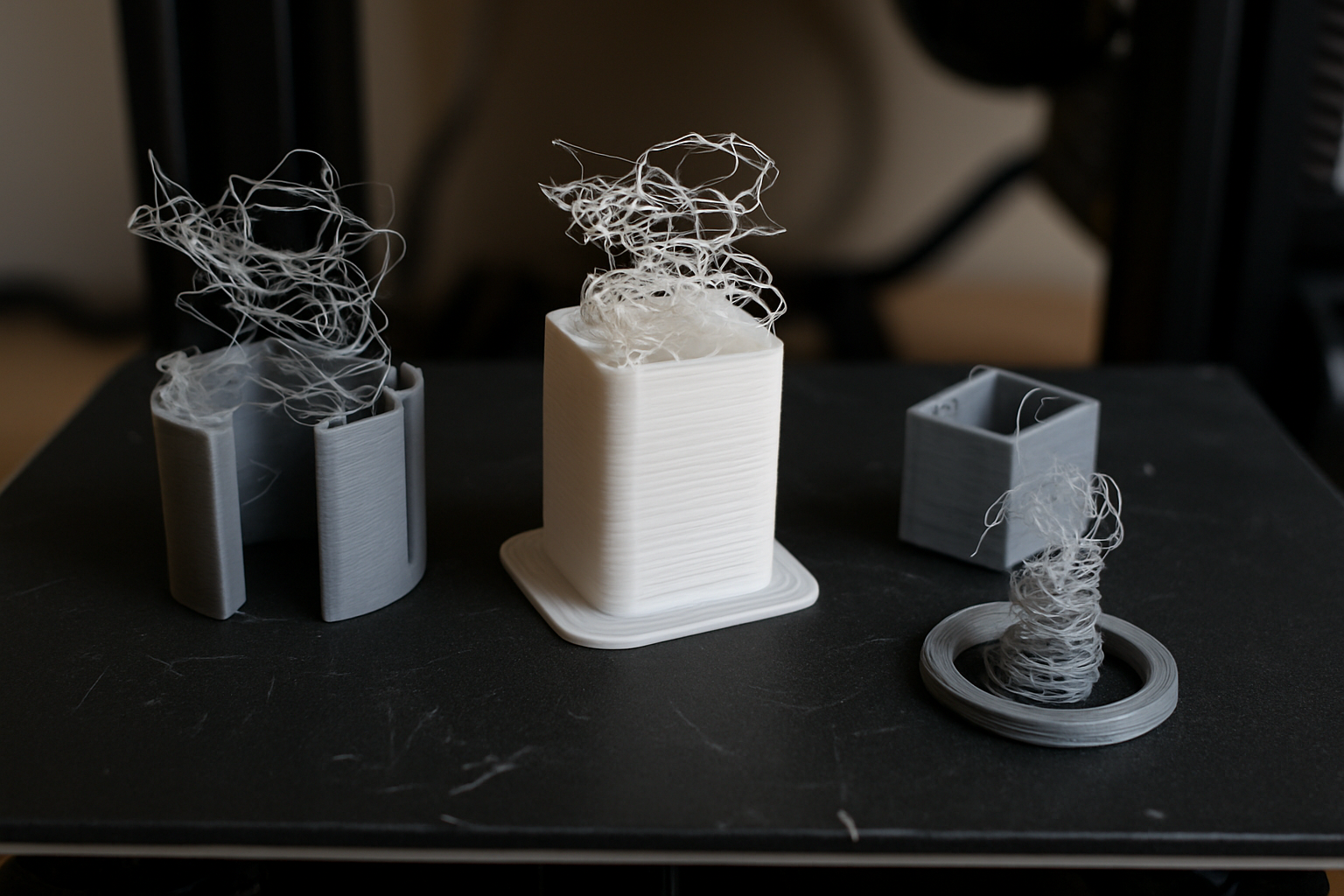
Eventually, you will hit a snag. It is part of the journey. The difference between a frustrated maker and a successful one is knowing where to look for the fix.
Pro Tip: If your prints are peeling up at the corners, check outthe easiest way to stop 3D print warping. It’s usually a simple fix involving bed temperature or a clean build surface.
For everything else, from clogged nozzles to layer shifts, keep a guide on how to fix common 3D printing problems quickly bookmarked. And remember, every pro has a toolbox. Check out the $15 tool every 3D printer owner should have—it might just save your next project.
Fueling Your Creativity: Premium 3D Printing Filament
A printer is only as good as the material you feed it. Using low-quality “mystery meat” filament is the fastest way to clog your machine and ruin your weekend.
For consistent, high-strength results, I recommend COEX 3D. They produce premium, USA-made filament in Wisconsin that is trusted by the community for its tight tolerances and vibrant colors.
| Feature | Why It Matters |
| Virgin Resin | No fillers mean fewer clogs and stronger parts. |
| USA Made | High quality control and ethical manufacturing. |
| Consistency | Your settings won’t change from one spool to the next. |
Exclusive Offer: Use the link below and apply the coupon code at checkout to save on your next order.
- Shop: COEX 3D Filament
- Coupon Code: 3DPRINTINGBYKEVIN (15% Off)

FAQ: Getting Started in 3D Printing
Is 3D printing expensive in 2026?
Not at all. While professional machines can cost thousands, a high-quality beginner setup (printer, basic tools, and a few spools of filament) can be started for under $350.
Do I need to know how to code?
Zero coding is required. Most modern “slicing” software uses a simple visual interface where you drag and drop your 3D models.
What is the best 3D printing material for beginners?
PLA (Polylactic Acid) remains the gold standard for beginners. It doesn’t smell, it doesn’t warp easily, and it prints at lower temperatures, making it very forgiving.
Disclosure: Some links in this post are affiliate links. If you purchase through them, I may earn a small commission at no extra cost to you. This helps support the site and keep the guides coming!

