
Heated Chambers or Smarter Calibration: Which Upgrade Helps?
A heated chamber, flow calibration, and input shaping solve different problems. Learn what each can change before upgrading a printer that already works.
A heated chamber, flow calibration, and input shaping solve different problems. Learn what each can change before upgrading a printer that already works.
A 500 mm/s rating does not mean every line prints at that speed. Learn how acceleration, hotend flow, cooling, filament and part geometry determine real-world high-speed 3D printing performance.
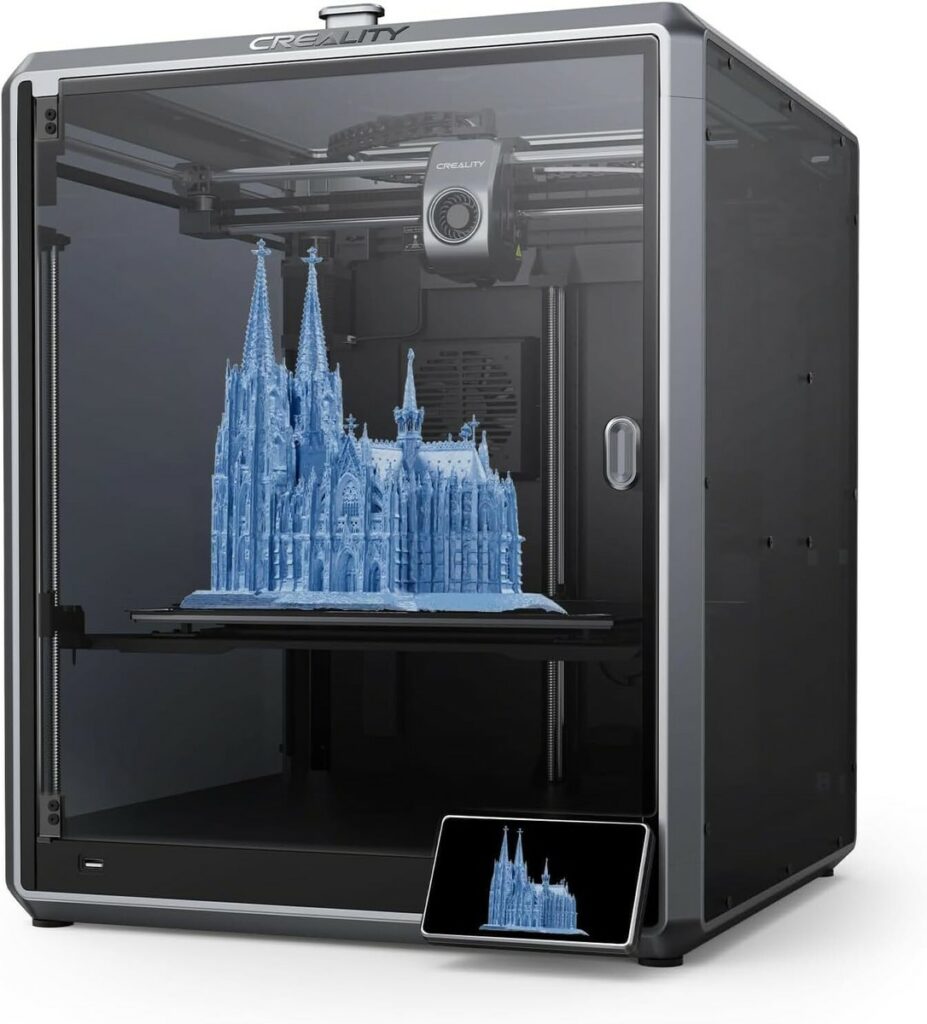
Speed is the flex everyone notices. Quality is the flex that actually sells prints, wins contests, and stops you from rage-restarting the same job at 2 a.m. Here’s the surprising truth most makers learn the hard way: slowing down your 3D printer often makes it feel more powerful. Not because it’s “doing less,” but because
What is the biggest myth holding back beginner 3D printing enthusiasts? The most damaging myth is the belief that high-quality, functional 3D printing requires an engineering degree and a five-figure investment in industrial equipment. In reality, modern “prosumer” hardware and intuitive software have lowered the barrier to entry, allowing beginners to produce professional-grade parts with
Discover the hidden 3D printing shortcut that reduces print time by up to 30% without sacrificing quality. Learn how to optimize Adaptive Layer Height and Input Shaping for your Creality or Anycubic machines. What is the hidden 3D printing shortcut in the settings menu? The most effective 3D printing shortcut hidden in modern slicer settings
The 3D printing shortcut hiding in your settings menu is Ironing. Learn where to find it, the best starter settings, when to use it, and how to get smoother top layers without sanding. Affiliate Disclosure: Some links below are affiliate links. If you click and purchase, I may earn a commission at no extra cost
Discover the $15 tool every 3D printer owner needs. Learn how digital calipers improve E-step calibration, filament flow, and dimensional accuracy for perfect prints. The most essential tool every 3D printer owner should own for under $15 is a pair of Digital Calipers. Unlike standard rulers, digital calipers provide the 0.01 mm precision necessary for
Under-extrusion is when your printer lays down less plastic than it should—so prints look thin, weak, or “see-through.” The good news: most under-extrusion problems are fixable without replacing parts. In fact, the most common causes are calibration drift, filament drag, partial clogs, temperature mismatch, and slicer flow settings. Use this quick path: If you need
To fix under-extrusion without buying new parts, you must address the primary mechanical and software bottlenecks: clean the nozzle using the “cold pull” method, increase the extruder spring tension, ensure the PTFE tube is flush against the hotend, and calibrate your E-steps in the printer firmware. These adjustments ensure that the volume of plastic requested