
Most beginners blame “the printer” when prints fail. They blame the bed. The slicer. The filament. The weather. The brand.
But on most FDM machines, the real culprit is quieter and far more predictable:
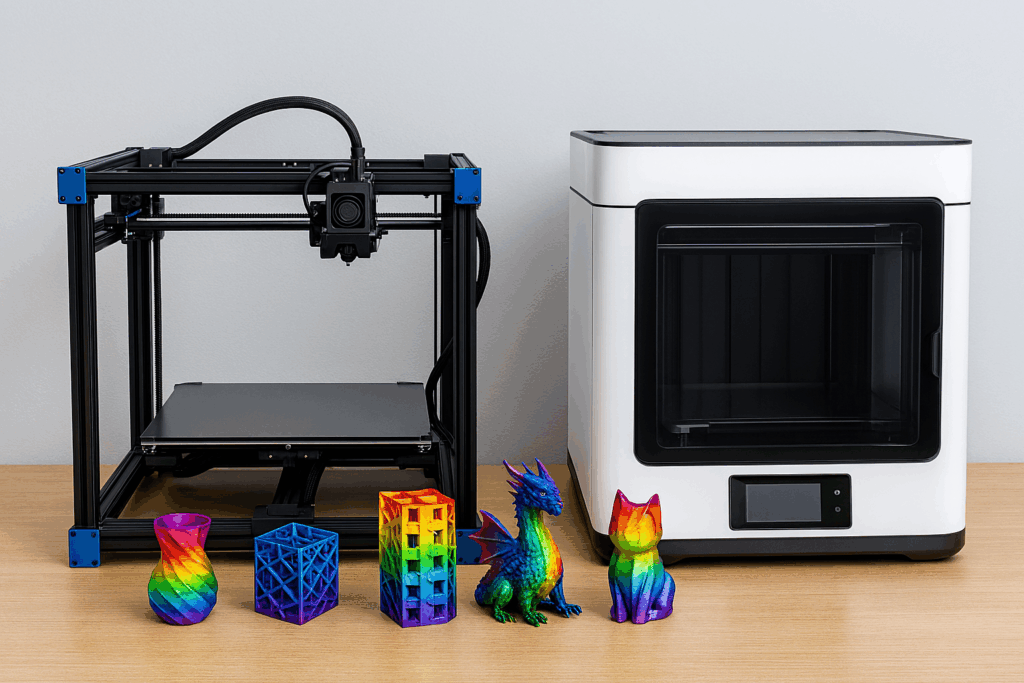
What is the hidden bottleneck in most 3D printers?
The hidden bottleneck is consistent melt flow through the hotend. In plain English: how reliably your printer can melt and push filament at the exact rate your slicer demands—without slipping, under-extruding, overheating, or clogging.
When melt flow gets strained, everything else starts to look “mysteriously wrong.” Layer lines get rough. Corners get soft. Overhangs sag. Retraction becomes unpredictable. And you can chase settings for weeks without realizing the real limit is simply how much plastic your system can melt and deliver per second.
This guide breaks down what that bottleneck really is, why it shows up in so many 3D printing for beginners setups, and how to fix it like a pro—without guessing.
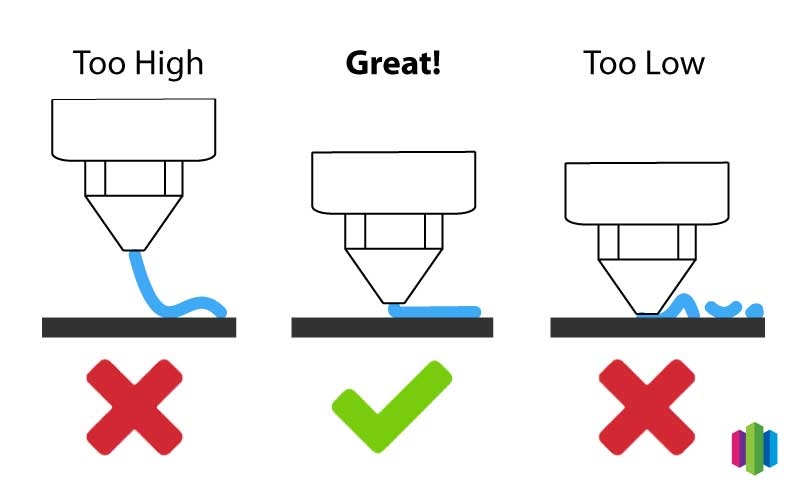
The “flow ceiling” problem (and why speed doesn’t do what you expect)
Every print is basically a timed delivery schedule. Your slicer calculates how much plastic must leave the nozzle every second to build each line. If your printer can’t melt and push that amount consistently, it starts “missing deliveries.” That’s under-extrusion—even if your gears are fine and your steps are correct.
That’s why increasing speed often creates a weird situation where the slicer claims the print will finish faster… but your result looks worse, weaker, or fails mid-job. You didn’t just move faster. You asked the hotend to melt more plastic per second.
If you want a simple mental model: Print speed is the request. Melt flow is the supply. Most printers fail when requests outrun supply.
Quick diagnosis: Signs you’ve hit the bottleneck
If you’ve seen any of these, you’re probably not “bad at settings.” You’re likely hitting the flow ceiling:
- Under-extrusion that appears only at higher speeds (but looks fine when slowed down)
- Inconsistent layer thickness even after leveling and tightening belts
- Gaps in top layers that persist even when you increase top layers
- Weak layer bonding that improves when you raise temperature, but then stringing gets worse
- Clicking or “thunking” from the extruder during long fast infill moves
- Sudden print failures that look like partial clogs
And here’s the key clue: the problem scales with flow demand (speed, line width, layer height, infill density, and nozzle size).
Need help confirming the basics first? Start with your 3D printing calibration guide, because calibration problems and flow bottlenecks can look similar at a glance.
What actually creates the bottleneck?
On most consumer printers, melt flow is limited by a stack of small constraints. One weak link can cap the whole system:
- Hotend heating capacity (how fast the heater block can deliver heat into filament)
- Melt zone length and design (how efficiently filament transitions from solid to viscous)
- Nozzle geometry (restriction, back-pressure, wear, and internal finish)
- Extruder grip and stability (gear bite, idler pressure, path friction)
- Filament condition (moisture, diameter variance, contamination)
- Cooling behavior (too much cooling can “freeze” flow at the nozzle tip)
Beginners often treat these as separate “issues,” but they’re really one system: heat + pressure + time.
If your filament is wet or inconsistent, your “bottleneck” shows up sooner. If you suspect that, read how to dry filament (and why it matters) before you start changing hardware.
Comparison table: Calibration issue vs melt-flow bottleneck
| Symptom | More likely calibration | More likely flow bottleneck |
|---|---|---|
| First layer won’t stick | Yes (Z-offset/leveling/bed) | Sometimes (if under-extruding) |
| Looks great at 40 mm/s, fails at 120 mm/s | Rare | Yes |
| Gaps in top layers only on big flat surfaces | Sometimes (top settings) | Often (can’t sustain flow) |
| Extruder clicking during fast infill | Sometimes (tension) | Yes (back-pressure/partial clog) |
| Raising temp improves strength but worsens stringing | Not typical | Classic flow/heat tradeoff |
| Random “partial clogs” that clear after slowing down | Uncommon | Very common |
If your first layer is inconsistent, fix that first: first-layer problems and fixes. A perfect hotend can’t save a bad first layer.
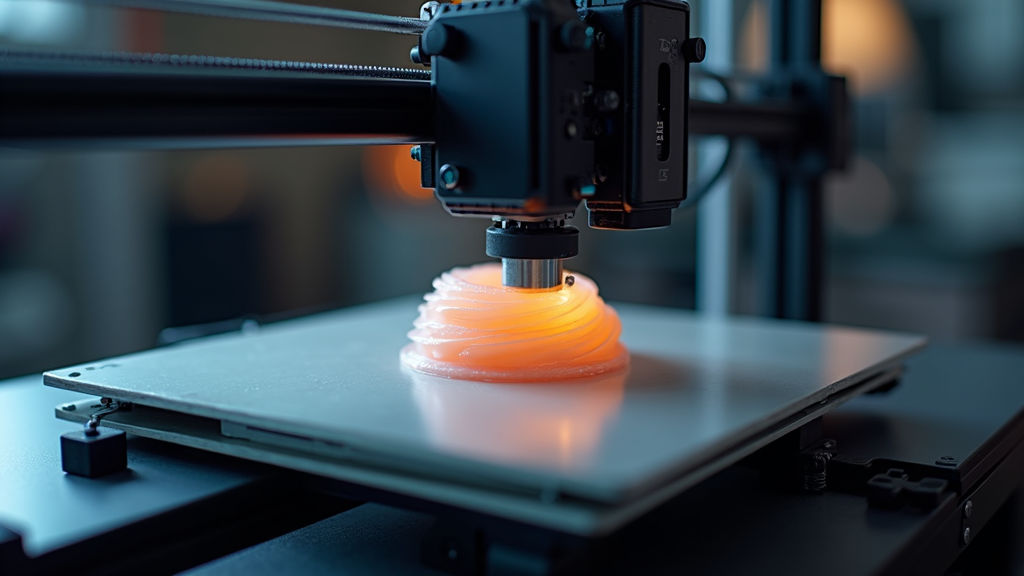
The pro fix: Measure your max flow instead of guessing
Pros don’t argue about “fast.” They measure flow. The moment you start thinking in flow, your printer becomes predictable.
Step 1: Understand what increases flow demand
Your slicer’s required flow rises when you increase:
- Print speed
- Layer height
- Line width
- Nozzle diameter (because you’ll usually print wider/taller lines)
- Infill density and number of perimeters (more plastic overall)
So if you changed to a larger nozzle and also increased speed, you can hit the bottleneck instantly—then wonder why “this nozzle upgrade made my printer worse.”
If you’re also fighting stringing while chasing higher temps, don’t skip retraction settings explained. Retraction doesn’t “fix” a flow bottleneck, but it can reduce the mess while you tune properly.
Step 2: Run a simple max-flow sanity check
You don’t need fancy gear. You need a repeatable test. Print a basic single-wall flow tower or a steady high-speed extrusion test and watch for the moment quality collapses: thin walls, gaps, rough texture, clicking, or sudden matte “starved” lines.
When you find that edge, you’ve found the limit your setup can sustain with that filament, temperature, and cooling.
And if the limit is suspiciously low, that’s when you check for partial clogs.
Comparison table: Fix options ranked by impact
| Fix | What it helps | When it works best | Tradeoffs |
|---|---|---|---|
| Dry your filament | Smoother extrusion, fewer bubbles, fewer “mystery clogs” | PETG, nylon, TPU, older spools | Requires dryer or controlled storage |
| Clear partial clogs / replace worn nozzle | Reduces back-pressure, restores consistency | Sudden under-extrusion, clicking extruder | Maintenance time |
| Raise nozzle temperature slightly | Improves melt rate and bonding | When flow fails only at high speed | More stringing, softer overhangs |
| Reduce max volumetric speed / slow infill | Stops starving the nozzle | Most beginner setups | Longer prints |
| Upgrade hotend (better melt zone) | Higher sustainable flow | Fast printing, bigger nozzles, high throughput | Cost, tuning required |
| Improve extruder path (less friction) | More reliable feed | Bowden systems, tight bends, cheap PTFE | Mechanical work |
The “like a pro” workflow: Fix the bottleneck in the right order
Here’s the sequence that prevents wasted time and avoids “upgrade spirals.”
1) Start with filament reliability
Moisture can mimic hardware limits. If your filament pops, hisses, or prints with random roughness, dry it first. This is especially true for PETG and anything flexible.
Use: how to dry filament (and why it matters).
2) Verify your baseline calibration (so you’re not chasing ghosts)
Before you touch speed, confirm the fundamentals: extrusion consistency, first layer, and basic temperature sanity. This keeps you from blaming flow for a simple Z-offset error.
Use: 3D printing calibration guide, first layer problems, and fixes.
3) Remove restrictions (the “cheap wins”)
If your nozzle is worn, partially clogged, or contaminated, your hotend can’t win. A fresh nozzle and a clean path often “magically” restore performance.
4) Tune heat + cooling as a pair
Beginners often raise temperature and assume the job is done. But temperature is only half the story. Cooling changes how fast plastic solidifies, which affects bridges, overhangs, and surface finish. If you raise temperature to sustain flow, you may need smarter cooling—not necessarily “more” cooling.
5) Cap your speed at the printer’s real flow limit
This is where your slicer stops being a wish list. If your printer can’t sustain the requested flow, set realistic limits (especially for infill and solid layers). Your prints will look more professional even if the printer isn’t “fast.”
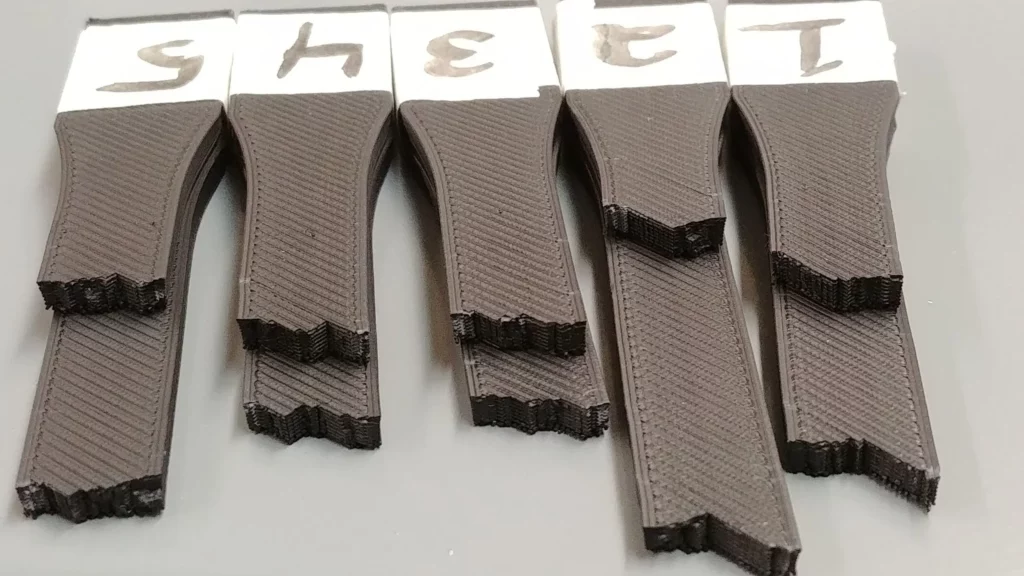
Beginner-friendly reality check: PLA vs PETG behaves differently under flow stress
One reason beginners get confused is that different materials fail differently at the flow ceiling:
- PLA often looks “fine” until it suddenly shows thin lines, weak layers, or brittle bonding in stressed areas.
- PETG may start stringing and blobbing earlier when you raise temp to keep up with flow—so the fix can look like a new problem.
If you’re bouncing between these materials, this comparison helps you keep expectations realistic: PLA vs PETG beginner comparison.
Comparison table: What to change based on the symptom
| If you see… | Try this first | Then this |
|---|---|---|
| Under-extrusion only at high speed | Reduce max flow demand (slow infill / lower layer height) | Raise temp slightly and re-test |
| Extruder clicking during long infill | Check partial clog / nozzle condition | Increase temp or reduce flow |
| Top layers have gaps even with many layers | Lower speed for top layers | Check for clog and verify extrusion |
| Raising temp fixes strength but creates strings | Adjust retraction and travel behavior | Fine-tune cooling and wipe/coast (if used) |
| Inconsistent results between spools | Dry filament and store properly | Run a quick flow sanity test per material |
If you want to clean up stringing while you tune flow, go here: retraction settings explained.
When it’s worth spending money
Not every bottleneck needs an upgrade. Many “slow printer” complaints are actually wet filament, partial clogs, or unrealistic slicer requests. That said, if you’ve done the basics and you consistently print larger models, higher infill parts, or want faster throughput, hardware can raise your flow ceiling in a real way.
When an upgrade makes sense
- You’ve confirmed consistent calibration and first layer performance
- You’ve dried filament and cleared clogs
- Your prints fail predictably when you push speed or thicker layers
- You want higher output (more 3D prints per week) without quality drops
Smart places to shop (affiliate disclosure below)
If you’re exploring printers, hotends, or official upgrades, Creality’s ecosystem is a common next step for many beginners because parts availability tends to be strong. You can browse current Creality options here: Creality (AWIN).
If your “bottleneck” is actually caused by inconsistent filament diameter or questionable spool quality, consider stepping up your filament sourcing too. Two places many makers check for materials and accessories are: HONG KONG CHAORONG CO., LIMITED and COEX.
And if you want to expand into scanning or capturing real-world objects (a different kind of “pipeline upgrade”), 3DMakerpro’s tools can be worth a look: 3DMakerpro (Global).
Hidden bottleneck FAQs
Why does my printer print fine slow but under-extrude fast?
Because faster printing requires higher melt flow. If the hotend can’t melt and push filament quickly enough, pressure builds, the extruder may slip, and the nozzle “starves,” causing under-extrusion.
Is the extruder or the hotend the real bottleneck?
It can be either, but the most common limit is the hotend’s ability to melt filament at the demanded rate. A weak extruder grip or a high-friction path can lower the limit even more.
Does a bigger nozzle always print faster?
Not automatically. A bigger nozzle usually increases flow demand because you print thicker and wider lines. If your hotend can’t sustain the higher melt flow, quality drops and you may end up slowing down anyway.
What’s the simplest fix for the flow bottleneck?
Dry your filament, clear partial clogs, and cap your slicer’s flow demands (especially infill and top layers). If you still hit the limit, a hotend upgrade can raise your sustainable flow ceiling.
How do I know if I have a partial clog?
Common signs include clicking from the extruder, inconsistent extrusion lines, and problems that disappear when you slow down. Follow this step-by-step: how to clear partial clogs.
Pro takeaway: Stop tuning symptoms—tune the bottleneck
If your prints fall apart when you chase speed, you’re not failing at 3D printing calibration. You’re learning the one limit almost every printer has: consistent melt flow.
Once you treat melt flow like the main constraint, your tuning gets simpler:
- Keep filament dry and consistent
- Eliminate restrictions (partial clogs, worn nozzles, friction)
- Pair temperature and cooling wisely
- Set speed based on proven flow limits, not wishful thinking
Do that, and your printer stops feeling “random.” It starts feeling professional.
Affiliate disclosure: This page contains affiliate links. If you click and make a purchase, I may earn a commission at no extra cost to you. I only mention products and suppliers that fit the topic and are useful for readers building reliable 3D printing results.

