
Have you ever sketched a brilliant idea on a notepad and wished you could reach into the paper and pull it out into the real world? That transition—from a flat concept to a tangible, physical object—used to require expensive injection molding, specialized factories, and months of prototyping. Today, precision 3D printing has completely rewritten the rules of creation.
Whether you are an inventor needing a functional prototype, a hobbyist creating custom parts, or someone who simply has a great idea, the barrier to entry has never been lower. But there is a distinct difference between a messy, stringy piece of plastic and a flawless, precision-engineered model.
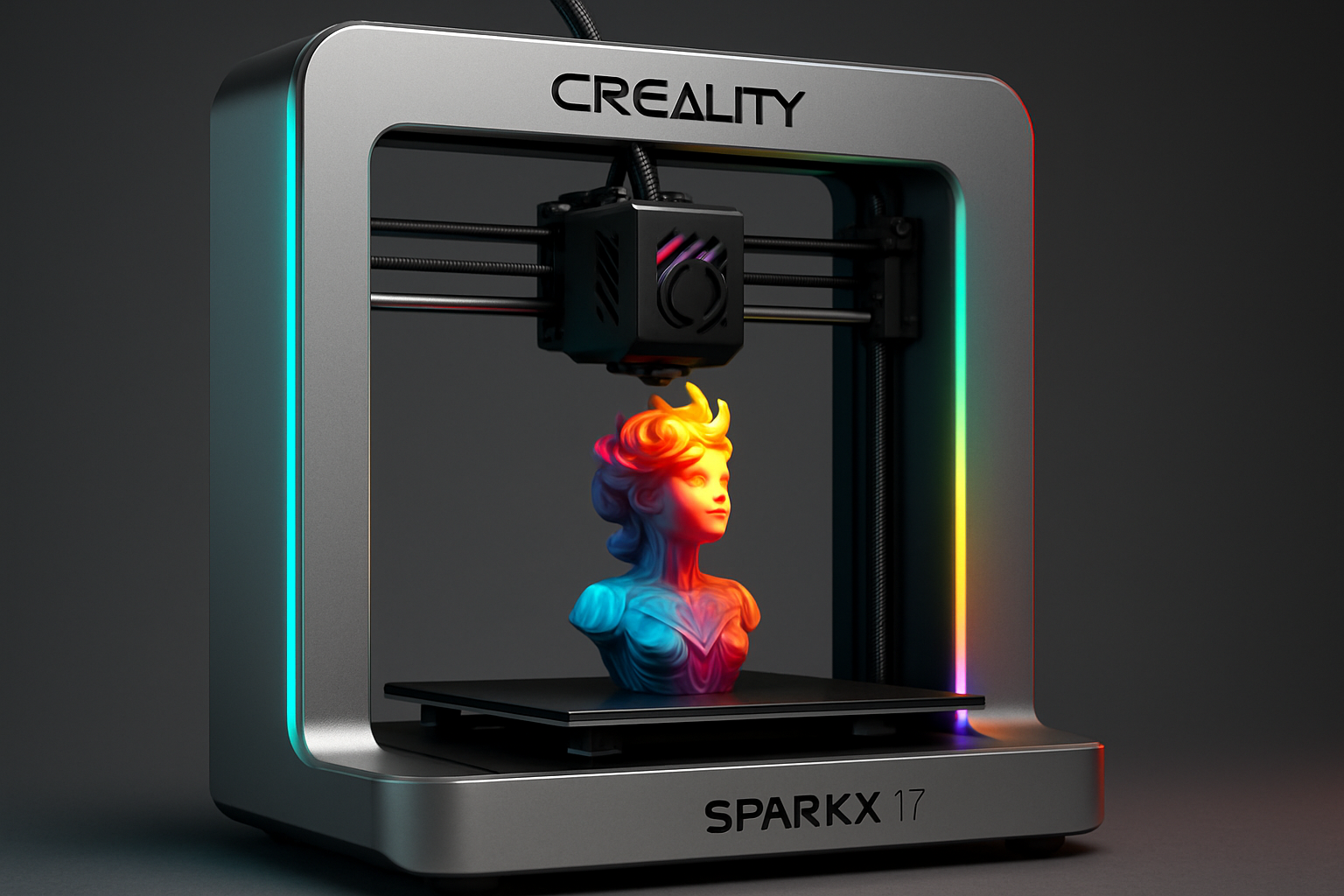
In this guide, we will walk through the exact steps to turn your concept into reality. We will explore the hardware, the materials, and the critical techniques that ensure success. And if you decide that learning the entire process is not for you, I will show you how you can skip the learning curve entirely and have your model custom-made by 3D Printing by Kevin.
Let us dive into the modern maker’s workflow.
Disclaimer: This post contains affiliate links. If you purchase through these links, I may earn a small commission at no extra cost to you. I only recommend products I trust and use. COEX link includes a special discount for my readers.
The Blueprint: From Mind to Digital Model
Before a printer can lay down a single layer of plastic, it needs instructions. It needs a map.
If you are just starting out and feeling overwhelmed by the terminology, you might want to take a quick detour and read my comprehensive guide on 3D printing for absolute beginners. Understanding the basics will make the design phase much more intuitive.
To get your concept into the digital realm, you have two primary paths:
Path 1: Computer-Aided Design (CAD)
If your concept requires strict dimensional accuracy—like a replacement bracket or a mechanical gear—you will need to build it in CAD software. It sounds intimidating, but modern software has become incredibly user-friendly. If you are ready to tackle this, I highly recommend checking out my guide on acquiring the skills to design 3D objects using software. Mastering CAD is the ultimate superpower for anyone who wants to create from scratch.
Path 2: 3D Scanning
What if your concept involves modifying an existing object, or capturing a complex, organic shape that is too difficult to model by hand? This is where 3D scanning technology shines. Instead of measuring with calipers for hours, you can digitize real-world items in minutes. For capturing stunning, precise detail without breaking the bank, I use and recommend 3DMakerpro scanners. They offer incredible resolution that translates perfectly into print-ready files.
The Engine: Hardware Built for Precision
Once you have your digital file, you need a machine capable of translating those pixels into physical layers.
Not all 3D printers are created equal. If you want precision, you need a rigid frame, reliable extruders, and consistent bed leveling. For a fantastic balance of professional-grade quality and accessibility, I point makers toward the Creality lineup of 3D printers. They provide the robust architecture necessary to hit tight tolerances right out of the box.
However, even the best hardware on the planet requires the human touch. A premium printer can still produce mediocre results if it is not tuned correctly. Before you start a massive 40-hour print, you need to ensure your machine understands its exact boundaries. Do not skip this step: implement the calibration trick that makes any 3D printer perform better. It is a simple adjustment that drastically improves dimensional accuracy.
The Fuel: Why Material Matters
You would not put cheap fuel in a high-performance sports car. The same logic applies to your 3D printer. The quality of your filament directly dictates the strength, appearance, and precision of your final object.
Cheap filament suffers from inconsistent diameters, moisture absorption, and poor layer adhesion. This leads directly to failed prints and clogged nozzles. When precision is the goal, you need materials you can trust blindly.
That is why I print with COEX. Their filaments offer exceptional consistency, vivid colors, and reliable performance spool after spool. Whether you need standard PLA or high-strength PETG, they deliver.
Even with premium filament, certain materials have a mind of their own. Thermal contraction can cause your carefully designed model to lift off the build plate, ruining hours of work. If you are struggling with this frustrating issue, read up on the easiest way to stop 3d print warping for PLA, PETG, and ABS.
The Process: Patience Yields Perfection
When you hit the “Print” button, the temptation is to crank up the speed to see your object come to life faster. Resist this urge.
Precision takes time. Pushing your printer beyond its mechanical limits introduces ringing, ghosting, and poor layer adhesion. It is a lesson every maker learns eventually, but you can save yourself the headache by reading about what happens when you slow your 3D printer down (the results surprise most makers). Dropping your speed by just a small percentage can yield a surface finish that looks injection-molded.
Of course, the road to a perfect print is rarely without a few bumps. Extruders jam, layers shift, and first layers sometimes fail to stick. Instead of throwing your printer out the window, learn how to diagnose the issue. Keep my guide on how to fix common 3D printing problems quickly bookmarked for when things go sideways.
Finally, when the print is finished, getting it off the bed safely without damaging the model (or your hands) is crucial. You do not need a massive toolbox, but you do need the right leverage. Discover the $15 tool every 3D printer owner should have to make print removal effortless.
The Ultimate Shortcut: Let Me Print It For You
We have just covered the entire workflow: designing, scanning, buying the right printer, calibrating it, sourcing premium filament, tuning your speeds, and troubleshooting failures.
It is an incredibly rewarding process, but let us be honest: it requires a significant investment of time, money, and patience.
What if you just want the final object? What if you have a brilliant concept, but you do not want to become a 3D printing technician to realize it?
That is exactly why I offer custom manufacturing services through 3D Printing by Kevin.
You do not need to buy a machine. You do not need to troubleshoot clogged nozzles or fight with warping plastic. You simply bring me your concept, your CAD file, or your specific requirements, and I handle the rest.
Ready to Hold Your Idea in Your Hands?
Skip the learning curve and get professional, precision-engineered results delivered straight to your door. From single prototypes to small production runs, I turn your concepts into reality.
By using my service, your model is produced using the exact high-end techniques, premium COEX filaments, and rigorous calibration standards discussed in this article. You get the precision without the hassle.
From Fiction to Fact
Turning a concept into a real object is no longer science fiction. The tools to bring your ideas to life are readily available, whether you choose to build out your own maker space with a Creality printer and a 3DMakerpro scanner, or you choose to outsource the heavy lifting to a professional service like 3D Printing by Kevin.
The only question left is: what are you going to create next?
Frequently Asked Questions
What is the best way to turn a physical object into a 3D model?
The most accurate method for complex or organic shapes is using a dedicated 3D scanner, such as those made by 3DMakerpro. For mechanical parts with precise geometric dimensions, recreating the object using CAD (Computer-Aided Design) software is the preferred method.
Why is my 3D print not accurate to the dimensions in my design file?
Dimensional inaccuracy is usually caused by uncalibrated printer hardware, specifically the E-steps and flow rate. Additionally, printing too fast or using low-quality filament that shrinks unpredictably during cooling can warp your dimensions.
Can I hire someone to 3D print an object for me?
Yes. Services like 3D Printing by Kevin allow you to submit a digital design or concept. The service handles the slicing, material selection, printing, and quality control, delivering the finished physical object directly to you without the need to own a printer.

