
The transition from a fleeting thought to a physical object held in your hand used to be the exclusive domain of industrial manufacturing. Today, that barrier has vanished. The cycle of design, creation, and printing has become an accessible journey for hobbyists, entrepreneurs, and artists alike. Whether you are looking to solve a household problem with a custom bracket or aiming to create a unique piece of tabletop art, the process of 3D printing offers a level of creative freedom that was once unimaginable.
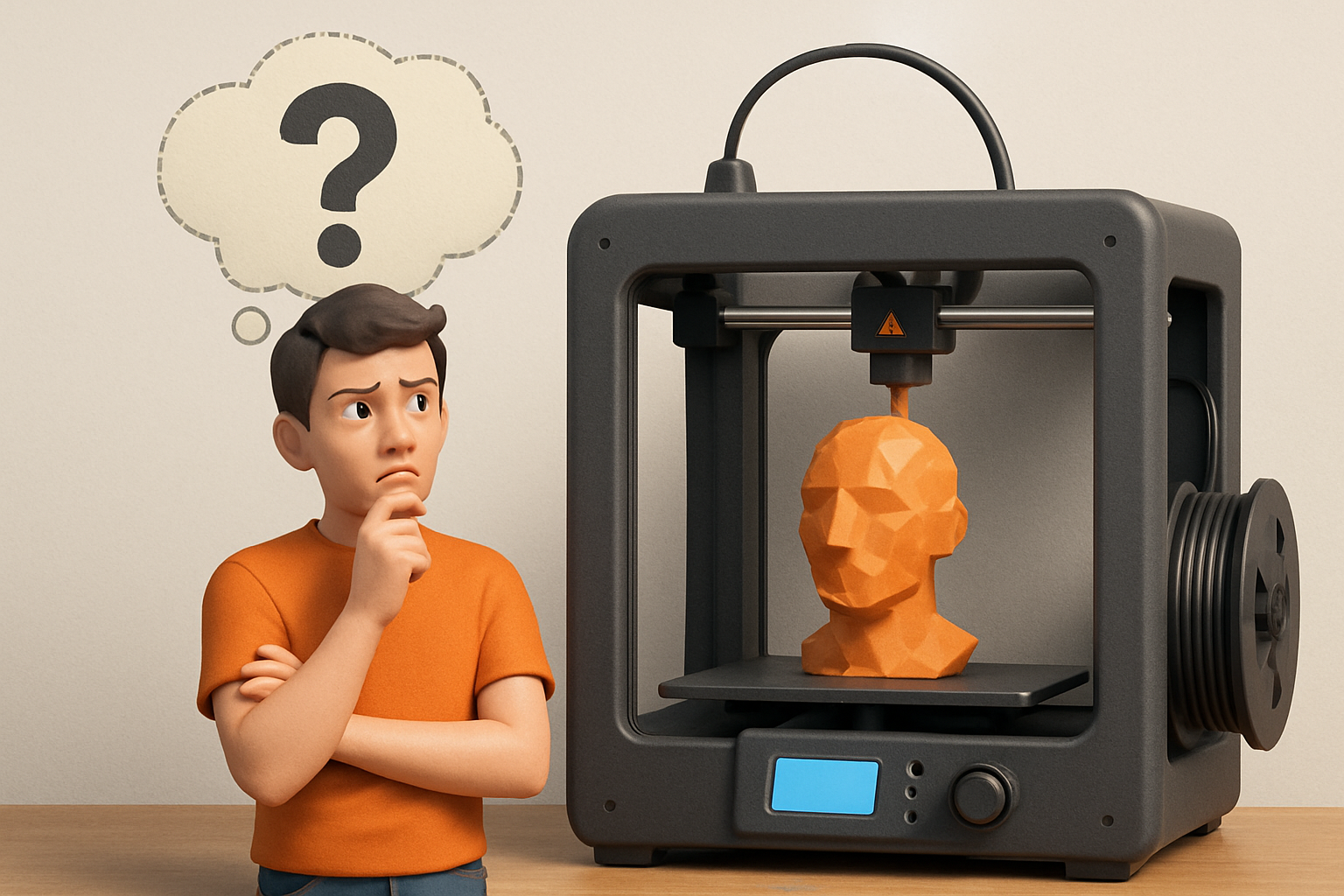
However, the path from a digital file to a perfect physical model requires more than just pushing a button. It involves a synergy of the right hardware, reliable materials, and a bit of technical finesse.
The Foundation of Every Great Print: The Design Phase
Every successful project begins on the screen. If you are new to the world of additive manufacturing, the initial step often feels like the steepest mountain to climb. You might start by downloading pre-made files, but the true magic happens when you begin acquiring the skills to design 3D objects using software.
Modern CAD (Computer-Aided Design) tools range from beginner-friendly browsers-based apps to professional-grade parametric modeling suites. The goal is to create a manifold “watertight” mesh that a 3D printer can interpret. For those who prefer to replicate physical objects rather than starting from scratch, high-fidelity 3D scanning is the modern shortcut. Using professional tools like 3DMakerpro allows you to digitize real-world objects with incredible precision, providing a perfect base for further modification or direct replication.
Choosing Your Engine: Hardware and Reliability
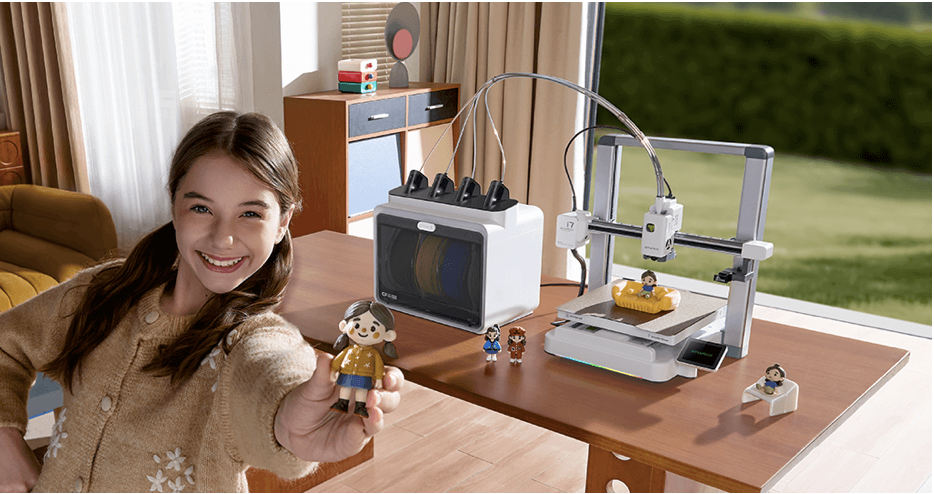
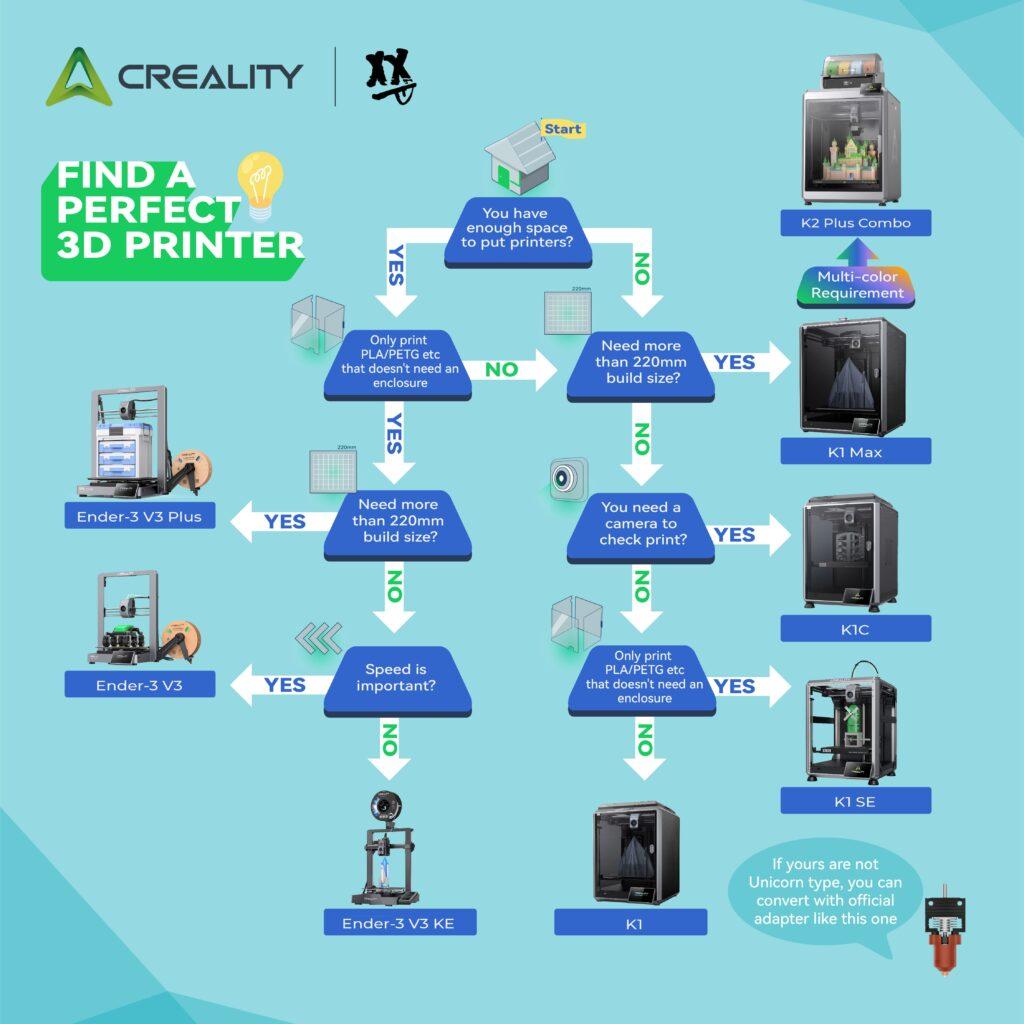
Once your design is ready, the next pillar of success is your hardware. The market is saturated with options, but for those seeking a balance between affordability and performance, the Creality lineup remains a gold standard. These machines provide a robust platform for both beginners and veterans to hone their craft.
However, even the best machine requires maintenance. A common mistake many makers make is assuming a printer is “set and forget.” To ensure your imagination is realized without flaws, you must master the calibration trick that makes any 3D printer perform better. Proper bed leveling, e-step calibration, and flow rate adjustments are the difference between a bin full of “spaghetti” and a masterpiece.
The Secret Ingredient: High-Quality Filament
You can have a perfect design and a calibrated machine, but if you use subpar materials, the result will always be disappointing. Cheap, inconsistent filament can lead to clogs and brittle parts.
For projects that require durability and vibrant colors, I recommend COEX 3D filaments. Their American-made PLA, PETG, and ABS are known for tight tolerances and exceptional printability.
Exclusive Offer: Enjoy 15% off your order at COEX.

Troubleshooting the Creation Process
Even with the best preparation, 3D printing can be temperamental. Issues like warping can ruin a ten-hour print in the final minutes. Learning the easiest way to stop 3d print warping for PLA, PETG, and ABS is an essential skill for any maker.
Furthermore, speed is often the enemy of quality. While it is tempting to crank up the settings to finish a project quickly, the results of slowing your 3D printer down often surprise most makers with significantly improved layer adhesion and surface finish.
If you find yourself stuck, don’t panic. Most hurdles have been cleared by others before you. Understanding how to fix common 3D printing problems quickly will keep your workshop productive and your frustration levels low.
Bringing It All Together: Your Imagination, Made Real
The journey of 3D printing is one of constant learning. For those just starting, the guide on 3D printing for absolute beginners is the perfect roadmap to navigate the early stages of this hobby.
But perhaps you have a grand vision and lack the time or the specific machine to execute it. Or maybe you want a professional-grade finish that requires industrial-level equipment.
Let Kevin Handle the Printing
If you have a design ready to go but want to ensure it is printed with professional precision, you can have your model made by 3D Printing by Kevin. By leveraging years of expertise and high-end equipment, I can take your STL or OBJ files and turn them into high-quality physical realities, delivered right to your door. This allows you to focus on the “Design” and “Create” aspects while I handle the technical “Print” phase.
Frequently Asked Questions
What is the best software for 3D design? It depends on your goal. Tinkercad is excellent for beginners, while Fusion 360 or Blender are preferred for professional and artistic modeling.
Why does my 3D print keep peeling off the bed? This is usually a bed adhesion or leveling issue. Cleaning the surface with isopropyl alcohol or using a brim can help mitigate warping.
How much does it cost to have a custom model printed? Costs vary based on the size of the model, the material used, and the print time. Contacting a professional service like 3D Printing by Kevin provides the most accurate estimate for your specific project.
Affiliate Disclosure: This post contains affiliate links for Creality, 3DMakerpro, and COEX. If you click through and make a purchase, I may receive a small commission at no extra cost to you. I only recommend products I use and trust in my own workshop.

