
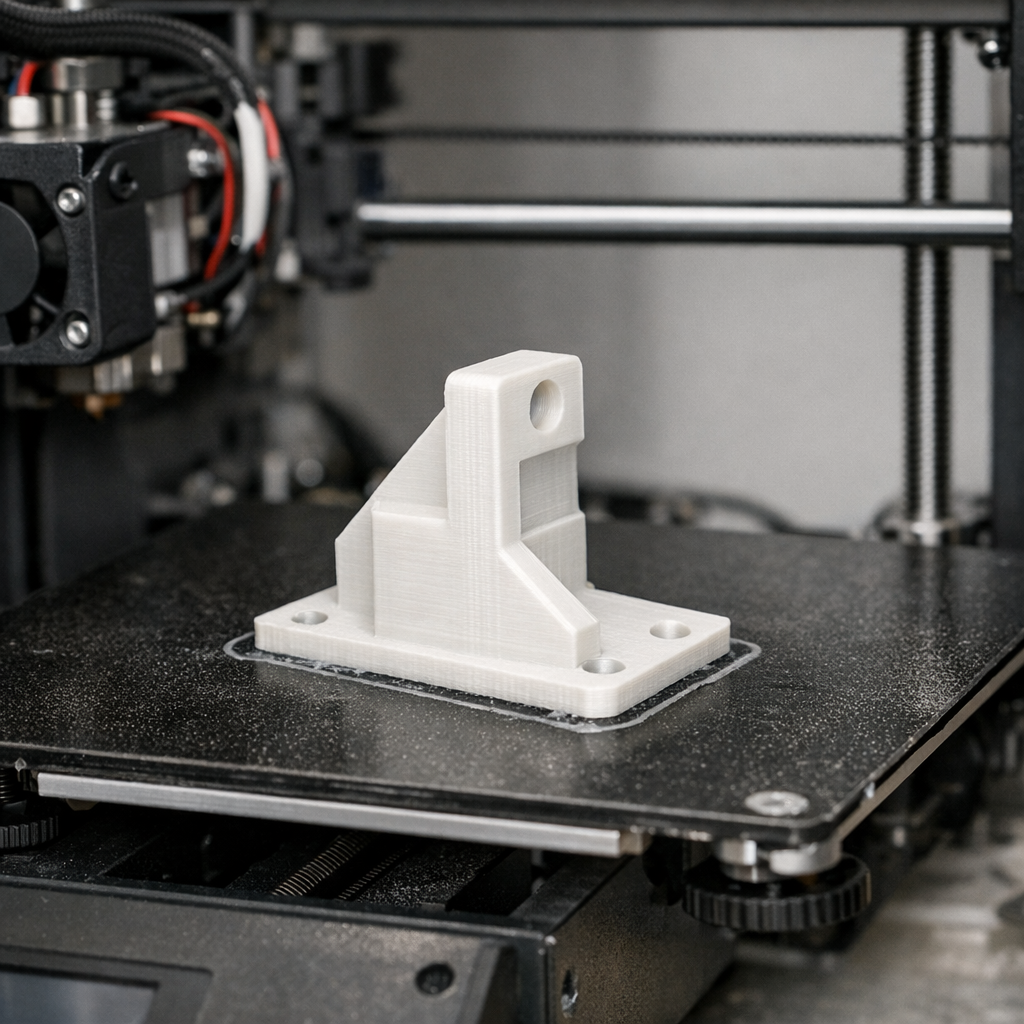
The journey from a digital STL file on your screen to a tangible, high-quality part on your build plate is often described as magic. However, for many makers, that magic is frequently interrupted by spaghetti nests, clogged nozzles, or warped corners.
True reliability in 3D printing is not about luck. It is about a controlled workflow that begins with a solid design and ends with a finely tuned machine. Whether you are a professional producing functional prototypes or a hobbyist exploring 3D printing for absolute beginners, the goal remains the same: a finished part you can count on.
Disclosure: This post contains affiliate links. If you purchase through these links, I may earn a commission at no additional cost to you. I only recommend products I trust, such as Creality, 3DMakerpro, and COEX.
The Foundation: Starting with the Right Design and Data
Every successful print begins with the data. If your STL file is non-manifold or poorly designed, no amount of hardware tuning will save the result. Reliability starts with acquiring the skills to design 3D objects using software. When you understand how to design for Additive Manufacturing (DfAM), you incorporate features like chamfers instead of fillets on bottom edges and avoid impossible overhangs.
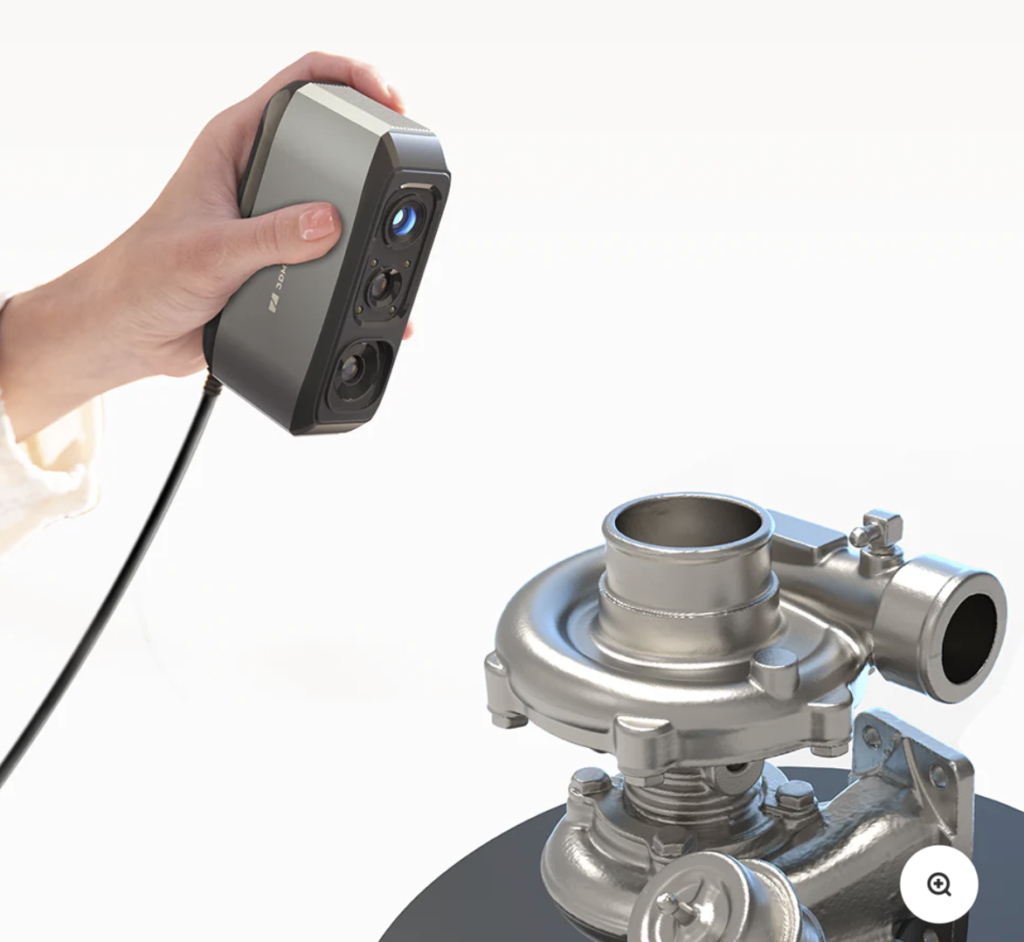
Sometimes, the best way to get a reliable STL is not to draw it, but to capture it from reality. High-fidelity scanning ensures that your digital data is an exact match for the physical world. For those looking for professional-grade accuracy in their digital captures, 3DMakerpro offers industry-leading scanners that simplify the “design” phase by providing clean, ready-to-print meshes.
Choosing Hardware Built for Consistency
While entry-level machines have come a long way, reliability is often a direct result of the ecosystem you choose. You need a machine that maintains its tolerances over hundreds of hours of print time. Creality has established itself as a cornerstone of the industry by providing machines that balance affordability with robust mechanical designs. Their newer models prioritize “out-of-the-box” reliability, reducing the time you spend fixing the machine and increasing the time you spend using it.
Hobbyist vs. Prosumer Hardware
| Feature | Entry-Level | Prosumer (Reliability-Focused) |
|---|---|---|
| Bed Leveling | Manual / Tedious | Automatic / Sensor-Driven |
| Frame | Lightweight | Rigid / Vibration Dampened |
| Speed | Standard | High-Speed with Input Shaping |
The Calibration Secret: Tuning for Success
Even the best hardware requires a bit of finesse. The difference between a “fine” print and a “reliable” print often comes down to small adjustments. If you have ever felt that your machine is underperforming, you likely need the calibration trick that makes any 3D printer perform better.
Calibration ensures that when your slicer asks for 100mm of filament, the machine delivers exactly 100mm. This precision is the bedrock of structural integrity in finished parts. Furthermore, if you are experiencing quality issues, consider your pace. You might be surprised at what happens when you slow your 3d printer down. Speed is the enemy of reliability; finding the “sweet spot” ensures your STL translates perfectly into a finished part.
Materials Matter: Why Filament Choice Is Critical
You can have a perfectly calibrated machine and a flawless design, but if your filament is inconsistent in diameter or moisture-laden, your print will fail. Reliability requires professional-grade materials.
I highly recommend COEX Filament for those who need consistent results. Their USA-made PLA, PETG, and ABS are manufactured to strict tolerances, ensuring that your extrusion remains uniform from the beginning of the spool to the end.

Exclusive Offer: Use coupon code 3DPRINTINGBYKEVIN at COEX to save 15% on your next order. High-quality filament is the cheapest insurance policy against failed prints.
Maintenance and Essential Tools
A reliable workflow includes preventative maintenance. Small issues like a slightly loose belt or a dirty build plate can escalate into catastrophic failures. Keeping the 15 dollar tool every 3D printer owner should have nearby allows you to perform quick adjustments and clean-ups that keep the machine in peak condition.
Dealing with Common Hurdles
Even with the best preparation, challenges arise. Knowing how to fix common 3D printing problems quickly prevents a minor setback from ruining your productivity. One of the most frequent reliability killers is poor bed adhesion. Mastering the easiest way to stop 3D print warping for PLA, PETG, and ABS will significantly increase your success rate, especially for large-format parts.
FAQ: Ensuring 3D Printing Reliability
How do I ensure my STL file is printable? Always use a “repair” function in your slicer or a tool like Microsoft 3D Builder to check for non-manifold edges and flipped normals before sending the file to your printer.
Why does my 3D printer stop mid-print? This is often caused by heat creep or a clogged nozzle. Regular maintenance and using high-quality filaments like COEX can mitigate these issues.
Is it worth buying a more expensive printer for reliability? While you can tune a cheap printer to be reliable, higher-end machines from brands like Creality often include features like dual Z-axes and better extruders that offer more consistency out of the box.
From Digital Dreams to Physical Reality
Reliability in 3D printing is a holistic process. It begins with the data in your STL file, continues through the quality of your hardware and filament, and is maintained through proper calibration and troubleshooting. By investing in the right skills and the right materials, you move away from the frustration of failed prints and toward the satisfaction of a finished part that meets your exact specifications.

Ready to upgrade your reliability?
- Explore the latest hardware at Creality.
- Capture perfect data with 3DMakerpro Scanners.
- Stock up on reliable material at COEX (Use code 3DPRINTINGBYKEVIN for 15% off).

