
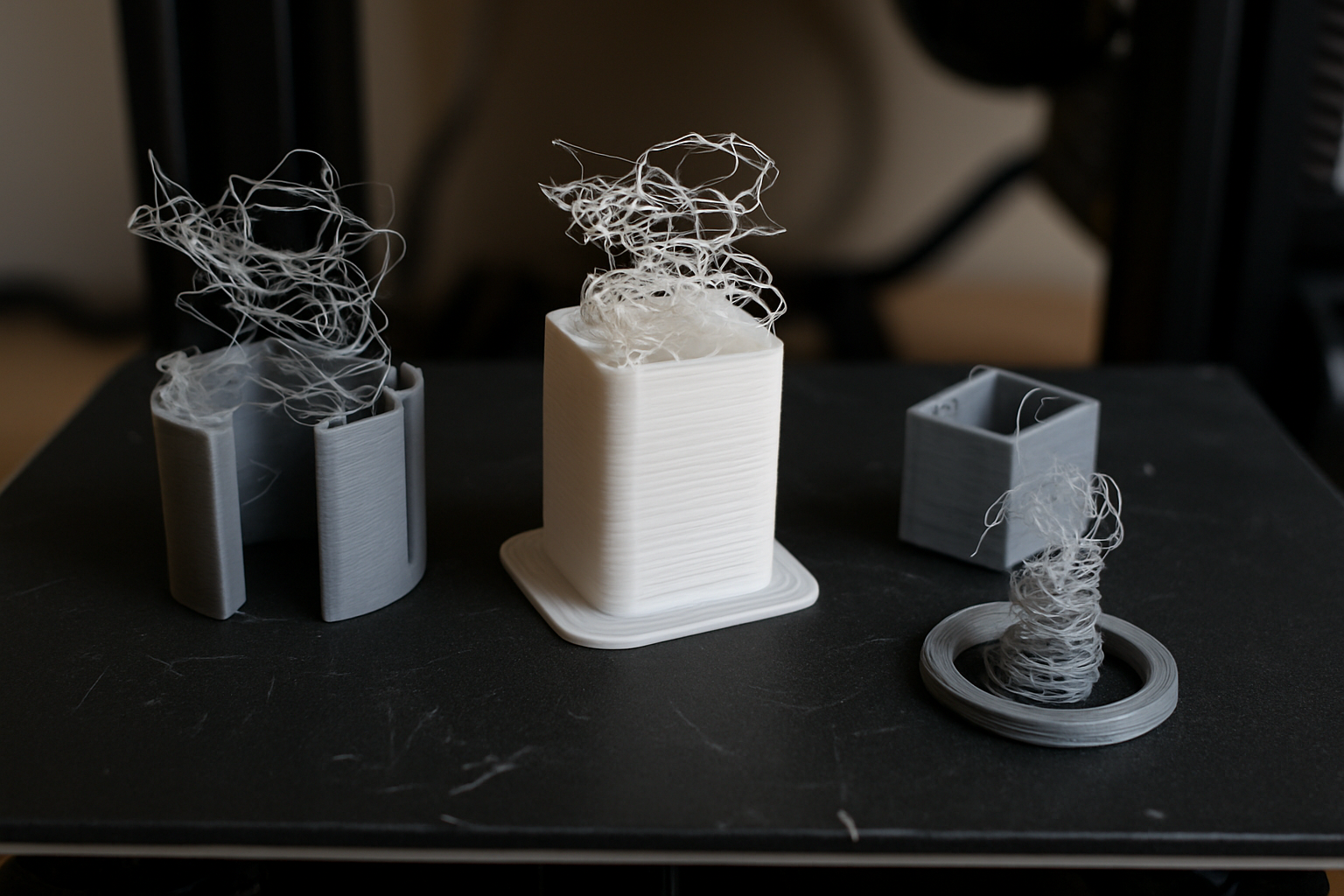
There is a specific kind of heartbreak that only a maker understands. You have spent three hours watching your 3D printer lay down perfect layers. The adhesion is great, the walls are smooth, and the infill looks like a work of art. You walk away to grab a coffee, come back twenty minutes later, and find the nozzle hovering two inches above a tangled mess of plastic spaghetti. The worst part? It is the third time this week it has failed at exactly that same spot.
If your 3D print is failing at the same height repeatedly, it is rarely a coincidence. It is a mechanical or thermal symptom that follows a predictable pattern. Whether you are using a reliable machine from My Creality store or a high-end setup, these bottlenecks can happen to anyone. Let’s dive into the diagnostic steps to reclaim your printing success.
The Ghost in the Lead Screw: Z-Axis Binding
The most frequent culprit for height-specific failures is Z-axis binding. This occurs when the vertical movement of your printer hits a physical “hitch” or resistance point. If your lead screw is slightly bent or if there is a piece of debris in the threads at the 50mm mark, the stepper motor might skip a step when it tries to pass that point.
When the motor skips, the nozzle doesn’t move up as far as it should, but it continues to extrude plastic. This causes the nozzle to drag through the previous layer, eventually knocking the print off the bed. This is why mastering the calibration trick that makes any 3D printer perform better is essential; it ensures your vertical steps are consistent and your hardware is aligned.
Pro Tip: The Manual Test
With the power off, manually turn your Z-rod by hand. If you feel a “tight” spot at the height where your prints usually fail, you have found your problem. Clean the rod with isopropyl alcohol and apply a fresh coat of PTFE-based lubricant.
The Sneaky Snag: Cable Management and Filament Pathing
Sometimes the issue isn’t inside the printer, but rather how the printer interacts with its own environment. As the X-gantry rises, the cables and the filament tube have to move with it. If your cable management is too tight, or if the Bowden tube hits the top of an enclosure at a specific height, it creates tension.
This tension can pull the print head slightly out of alignment or cause the extruder to struggle, leading to under-extrusion. If you are just getting started with 3D printing, you might not notice that a zip tie is snagging on the frame until the printer reaches that magic height.
The Thermal Trap: Heat Creep and Long Prints
If your prints fail at the same height but the height is always “after two hours of printing,” you are likely dealing with heat creep. This happens when heat from the hotend travels up into the “cold” side of the extruder, softening the filament before it reaches the nozzle. Eventually, the filament jams, and the printer continues to move without extruding anything.
This is a classic example of common 3D printing problems that look like mechanical failures but are actually environmental. To combat this, ensure your cooling fans are running at 100% and consider the ambient temperature of your room.

Solution: High-Quality Filament
Consistent filament diameter is crucial. I recommend COEX 3D Filament. Their tolerances are top-tier, reducing the risk of jams. Use coupon code 3DPRINTINGBYKEVIN at checkout for 15% off your order.
Software and Speed: Are You Pushing Too Hard?
Sometimes the failure isn’t about the height itself, but the complexity of the model at that height. If your model has a lot of retractions or thin tall columns that start halfway up, the physical stress on the part increases. It is often worth investigating what happens when you slow your 3D printer down. Slower speeds reduce the leverage that the nozzle exerts on the print as it gets taller and more unstable.
If you are designing your own parts, remember that acquiring the skills to design 3D objects involves more than just making a shape; it involves understanding how that shape will be physically built, layer by layer.
Ready to Level Up Your Setup?
If you’re tired of troubleshooting and want a more robust experience, check out these trusted brands:
- Creality: The gold standard for entry-level and prosumer machines. Shop Creality Direct
- 3DMakerpro: For when you need to turn real objects into 3D models with precision scanning. Explore 3DMakerpro Global
- Maintenance Essentials: Don’t forget the $15 tool every 3D printer owner should have to keep your nozzle clean and your bed level.
Summary Checklist for Mid-Height Failures
- Check the Lead Screw: Clean and lubricate the Z-axis.
- Inspect Cable Slack: Ensure nothing snags as the gantry rises.
- Monitor Temperature: Check for heat creep in the extruder.
- Bed Adhesion: Ensure the part isn’t warping and lifting into the nozzle. See my guide on the easiest way to stop 3D print warping.
- Try Slower Speeds: Reduce the physical stress on tall, thin parts.
Frequently Asked Questions
Why does my 3D printer stop extruding at the same height? This is usually caused by heat creep or a mechanical snag in the filament path. As the hotend stays hot for longer durations, the heat travels up, causing the filament to swell and jam.
Can a corrupt SD card cause failures at the same spot? Yes. If the G-code file is corrupted, the printer may interpret a command incorrectly at a specific line of code, causing the print to stop or the nozzle to crash.
How do I fix Z-axis binding? Loosen the brass nut on the Z-lead screw slightly to allow for minor play, clean the rod with alcohol, and re-lubricate. Ensure the motor is perfectly vertical.
Disclosure

