
Community feedback can reveal the clue you missed—but only when you give people enough evidence and test their advice without losing your baseline.
A failed print can make a maker feel isolated. You stare at the same corner curl, rough wall, weak layer, or incorrect fit until every possible cause begins to look equally likely.
Another maker may notice the clue immediately. The problem is that online advice arrives with different printers, materials, assumptions, and skill levels attached. Ten confident answers can leave you with eleven settings to change.
The goal is not to follow the crowd. It is to use the community as a larger diagnostic team while keeping your own testing controlled.
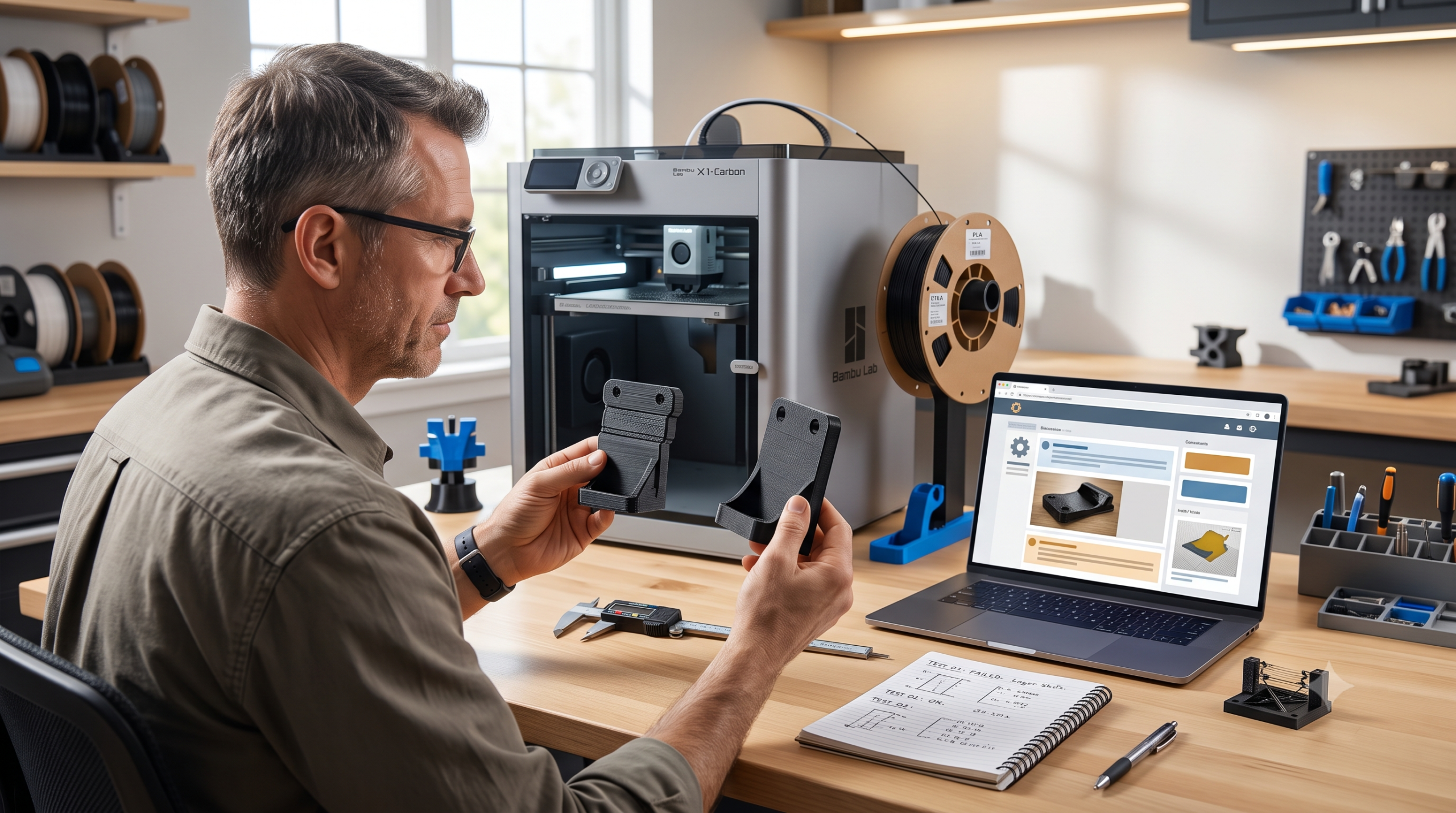
Quick answer: 3D printing community feedback is most useful when you share the exact printer, nozzle, material, profile, recent changes, clear photos, sliced preview, and the one symptom you want to solve. Compare advice with official documentation, choose the lowest-risk explanation that fits the evidence, change one variable, and record the result. Community knowledge becomes an upgrade only when it improves your next test.
My rule: do not ask, “What settings should I use?” Ask, “What evidence would separate these two likely causes?” That turns a comment thread into a useful experiment.
The Community Feedback Loop That Actually Improves Prints
The loop is simple enough to use on a failed Benchy and disciplined enough for a functional replacement part.
Research in engineering design education reaches a compatible conclusion: early, structured feedback can support rapid iteration, expose knowledge gaps, and better align a prototype with stakeholder needs. The value comes from feedback that can still influence the next version—not applause after the design is effectively finished.
Why “My Print Looks Bad—Help” Usually Gets Bad Answers
A symptom without context can have several causes. Stringing may involve moisture, temperature, retraction, travel behavior, nozzle condition, or a combination. A lifted corner may involve contamination, first-layer distance, part geometry, cooling, room drafts, bed temperature, or material shrinkage.
If the post contains one blurry photo and no profile details, responders must fill the gaps with assumptions. Their answer may be reasonable for their machine and wrong for yours.
| Vague request | Useful request | Why it works better |
|---|---|---|
| “Why is my print ugly?” | “These diagonal ripples begin after every sharp corner on the X-facing wall.” | Names the artifact, pattern, and location. |
| “Best PLA settings?” | “Stock 0.4 mm nozzle, manufacturer PLA profile, 0.20 mm layers, 215°C, dry filament, photo attached.” | Creates a reproducible baseline. |
| “I tried everything.” | “The problem began after a nozzle change; I restored the default profile and retested.” | Identifies the last known change. |
| “Should I upgrade?” | “The printer succeeds at 80 mm/s but under-extrudes above this flow rate. What test distinguishes hotend flow from feeder slip?” | Asks for evidence before buying hardware. |
The Evidence Pack to Share Before Asking for Help
You do not need to upload your entire digital life. You need the details that let another person reason about the same print.
Machine
Exact printer and revision, firmware, nozzle diameter and type, build surface, and any relevant modifications.
Material
Polymer, brand, product line, color, age, storage or drying history, and whether the spool printed well before.
Profile
Slicer and version, printer preset, layer height, temperatures, speeds, cooling, walls, supports, and unusual overrides.
Evidence
Focused photos in good light, the full part for orientation, a sliced preview, and a short description of when the defect begins.
Change history
What worked previously, what changed before the failure, maintenance performed, and which baseline you restored.
The question
One symptom, your two most likely causes, and the smallest test that could separate them.
Remove serial numbers, private filenames, client details, Wi-Fi information, location metadata, and confidential model geometry before posting. When a project is covered by an NDA or belongs to a customer, ask for help without uploading protected files.
Use the P.R.I.N.T. Method™ to Keep Advice Tied to the Part
Community discussions often drift toward the responder’s favorite material, machine, or setting. The P.R.I.N.T. Method™ keeps the original requirement in control.
For a replacement part, feedback about prettier walls may be irrelevant if the hole spacing is wrong. For a display piece, a dimensional change may matter less than seam placement. Advice becomes useful only after it passes through the actual requirements.
The same decision-first workflow runs through P.R.I.N.T. It: Practical 3D Printing for Beginners.
How to Filter Conflicting 3D Printing Advice
Do not rank an answer by likes alone. Rank it by how closely it matches your equipment and evidence.
| Evidence source | Use it for | Watch for |
|---|---|---|
| Manufacturer manual or knowledge base | Limits, maintenance, supported procedures, firmware, error codes, and model-specific setup | Instructions for a different revision or outdated firmware |
| Repeatable community test | Comparing a specific symptom under documented conditions | Hidden changes, missing raw settings, or one successful print presented as universal |
| Experienced user with a close match | Identifying likely causes and choosing the next diagnostic test | Confidence without mechanism or evidence |
| Popular short answer | Generating a hypothesis to investigate | Changing temperature, flow, retraction, speed, and cooling simultaneously |
Official support should come before improvisation when the symptom involves electrical faults, damaged wiring, thermal-runaway warnings, smoke, unusual heat, firmware recovery, or a warranty-sensitive repair. Prusa’s support guidance, for example, directs users through its knowledge base, community resources, and official technical support rather than treating every problem as a forum experiment.
Build a Better 3D Printing Help Request
Complete the fields you know. The tool creates a structured draft you can copy into a forum, group, or support request. Do not include confidential project information.
Your structured request will appear here.
Test the Advice Without Losing Your Baseline
- Save the working or original profile. Duplicate it before changing anything.
- Choose one hypothesis. State what the proposed change should improve and what evidence would disprove it.
- Use a small representative test. Test the failing corner, bridge, hole, wall, or interface instead of reprinting the entire object.
- Change one variable. If you change temperature and speed together, you will not know which mattered.
- Measure the result. Use the same light, photo angle, calipers, load, or fit check.
- Report back. A short result closes the loop and helps the next maker judge the advice.
This is why a test fit is not wasted filament. A small prototype can reveal the risky interface before the full part consumes hours. See why 3D-printed replacement parts need a test fit.
If your problem is mostly visual, begin with the symptom-based guide to common 3D printing problems. If the result changes with speed, compare it with what happens when you slow a 3D printer down.
When Community Advice Should Stop
Stop testing and contact the manufacturer, a qualified technician, or the appropriate safety professional when the printer shows damaged wiring, arcing, repeated thermal errors, smoke, melting electrical connectors, unusual uncontrolled heating, a compromised power supply, or a modification that affects certified safety systems.
Also stop before sharing customer-owned CAD, NDA material, faces, addresses, order screens, license keys, network information, or files you do not have permission to distribute. A forum is public even when the group feels small.
Community members can help identify questions. They cannot inspect every hidden condition, approve a safety-critical printed part, or transfer responsibility for the result.
Keep One Physical Variable Consistent
A controlled test is harder when the filament changes along with the settings. Use the same spool—or at least the same verified material and condition—while diagnosing. Record color, drying, storage, nozzle, temperature, and profile.
Affiliate disclosure: The COEX link below is a partner link. If you purchase through it, 3D Printing by Kevin may earn a commission at no extra cost to you.
I use consistent material as part of a repeatable workflow. If you are comparing filament for functional tests, you can review COEX materials through my partner page. Use code 3DPRINTINGBYKEVIN for 15% off when eligible. A good spool will not fix a mechanical problem, but removing unnecessary material variation makes feedback easier to evaluate.
Knowledge Check: Would This Feedback Help?
1. What should a maker do before changing settings suggested in a comment?
2. Which question is most useful?
3. Why should you change one variable at a time?
4. Which detail should never be posted publicly?
Need the Part More Than the Troubleshooting Lesson?
Learning through community feedback is valuable. But when a replacement part, prototype, bracket, mount, or short run has a deadline, you may not want to spend three evenings diagnosing the workflow.
Send the model, sketch, photos, measurements, or project description. I will evaluate printability, material fit, interfaces, and the most practical next step before anything moves into production.
Frequently Asked Questions
Where should I ask for 3D printing help?
Start with the manufacturer’s current manual or knowledge base for model-specific procedures. Then use an official support channel or a focused community for your printer, slicer, firmware, or material. A smaller group with closely matched experience can be more useful than a large general group.
What photos should I include in a troubleshooting post?
Include one close photo of the defect, one photo showing the entire part and its print orientation, and a screenshot of the sliced preview when geometry or toolpaths may matter. Use even light and keep the nozzle, bed, or measuring reference visible when relevant.
How do I know whether community advice is trustworthy?
Look for a close match to your machine and conditions, a clear cause-and-effect explanation, a reversible change within documented limits, and a small test that could prove the suggestion wrong. Popularity alone is not validation.
Should I share my 3MF or project file?
A project file can reveal settings that screenshots miss, but inspect it first. Remove client models, personal data, network details, proprietary geometry, and anything you lack permission to distribute. Share only what the diagnosis requires.
The Real Upgrade Is a Better Next Test
A helpful community does more than hand you numbers. It helps you see the symptom clearly, question your assumptions, and choose a test that teaches you something.
Bring evidence. Protect the baseline. Check model-specific documentation. Change one variable. Measure the result. Then return with what happened. That discipline turns scattered comments into shared technical knowledge—and makes you a more capable maker with every print.
What is the best troubleshooting tip another maker ever gave you? Share the symptom, the advice, and the test result in the comments. The detail that helped you may save someone else an evening of guessing.
